內容簡介
總結:使用 Swell Smart Responsive Block Suite 外掛,能在 WordPress 上調整區塊的外觀使其在所有設備上都看起來很棒,而不需要撰寫 CSS。
1. 這個外掛有何特別之處?
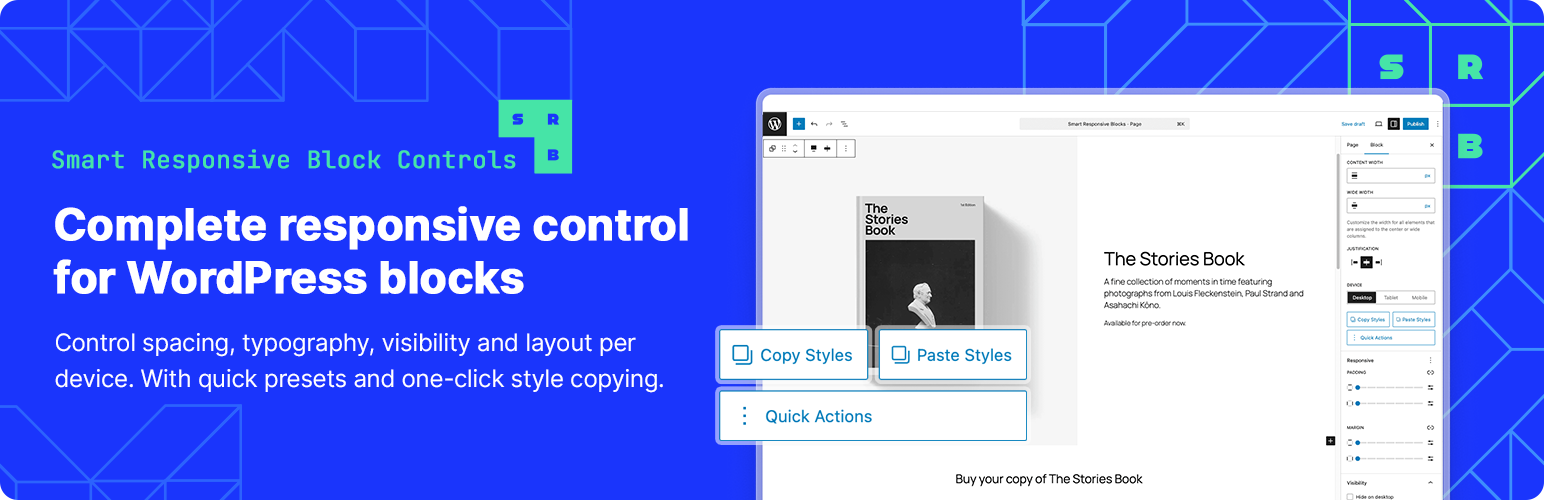
- Copy/Paste Styles:完美地設計了一個區塊?可以立即將那些響應式設置複製並粘貼到其他區塊上。
- Quick Actions:常見任務像「在行動端隱藏」或「響應式標題」僅需一點擊。
- Inheritance Indicators:查看從大屏幕繼承的值。在需要時進行覆蓋。
2. 可調整的核心功能是什麼?
- 調整間距、字體大小以及三個斷點的可見性:桌面 (1025px+)、平板 (768-1024px) 和手機 (767px以下)。
- 響應面板與 WordPress 的視窗切換器同步,所見即所得。
3. 是哪些區塊受到支援?
- 支援 Group、Columns、Column、Cover、Heading、Paragraph、Button、List、Quote 和 Pull Quote 區塊。
4. 如何使用這個外掛?
- 選擇一個區塊
- 在側邊欄中打開「Responsive」面板
- 在不同設備間切換並調整設置
- 更改將即時顯示在編輯器中
5. 更多的特色是?
- 無需進行設置、配置文件,無需學習曲線。
問題答案完成。
外掛標籤
開發者團隊
② 後台搜尋「Swell Smart Responsive Block Suite」→ 直接安裝(推薦)
原文外掛簡介
Make your WordPress blocks look great on every device without writing CSS.
Swell Smart Responsive Block Suite adds responsive controls right in the block editor. Adjust padding, margins, font sizes, and visibility for desktop, tablet, and mobile — and see changes live as you work.
What Makes This Different
Copy/Paste Styles – Styled one block perfectly? Copy those responsive settings and paste them to other blocks instantly.
Quick Actions – Common tasks like “Hide on Mobile” or “Responsive Heading” are one click away.
Inheritance Indicators – See which values are inherited from larger screens. Override them when you need to.
Core Features
Adjust spacing, font sizes, and visibility for three breakpoints: Desktop (1025px+), Tablet (768-1024px), and Mobile (767px-).
The responsive panel syncs with WordPress’s viewport switcher, so what you see is what you get.
Supported Blocks
Works with Group, Columns, Column, Cover, Heading, Paragraph, Button, List, Quote, and Pull Quote blocks.
Simple to Use
Select a block
Open the “Responsive” panel in the sidebar
Switch between devices and adjust settings
Changes appear live in the editor
That’s it. No setup, no config files, no learning curve.
Privacy
This plugin doesn’t track users, phone home, or collect data. Everything stays in your WordPress database.
Credits
Developed by Swell Apps