
內容簡介
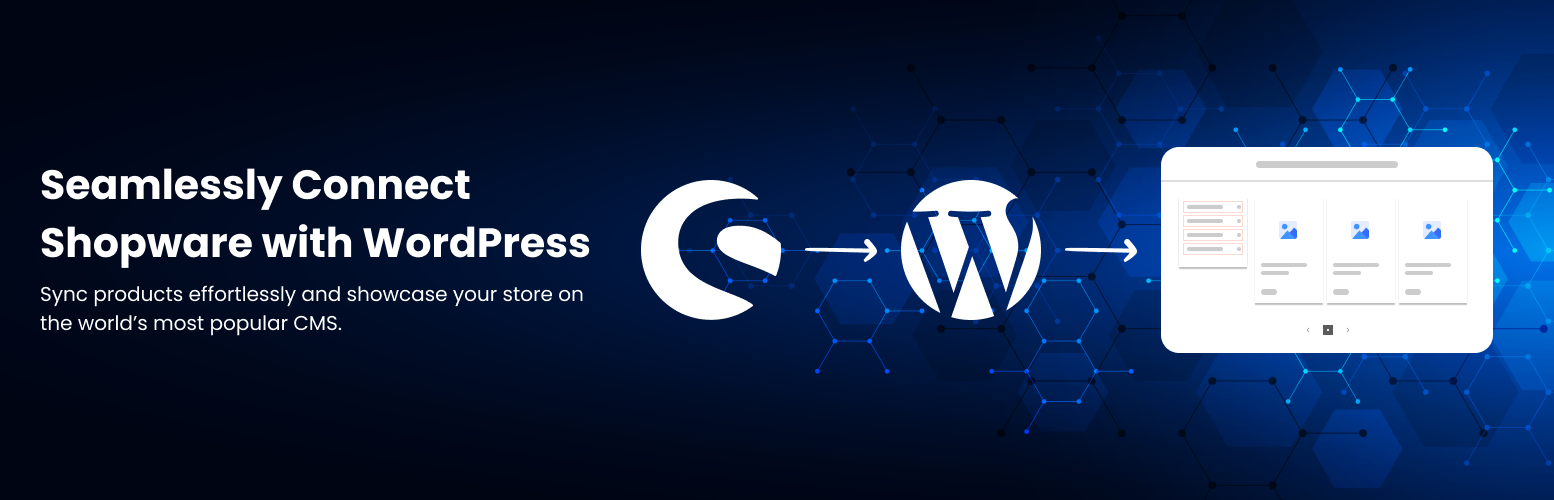
總結:此外掛可透過 API 將你的 WordPress 網站連接至 Shopware,直接在你的網站上擷取並顯示 Shopware 的商品和分類。
問題與答案:
1. 這個外掛如何與 Shopware 進行連接?
- 這個外掛透過 API 連接至 Shopware,以擷取和顯示 Shopware 的商品和分類。
2. 如何建立自訂版面並顯示商品和分類?
- 這個外掛提供新的短碼,可展示自訂版面中的商品和分類,例如單排1x3或雙排2x3。
3. 點擊商品會有什麼反應?
- 當使用者點擊商品時,將會導向至對應的 Shopware 6 商品詳細頁面。
4. 如何進行產品篩選?
- 這個外掛支援與 Shopware 邏輯一致的屬性篩選,讓使用者可以進行商品篩選。
外掛標籤
開發者團隊
原文外掛簡介
This plugin connect your WordPress site to Shopware via API to fetch and display Shopware products and categories directly on your site.
Disclaimer
This plugin is not affiliated with, endorsed, or supported by Shopware AG. “Shopware” is a registered trademark of Shopware AG.
Features and Workflow
We utilize the existing Shopware API and extend the plugin with a new shortcode that allows:
Displaying categories and products in custom layouts: 1×3 (single row) or 2×3 (two rows).
Fetching category and product data from Shopware dynamically.
Maintaining the original Shopware shop UI style and product filters.
Clicking on a product redirects the user to the actual product detail page on the Shopware 6 store.
Use shortcodes as below :
[sw6co_shopware_products value=”product number”] – Display products according to the added product numbers. You can add multiple category ids by comma separator.
[sw6co_shopware_categories value=”category id”] – Display category according to the added category ids. You can add multiple category ids by comma separator.
[sw6co_shopware_products_by_category value=”category id”] – Display product listing by the added category id. You can add only a single category id.
Breakdown of Functionality
1. Shortcode Integration
– Create shortcodes [sw6co_shopware_products_by_category value=”category id”], [sw6co_shopware_products value=”product number”] and [sw6co_shopware_categories value=”category id”].
2. API Integration
– Securely fetch categories and products via Shopware API.
3. Layout Design
– Responsive grid (1×3, 2×3) with Shopware-like styling.
4. Product Redirection
– Clicking a product will take users to the corresponding Shopware 6 product detail page.
5. Filter Support
– Filters by properties, consistent with Shopware logic.