內容簡介
SVG Block 外掛允許您以內嵌 HTML 標記的方式顯示 SVG 圖像。用戶可以從超過 3000 個圖示的圖示庫中選擇,或直接上傳自訂的 SVG 圖像,並輕鬆管理這些圖像。
【主要功能】
• 提供超過 3000 個圖示的圖示庫
• 支援上傳 SVG 圖像至 WordPress 媒體庫
• 自動清理 SVG 標記以確保安全性
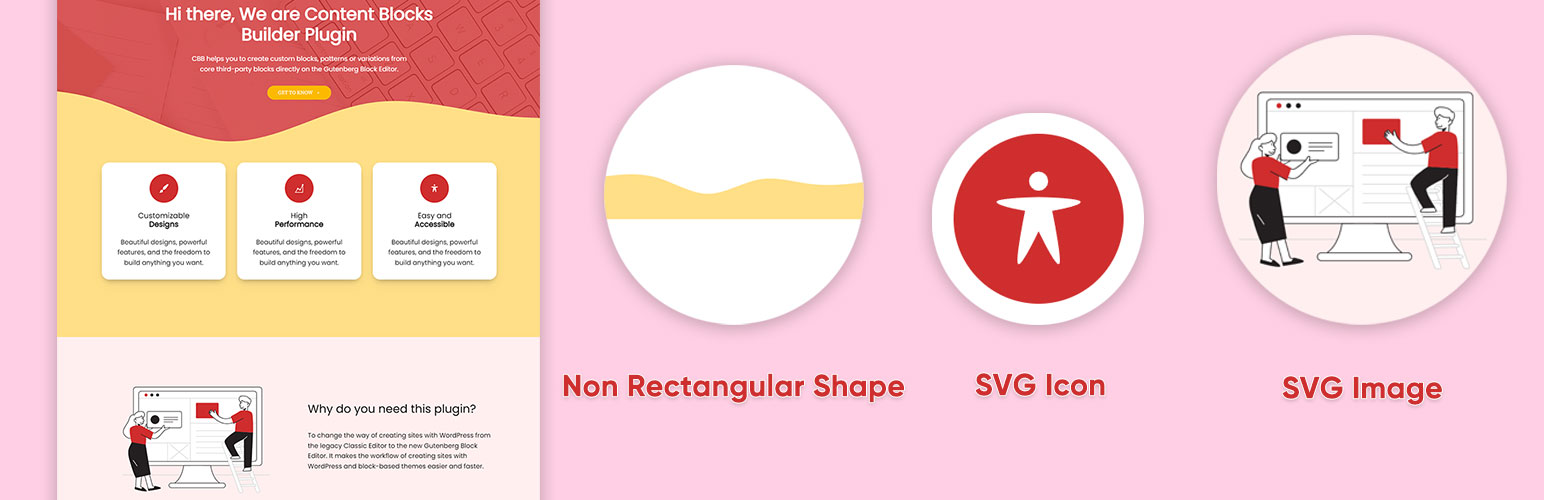
• 包含常見的非矩形分隔符
• 自動生成標題和描述以提升可訪問性
外掛標籤
開發者團隊
📦 歷史版本下載
原文外掛簡介
This SVG block allows you to display SVG images as inline HTML markup. You can either choose an icon from the icon library with more than 3000 icons or you can upload or input your custom SVG images directly in the block’s setting.
It also allows you to upload SVG images to the WordPress media library, and load them into the icon library. Only SVG files that have XML declaration at the top like can be uploaded to the WordPress media library.
Key Features
Accessibility ready with ‘img’ role, automatically generates title and description from settings.
Automatically sanitize SVG markup to make it safe and lightweight.
Include almost all settings to customize the SVG image.
Include a collection of common non-rectangular dividers.
An icon library included icons from “Bootstrap Icons”, “Ionicons”, “Dashicons” and new “WordPress Icons”.
Allow uploading SVG images to the WordPress media library
Automatically load SVG images from the media library into the icon library
Video tutorials
How to create an icon with custom styles using the icon library:
How to create a non-rectangular background section:
How to create icon buttons:
Please take a look at these custom block patterns that use this block to see how it can be applied to real-world sites.
If this plugin is useful for you, please do a quick review and rate it on WordPress.org to help us spread the word. I would very much appreciate it.
Please check out my other plugins if you’re interested:
Content Blocks Builder – Build custom layouts and blocks visually in the Block Editor without needing a code editor, using only core blocks and native Gutenberg features.
Meta Field Block – A single block to display custom fields in the Block Editor without coding. It supports ACF, MetaBox, WooCommerce, meta, rest field, shortcode and more. Works everywhere: in the Site Editor (FSE), the Block Editor, inside Query Loop, WooCommerce Product Collection, Term Query blocks, and even in template files.
Icon separator – A tiny block just like the core/separator block but with the ability to add an icon.
Breadcrumb Block – A simple breadcrumb trail block that supports JSON-LD structured data and is compatible with WooCommerce.
Block Enhancements – Adds practical features to blocks like icons, box shadows, transforms, etc.
Counting Number Block – A block to display numbers with a counting effect
Better YouTube Embed Block – A block to solve the performance issue with embedded YouTube videos. It can also embed multiple videos and playlists.
The plugin is developed using @wordpress/create-block.