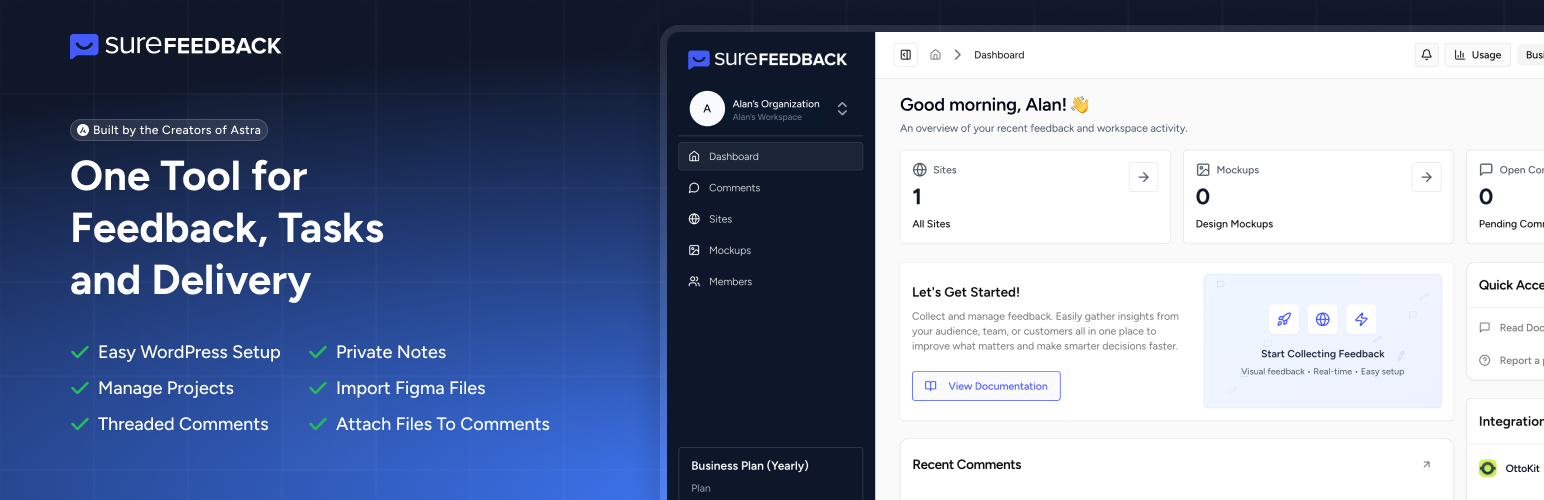
內容簡介
### 總結:
SureFeedback 客戶端外掛讓您輕鬆收集粘貼筆記風格的設計反饋,並提供有針對性的意見,使工作流程更加高效。插件連接到 SureFeedback Cloud API 以提供視覺反饋和協作功能,確保所有數據傳輸都是安全的。
### 問題與答案:
1. SureFeedback 外掛的主要功能是什麼?
- 答案:SureFeedback 外掛讓您輕鬆收集粘貼筆記風格的設計反饋,並提供有針對性的意見,使工作流程更加高效。
2. 需要使用外部服務來連接 SureFeedback 外掛嗎?
- 答案:是的,SureFeedback 外掛需要連接到 SureFeedback Cloud API (https://api.surefeedback.com) 以提供視覺反饋和協作功能。
3. 插件與 api.surefeedback.com 通信的情況有哪些?
- 答案:
- 連接設置期間:在將 WordPress 網站連接到 SureFeedback Cloud 時,插件將發送您的網站 URL、WordPress REST API 端點 URL 和連接驗證令牌。
- 使用者驗證期間:當使用者訪問反饋小工具時,插件可能會發送使用者角色信息(如果已經登錄)、身份驗證的會話令牌和頁面識別數據(URL、頁面 ID、頁面類型)。
- 反饋收集期間:在收集反饋時,將傳輸頁面截圖和視覺數據、評論內容和元數據、用戶身份識別(名稱、提供的電子郵件帳號)、視覺標記的元素定位數據。
- 同步期間:插件定期同步連接狀態、配置更新和小工具可見性設置。
4. SureFeedback 外掛如何確保數據的隱私和安全?
- 答案:所有數據傳輸均在 HTTPS 加密連接上進行。插件使用安全的基於令牌的身份驗證,並遵循 WordPress 的安全最佳實踐。
外掛標籤
開發者團隊
原文外掛簡介
SureFeedback Cloud Connector is the official WordPress plugin for linking your site to the SureFeedback Cloud app. Designed for freelancers, agencies, and developers, it enables clients to leave precise visual feedback on live websites. All feedback is instantly synced to your SureFeedback dashboard for organized project management and faster approvals.
Eliminate email chains, screenshots, and confusion. With SureFeedback, your clients can click directly on any part of your site to leave contextual comments, while you manage feedback, assign tasks, and control revisions, all in one place.
Benefits at a Glance:
Connect your WordPress site to SureFeedback Cloud in seconds
Start reviews with no hosting or server setup
Invite guests to comment through shared access
Collect feedback on live pages and mockups
Assign comments, track status, and speed up approvals
Keep every discussion in one thread per comment
Control where the widget appears by page and role
Built to stay secure and lightweight
Key Features
One-Click WordPress Connection
Install the plugin, connect your site, and start collecting feedback right away.
No hosting or setup needed
SureFeedback Cloud runs everything for you, so you can start reviews without server work or maintenance.
Visual comment widget
Visitors click the page to leave precise feedback tied to the right spot.
Guest commenting made easy
Share a review link and guests can comment after a quick “tell us about yourself” step.
Page level widget control
Turn commenting on for selected pages only, like staging pages, review pages, or specific URLs.
Role based access
Show the widget only to the roles you choose, useful for internal reviews or controlled client access.
Mockups and Figma imports
Collect feedback on JPG, PNG, PDF, and Figma frames before development starts.
Threaded conversations
Keep every discussion in one thread per comment so decisions stay in one place.
Private internal notes
Leave internal-only comments hidden from guests or clients.
Assignments and status tracking
Assign owners and track progress so everyone knows what’s pending and what’s done.
Workspaces and site management
Organize feedback across multiple sites and teams from one dashboard.
Comment attachments
Attach files to comments for added clarity and smoother execution.
Real time sync
Comments and status updates stay in sync for everyone.
Who Is SureFeedback Best Suited For?
Agencies – Streamline client reviews and approvals across multiple websites.
Freelancers – Let clients leave feedback exactly where changes are needed.
Product Teams – Review UI updates, landing pages, and flows visually.
Marketing Teams – Improve messaging, CTAs, and page layouts with clarity.
QA & Developers – Identify bugs and UI issues faster during staging.
Designers – Gather feedback on mockups and prototypes before handoff.
Clients – Leave confident, precise feedback without technical knowledge.
How It Works
Install and activate the SureFeedback Cloud plugin.
Connect your site to the SureFeedback dashboard with one click.
The visual feedback widget appears on your site.
Users click anywhere on the page to leave comments.
Manage, assign, and resolve feedback from the dashboard.
Control visibility by page or user role.
All feedback syncs in real time.
External Service & Security Disclosure
SureFeedback Cloud connects your WordPress site to the SureFeedback platform to enable visual feedback features.
During setup, you’ll securely log in to SureFeedback and select a workspace to connect. Authentication uses encrypted HTTPS communication and time-limited, single-use tokens. No data is synced until verification is complete.
The plugin follows WordPress.org security and privacy guidelines and does not perform any action without explicit authorization.