
外掛標籤
開發者團隊
原文外掛簡介
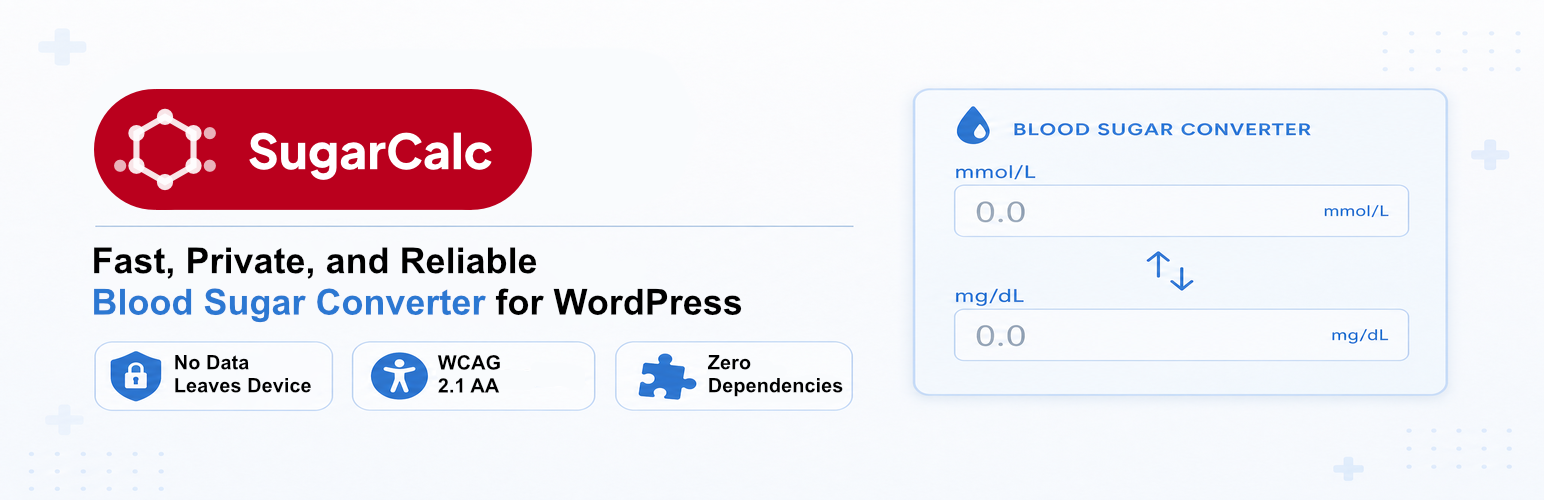
SugarCalc adds a blood glucose unit converter to any page or post on your WordPress site. Visitors enter their blood glucose reading and get an instant result in the other unit. All calculations happen in the browser. No reading ever leaves your visitor’s device.
The converter works with both mmol/L and mg/dL, the two units used in clinical practice worldwide. It follows published guidelines from the American Diabetes Association (ADA) and the National Institute for Health and Care Excellence (NICE) in the UK. Visitors select their diabetes type and indicate how recently they have eaten. The plugin uses that context to interpret their reading and present an appropriate result.
Who is SugarCalc for?
SugarCalc suits any WordPress site where blood glucose information matters.
Health information and awareness websites
Diabetes support blogs and communities
Healthcare practice websites
Patient charity and advocacy sites
Any site publishing clinical health content
Privacy by design
No reading, no value, and no visitor identifier ever leaves the browser. There is no server-side log of conversions. There are no analytics calls tied to a specific result. The converter works entirely with JavaScript running on your visitor’s own device.
Clinically grounded
The converter applies the standard mathematical relationship between mmol/L and mg/dL. The contextual result guidance follows current ADA and NICE thresholds for adults with Type 1 and Type 2 diabetes, accounting for meal timing.
Built for accessibility
SugarCalc is designed to WCAG 2.1 AA. The colour contrast of every scheme has been audited against it.
How to add it to a page
Place the [sugarcalc] shortcode in any page, post, or widget area. The converter appears where the shortcode sits. It works in the block editor, in the classic editor, and in most page builders.
What the free version includes
mmol/L to mg/dL conversion
mg/dL to mmol/L conversion
ADA and NICE clinical thresholds for Type 1 and Type 2 diabetes
Meal-timing context (within 2 hours, or more than 2 hours since the last meal)
Minimal Mono colour scheme (clean black and white)
Designed to WCAG 2.1 AA (colour contrast audited)
No data collection from visitors
Works offline once the page has loaded
SugarCalc Pro and SugarCalc Agency tiers
SugarCalc Pro and SugarCalc Agency add professional colour schemes (including dark themes), custom clinical information links, corner and line styling options, and control over the “Powered by SugarCalc” credit. See sugarcalc.com for the full comparison.
Third-party services
SugarCalc includes the Freemius SDK, which runs our optional opt-in programme and handles our sales and licensing. Freemius states it does not sell personal data.
Nothing is sent to Freemius unless you choose it. On first activation you will see a one-time prompt. If you click Skip, SugarCalc works in full and makes no connection to Freemius.
If you opt in, on that prompt or later from the Opt In link on the Plugins screen, Freemius receives your name and email address; basic website details (homepage URL and title, WordPress and PHP versions, site language); and the versions of SugarCalc and the Freemius SDK, and whether SugarCalc is active, deactivated or uninstalled. The opt-in screen also offers to share a list of your installed plugins and themes (names, versions and whether each is active). That option starts switched off, and nothing from it is sent unless you switch it on.
The Upgrade link opens the pricing section of sugarcalc.com in your browser. Viewing plans makes no connection from your site. Activating a licence connects to Freemius, because that is how licences are handled.
The SugarCalc converter itself sends no data anywhere, under any circumstances. Freemius never receives blood glucose readings or anything entered into the converter.
Freemius Privacy Policy
Freemius Terms of Service
The bundled Freemius SDK is open source. Its complete, non-minified source code — including the pricing-page application that ships here in compiled form — is available from the Freemius WordPress SDK and Freemius pricing-page repositories.
Credits
Icons from Font Awesome Free, licensed under CC BY 4.0.