
內容簡介
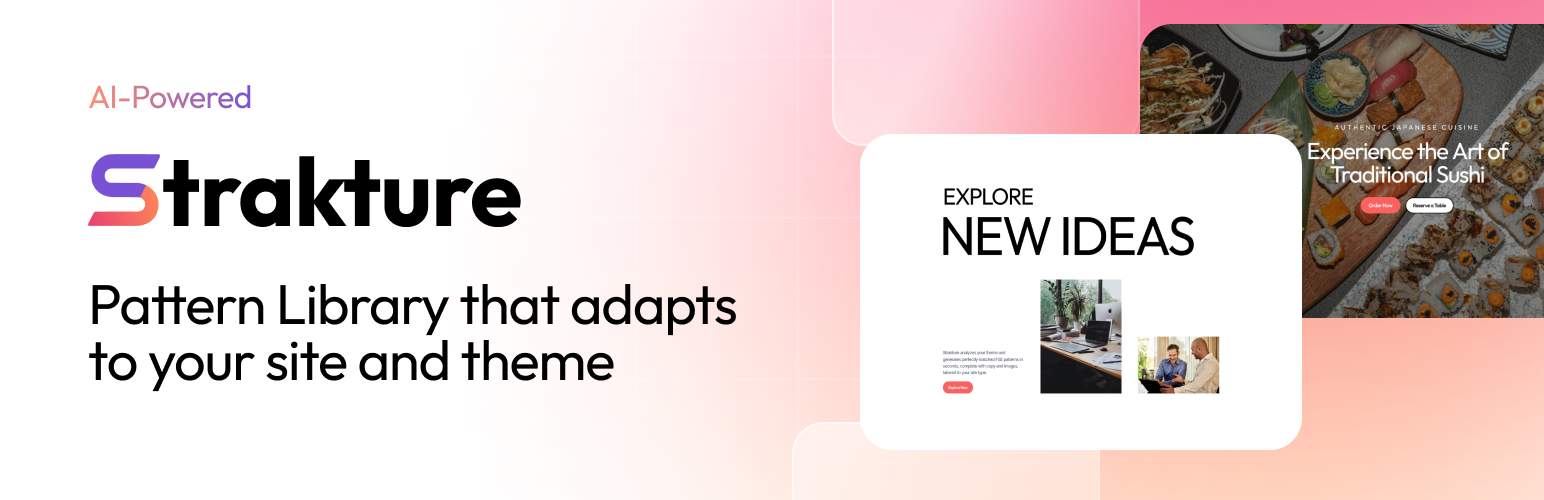
Strakture 是一款 AI 驅動的 WordPress 區塊樣式庫,能根據您的佈景主題設計系統及網站內容生成專屬佈局。它消除了傳統樣式庫的重設需求,提供即時可用的專業佈局,讓使用者能快速上手。
【主要功能】
• 根據佈景主題自動生成樣式
• 針對特定行業提供適合的內容
• 讀取 CSS 變數以確保一致性
• 一鍵生成專業佈局
• 省去手動調整樣式的時間
外掛標籤
開發者團隊
原文外掛簡介
Strakture is an AI-powered WordPress block pattern library that generates layouts matched to your theme’s actual design system — and to your site’s content. Unlike generic pattern libraries that give you patterns you have to restyle and rewrite from scratch, Strakture reads your theme’s CSS variables and understands what your site is about, then creates patterns that look native and feel relevant from the first click.
Running a restaurant? Generated patterns use food and dining imagery with copy that fits your industry. Launching a SaaS? Patterns arrive with tech-forward headlines and product-appropriate visuals. Your theme, your niche, one click.
Stop spending hours on generic patterns. Generate professional, on-brand layouts in seconds with Strakture.
The Problem with Generic Patterns
Every WordPress developer knows the pain: you find a great pattern, insert it, and then spend two hours manually matching colors, adjusting fonts, fixing spacing, and making it look like it belongs on your site. Multiply that by every section on every page, and you’ve lost a full day to style matching.
Strakture solves this by reading your theme’s actual design tokens — the CSS variables that define your site’s look — and generating patterns that use those exact values. Patterns arrive ready to publish, not ready to customize.
Theme-Matched, Site-Aware AI Patterns
Strakture analyzes two things before generating a pattern: your theme’s design system and your site’s context. It reads your theme’s CSS variables to apply your exact colors, typography, and spacing — then it uses your site’s niche to generate copy and select images that actually fit.
A portfolio site gets clean, minimal layouts with professional imagery. A fitness studio gets bold, energetic sections with workout visuals. A law firm gets formal, trust-building structures with appropriate language. Same AI, tuned to your site — not a one-size-fits-all template.
Works with 15+ popular WordPress block themes including:
Kadence
Astra
Neve
Blocksy
GeneratePress
OceanWP
Twenty Twenty-Four
Twenty Twenty-Three
Any theme using standard WordPress design tokens (theme.json)
Browse the Full Pattern Library (Free)
Every Strakture user gets access to the complete pattern library — no account required. Browse hundreds of professionally designed block patterns across every common page section:
Hero sections and full-width banners
Features grids and service listings
Pricing tables and comparison layouts
Testimonial sections and social proof blocks
Team member grids and about sections
Contact and call-to-action sections
Browse with infinite scroll, preview patterns in your site’s context, and insert original patterns into any page or post with a single click.
AI Generation (Premium)
Upgrade to unlock AI-powered pattern generation. Instead of inserting a generic pattern and manually styling it to match your brand, Strakture generates a version matched to your theme’s design system and your site’s content — the right colors, relevant copy, and contextually appropriate images, all in one click.
A restaurant gets a hero section with dining imagery and a reservation CTA. A digital agency gets a features grid showcasing services. The AI understands what your site is about and generates accordingly.
Describe further customizations in plain English before generating: “Dark background, 3-column layout, add a subtitle.” Claude AI applies your changes while keeping everything aligned with your theme. No prompt engineering required.
Free vs. Premium Features
Free — Browse and Insert
Full access to the Strakture pattern library
Infinite scroll pattern browsing
Pattern categories (Hero, Features, Pricing, Testimonials, and more)
One-click insertion of original patterns into the block editor
Preview patterns in your site’s context before inserting
Works with any WordPress block theme
Premium — AI Generation
AI-generated theme-matched patterns (your exact colors, fonts, spacing)
Natural language customization — describe changes before generating
Unsplash image integration — relevant images auto-downloaded to your media library with attribution
Select and generate multiple patterns at once
Credits rollover protection — upgrade or downgrade any time
Plans:
Starter: 50 AI generations/month ($19/mo)
Pro: 200 AI generations/month ($49/mo)
Agency: 1,000 AI generations/month ($199/mo)
How to Use
Inserting a Pattern (Free):
Edit or create a new page or post in the WordPress block editor
Click the “Strakture Patterns” button in the editor toolbar
Browse by category or scroll through the pattern library
Click any pattern to insert it directly into your content
Generating a Theme-Matched Pattern (Premium):
Open the Strakture library from the editor toolbar
Browse to a pattern you like
Optionally describe customizations in the prompt field
Click Generate — Strakture sends your theme data to the AI and returns a theme-matched version
No Lock-In
Strakture generates standard WordPress blocks — core/group, core/columns, core/image, and every other native block type. If you ever cancel or deactivate the plugin, every pattern you’ve inserted stays on your site as regular, fully editable content. No proprietary format. No data held hostage.
Lightweight by Design
Strakture adds no frontend scripts or styles to your site. The pattern library UI loads only when opened in the editor. Generated patterns are standard WordPress blocks — no performance overhead, no extra HTTP requests for visitors.
Requirements
WordPress 6.5 or higher
A WordPress block theme (FSE-compatible)
External services
This plugin connects to the Strakture API (https://api.strakture.com), a service operated by Aleksandr Samokhin, to serve the block pattern library and AI generation features.
Strakture API (api.strakture.com)
What it is: The Strakture backend that provides the pattern library content and AI-powered pattern generation displayed inside the block editor.
What data is sent and when:
Loading pattern categories — When the pattern library is opened, the plugin fetches the list of available categories. The request includes the WordPress version and the site’s language (locale).
Loading patterns — When browsing patterns, the plugin fetches paginated pattern data for the selected category. The request includes the WordPress version, the site’s language (locale), the selected category, and the current page number.
Generating patterns (Premium only) — When a user generates a theme-matched pattern, the plugin sends theme design token data (CSS variables for colors, typography, spacing) and the Freemius license key to the API. No personal data or user information is transmitted.
No personal data or user information is transmitted for free features. The WordPress version and locale are sent solely to serve compatible, correctly localized patterns.
Terms of service: https://strakture.com/terms
Privacy policy: https://strakture.com/privacy