
內容簡介
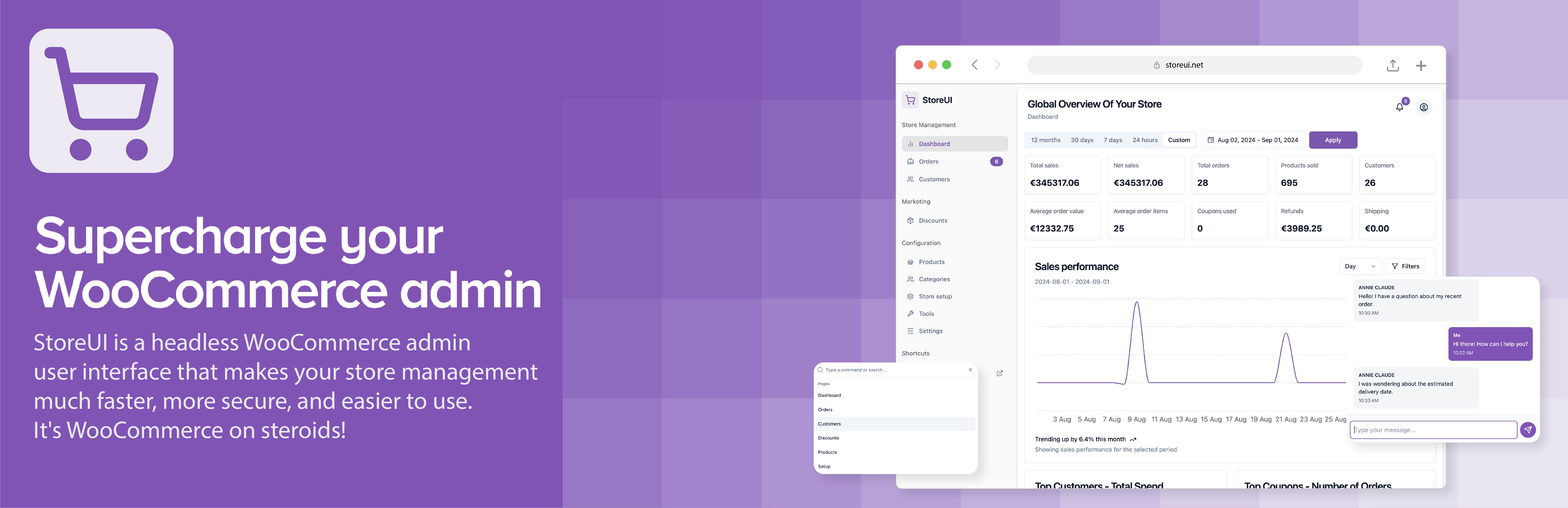
總結: StoreUI 外掛將您的 WooCommerce 商店連接到 StoreUI.net 服務,需依靠 StoreUI.net 作為第三方服務。這個連接在啟用外掛許可證後建立,將生成並發送 WooCommerce API 金鑰到 StoreUI.net,以啟用進階功能和整合。
1. 這個外掛依賴於哪個第三方服務?
StoreUI.net
2. 啟用許可證後如何建立與 StoreUI.net 服務的連接?
在外掛設置中啟用您的許可金鑰
3. 外掛會將什麼金鑰發送給 StoreUI.net?
WooCommerce API 金鑰
4. StoreUI 服務的更多信息在哪裡查看?
https://storeui.net
5. 如何查看 StoreUI 的服務條款?
6. 如何查看 StoreUI 的隱私政策?
7. StoreUI 外掛的主要功能有哪些?
- 與 WooCommerce 的無縫整合
- 進階商店管理功能
- 優化的產品管理
- 改善的訂單處理
- 提供外部整合的自訂 API 端點
8. StoreUI 對於想將其 WooCommerce 商店提升至更高水平的商店所有者來說是完美的嗎?
是的,StoreUI 完美適合想將其 WooCommerce 商店提升至更高水平的商店所有者。
外掛標籤
開發者團隊
② 後台搜尋「StoreUI – User Interface for WooCommerce」→ 直接安裝(推薦)
原文外掛簡介
Important: This plugin relies on StoreUI.net as a third-party service
StoreUI plugin connects your WooCommerce store to StoreUI.net services. This connection is established when you activate your license key within the plugin settings. The plugin will then generate and send WooCommerce API keys to StoreUI.net to enable the advanced features and integrations.
For more information about StoreUI services, please visit: https://storeui.net
To review our Terms of Service, please visit: https://storeui.net/terms
For our Privacy Policy, please visit: https://storeui.net/privacy-policy
Key features:
Seamless integration with WooCommerce
Advanced store management capabilities
Enhanced product management
Improved order processing
Custom API endpoints for external integrations
StoreUI is perfect for store owners looking to take their WooCommerce store to the next level.













