內容簡介
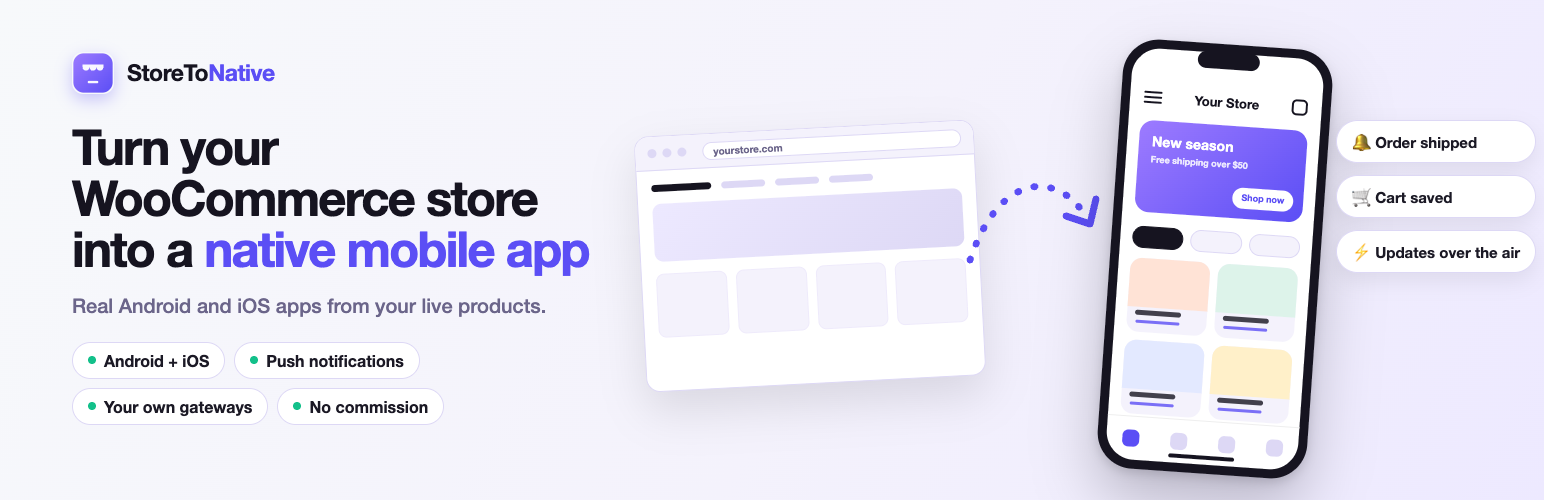
StoreToNative 是一款專為 WooCommerce 設計的行動應用程式建構工具,能將您的 WordPress 商店轉換為真正的原生行動應用程式,支援 Android 和 iOS 平台,提供流暢的購物體驗。
【主要功能】
• 免費商店準備檢查,確保應用程式正常運作
• 原生介面,提供更佳的使用者體驗
• 支援原生結帳,無需改變現有支付閘道
• 一鍵連結商店與應用程式,操作簡便
• 14 天免費試用,無需註冊帳號
外掛標籤
開發者團隊
② 後台搜尋「StoreToNative – Mobile App Builder for WooCommerce」→ 直接安裝(推薦)
原文外掛簡介
Start free: the Store readiness check runs 14 checks over your own WooCommerce settings for the things that quietly break a mobile app. No account, and nothing is sent anywhere. When you are ready, StoreToNative turns the same store into a real native mobile app for Android and iOS.
StoreToNative is a mobile app builder for WooCommerce. It turns your WordPress store into a real native mobile app for Android and iOS.
Most “website to app” tools load your site inside a WebView and call it an app. Your customers can tell — and so can Apple, whose review guidelines turn away apps that are little more than a repackaged website.
StoreToNative is different. Your storefront — home, catalogue, search, product pages, cart and account — renders natively on the device from your store’s live data. Checkout runs on your store’s own checkout page inside the app — or, if you switch on native checkout, shoppers fill in their details in a native form and only the payment step opens your checkout — so your existing payment gateways keep working untouched and StoreToNative never takes a cut of your sales.
This plugin is the WordPress half of that. It pairs your store with your app in one click, then handles the things that can only be done from inside WordPress.
How it works
Install this plugin and open the StoreToNative screen. Read the free Store readiness check and fix what it flags, and preview your own store as an app. No account yet, and nothing is sent anywhere.
Start a 14-day free trial and connect your store with a pairing code. Connecting takes about a minute.
Design your app beside a live phone preview, then build it and publish it on Google Play and the App Store under your own developer accounts.
What this plugin does
Store readiness check (free, no account). Fourteen checks over your own WooCommerce settings for the things that quietly break a mobile app — “Coming soon” mode left switched on, no payment method enabled, Plain permalinks, no shipping zone, a stale product price index, downloadable products that both app stores reject — each in plain language, with what it costs you and exactly which screen to fix it on. They run entirely inside WordPress, send nothing anywhere, and work before you pair.
1-click connect. Paste a short pairing code from your StoreToNative console. No OAuth redirect, no “approve this application” screen to trip over on security-hardened sites.
Deep-link hosting. Serves .well-known/apple-app-site-association and .well-known/assetlinks.json from your store’s own domain — which is what iOS Universal Links and Android App Links require, and which nothing outside your site can do for you.
Smart app-install banner. Once your app is live on the App Store or Google Play, shows shoppers browsing your storefront on that kind of phone a lightweight banner to install it (you can switch it off), plus an apple-itunes-app meta tag so Safari’s own native banner takes over on iOS.
Shopper sign-in. Shoppers sign in to your app with the WooCommerce account they already have. Passwords are checked by WordPress itself and never reach StoreToNative. Accounts that can run your store — administrators, shop managers, editors and anyone else who can write posts — cannot sign in to the app; to try your app as a shopper, use a customer account. If you protect wp-login.php by its address (a hidden login URL, an IP allowlist, or server password protection), apply the same protection to /wp-json/storetonative/v1/shopper/: it is a second place your site checks passwords.
What your app gets
Built and published from the StoreToNative console, not from this plugin:
A native catalogue — swipeable galleries with pinch-zoom, colour swatches, a full variation picker, ratings and reviews, instant search, filters and a persistent wishlist
A design studio with a live phone preview beside every control: colours, typography, product grid, storefront presets and a drag-to-reorder home screen
Over-the-air updates — change your theme, banners and home layout, and installed apps pick it up on their own. No rebuild, no app-store re-review
Push notifications: order-status updates and broadcast campaigns, plus abandoned-cart recovery on the Pro plan
Signed Android builds, with guided checklists for Google Play and App Store submission — or direct APK distribution, no Play account required
First-class Arabic and right-to-left layouts
Your own payment gateways, and no commission on your sales
Requirements
WooCommerce must be installed and active. This plugin does nothing without it.
A StoreToNative account, to build and publish an app. The Store readiness check and the app preview work without one. The app itself is built and published from the StoreToNative console, a paid subscription with a free trial; this plugin is what pairs your store with it.
HTTPS. Pairing is refused on a plain-http site.
Privacy
No network request of any kind is made until you explicitly pair your store — installing and activating this plugin alone sends nothing anywhere. The External services section below documents every request this plugin ever makes and exactly what each one carries.
WooCommerce HPOS
This plugin declares compatibility with WooCommerce’s High-Performance Order Storage (HPOS / “Custom Order Tables”). It does not read or write order data itself.
External services
This plugin connects your store to the StoreToNative platform (api.storetonative.com), which builds and runs your store’s native app. Nothing is sent before you pair your store: installing or activating the plugin makes no request. Pairing needs https.
When you pair (you enter a pairing code from your StoreToNative console), the plugin sends, once:
Your store’s URL.
A WooCommerce REST API key that the plugin creates for itself. It is a read/write key, so the app can read your catalogue and place the orders shoppers make in the app. You can revoke it at any time with the plugin’s Disconnect button or under WooCommerce → Settings → Advanced → REST API.
The plugin’s version and the names of its features: status, deep-links, smart-banner, readiness, shopper-auth, checkout-fields, pair-challenge.
To confirm that the pairing really came from your site, the platform makes one request BACK to your site while you pair. The pair-challenge feature sends nothing anywhere itself: it only answers that one request.
After pairing, a small check-in runs about once a day, and when you open the plugin’s screen or press Check connection. The reply to that check-in carries your app’s name and product count and, for the dashboard’s This week card, four totals for the last 7 days: new installs, orders placed in the app, revenue from those orders, and pushes sent. The check-in itself carries:
The plugin, WordPress and WooCommerce versions, and the same seven feature names.
Whether customer registration is switched on in WooCommerce (yes or no).
The results of the store readiness checks. Names and verdicts only, for example payment_gateway: fail. No counts, no product names, no settings values and no text from your site.
What stays on your site. Shoppers sign in from the app directly to your own site. Their passwords and sign-in tokens are never sent to StoreToNative. The checkout-fields feature sends nothing anywhere: the app reads the shape of your checkout form from your own site.
When a shopper deletes their own account in the app, the plugin erases the account on your site and sends one notice to api.storetonative.com, so the matching sign-in record there is deleted too. The notice carries a one-time id, the WordPress user id, and a one-way SHA-256 hash of the email address, not the address itself.
Disconnecting sends one notice that the store is disconnected. The plugin also fetches (it never sends) a small public settings file for your app: its name, colour, icon and install-banner text.
Links. On the connect screen, “See your store as an app” and “Start your free trial” open app.storetonative.com in a new tab. The link carries your store’s public address and tags that say the click came from this plugin. On the Plugins list, “Video tour” opens youtube.com and “Help docs” opens storetonative.com/docs. Nothing is requested unless you click a link.
The video tour (YouTube). The connect screen offers a video tour. Nothing loads from YouTube until you press play. If you press play, your browser loads YouTube’s player from youtube-nocookie.com, and YouTube (a Google service) receives what any embedded YouTube video sends: your IP address, your browser’s details and the address of the site the player is on. YouTube’s Terms of Service and Google’s Privacy Policy apply.
No order data and no other information about your customers is sent by this plugin. Your use of the StoreToNative platform is covered by its Terms of Service and Privacy Policy.