內容簡介
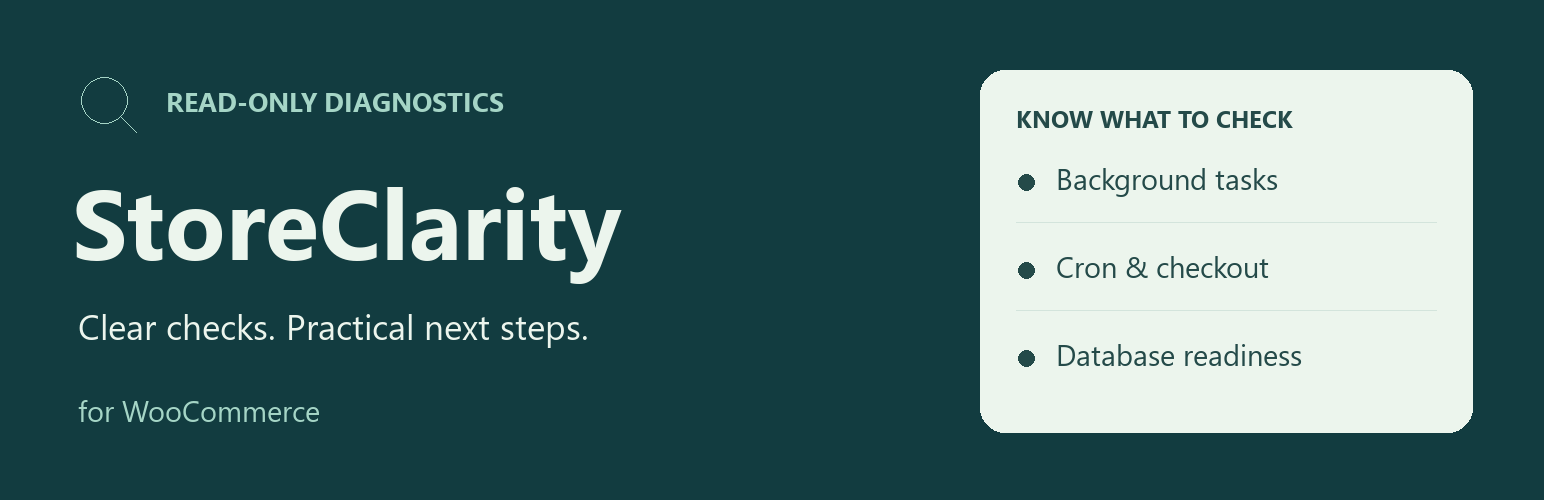
StoreClarity for WooCommerce 是一款專為 WooCommerce 商店管理者設計的外掛,提供手動檢查商店健康狀態的功能,幫助識別延遲的排程任務及其他潛在問題,並提供解釋與後續步驟建議。
【主要功能】
• 檢查排程任務的狀態
• 檢查 WP-Cron 的執行情況
• 驗證商店頁面的配置與狀態
• 提供詳細的診斷報告
• 支援手動啟動掃描功能
外掛標籤
開發者團隊
② 後台搜尋「StoreClarity for WooCommerce」→ 直接安裝(推薦)
原文外掛簡介
Delayed scheduled actions, a late queue runner, or an unexpected checkout-page assignment can be hard to interpret. StoreClarity gives WooCommerce store managers and site maintainers a manual view of these local signals, with an explanation and a next step for each finding.
What Free checks
Open WooCommerce > Store health and select Run store scan. The Free plugin checks:
Action Scheduler: bounded observations of overdue, failed and pending tasks. A task may belong to WooCommerce or another plugin; counts are lower bounds when the query cap is reached.
WP-Cron: whether a late scheduled runner coincides with overdue tasks. Disabling page-load cron alone is informational, because a host may use an external scheduler.
Store pages: assigned cart, checkout and account pages, published status, standard WooCommerce shortcodes or blocks, and the configured checkout URL’s HTTPS scheme.
WooCommerce database update: WooCommerce’s own indicator that an update is pending.
Results include observation, significance, confidence, suggested checks and a copyable private diagnostic report. The scan is started by a shop manager; it does not run when a customer loads a page. A failed or unavailable check is shown as incomplete coverage instead of a clean result. Free keeps the latest completed scan locally.
Scope and privacy
These are configuration and task observations, not a test purchase or a payment-gateway check. The plugin does not guarantee that customers can complete checkout, monitor an offline site, or repair issues. A warning calls for investigation; custom checkout builders may require manual verification.
The Free package does not change orders, payments, products, store settings or other plugins’ scheduled actions. It makes no external requests and includes no tracking, licensing SDK, remote assets or AI service. Reports contain versions, timestamps, check status and aggregate findings, not customer details, task arguments, raw logs, site URL or credentials. Nothing is sent automatically; review a report before sharing it.
Optional Pro addon
The separate StoreClarity Pro addon adds opt-in daily local scans, up to 30 days of local history, change detection, repeated background-task patterns and conservative failed-order status trends. It requires Free and a Pro license. Daily scans depend on the site’s scheduler; Pro is not an external uptime monitor or a payment test. Pro licensing and updates use Freemius; the Free package remains independent. The checkout shows current pricing and terms. Free manual diagnostics are complete without Pro.
StoreClarity is independent and is not affiliated with or endorsed by WooCommerce or Automattic. Support covers this diagnostic plugin, not hosting administration, third-party repair, gateway setup, custom development or malware removal. Multisite is not supported in this initial version.