
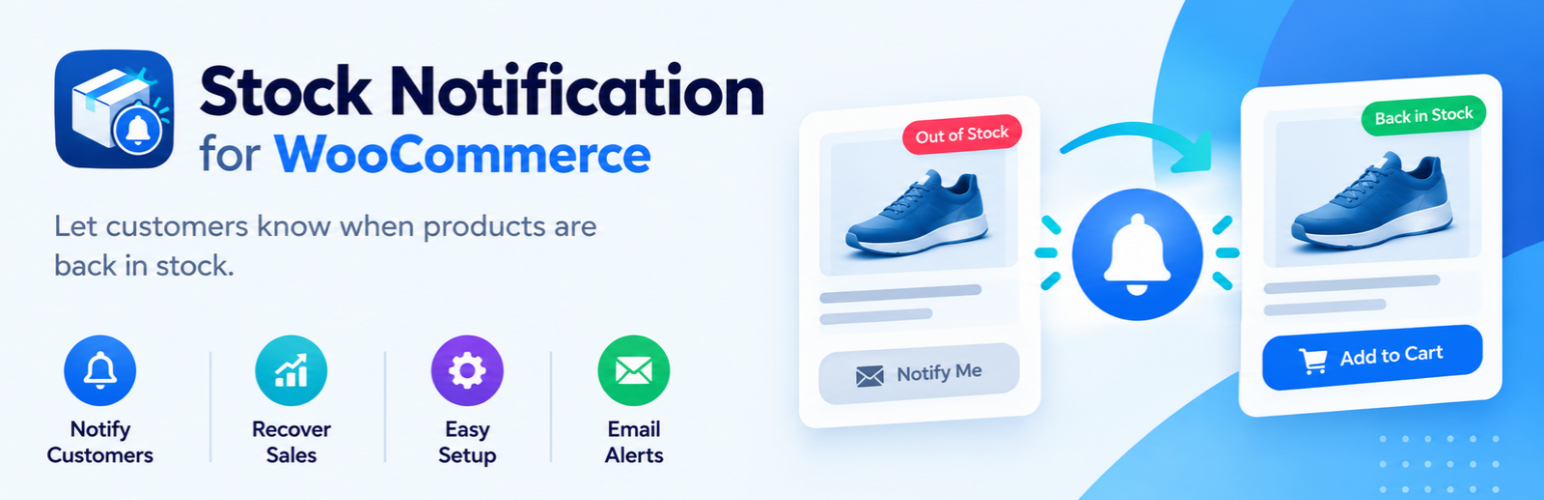
內容簡介
StockNotify 是一款專為 WooCommerce 設計的外掛,能在產品缺貨時提供「缺貨通知」功能,讓顧客能夠訂閱缺貨產品的回補通知,提升顧客回購率並有效管理庫存。
【主要功能】
• 在單一產品頁面顯示缺貨通知訂閱表單
• 支援簡單產品與可變產品
• AJAX 提交,無需重新載入頁面
• 防止重複訂閱及每個 IP 限制
• WooCommerce 產品列表中的「等待名單」欄位
• 自動發送缺貨回補通知郵件
外掛標籤
開發者團隊
原文外掛簡介
StockNotify adds a “Notify me when this product is back in stock” form to WooCommerce product pages whenever a product, or a selected variation, is out of stock.
Core flow
A product (or variation) goes out of stock.
A customer enters their email address on the product page.
The product comes back in stock.
The customer receives an email notification.
Store owners can track who subscribed and who was notified. (planned for a future release)
Features:
A back-in-stock subscription form on the single product page.
Support for simple products.
Support for variable products, with the form appearing automatically for the selected out-of-stock variation.
AJAX submission with no page reload.
Duplicate-subscription protection and per-IP rate limiting.
A “Waitlist” column on the WooCommerce Products list showing how many customers are waiting.
WordPress privacy tools support (personal data export and erase).
Automatic “back in stock” email sent to every pending subscriber as soon as a product or variation returns to stock.
The notification email is a standard WooCommerce email, editable under WooCommerce > Settings > Emails (subject, heading, extra text, HTML/plain format) and themeable by copying its template into yourtheme/stocknotify/.
Requirements
WooCommerce must be installed and active. StockNotify will show an admin notice if it is not.














