內容簡介
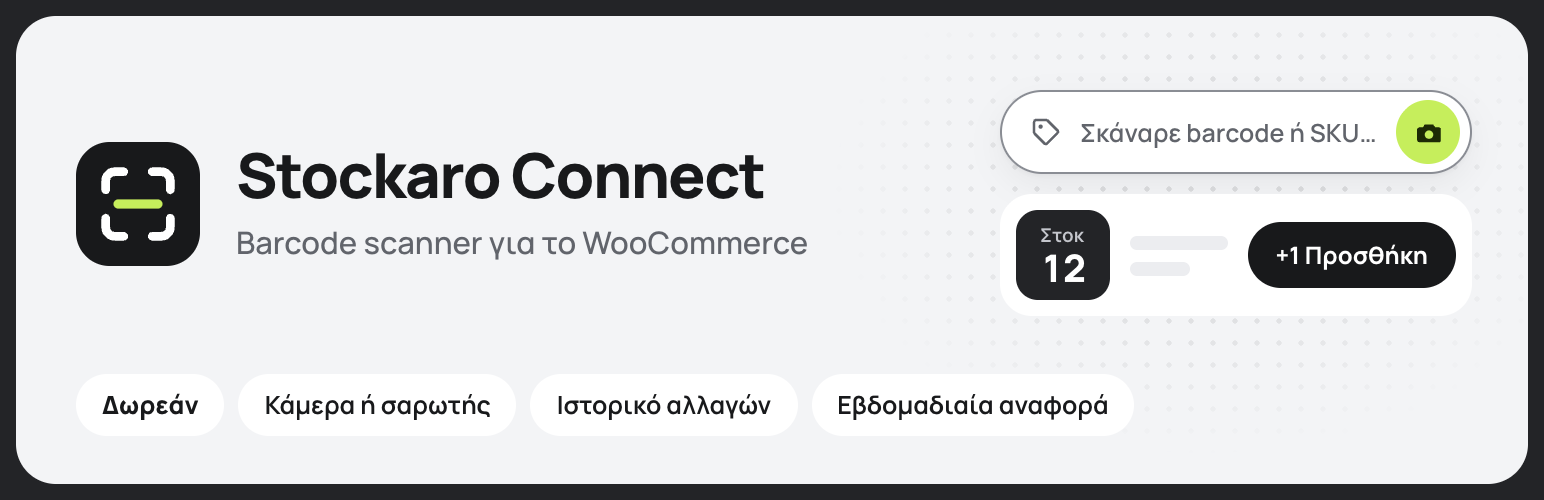
Stockaro Connect — Barcode Scanner for WooCommerce 是一款免費的外掛,能將手機、平板或手持掃描器轉變為 WooCommerce 的庫存終端,並可選擇性地與 Stockaro 應用程式連接,實現實體店與網店的庫存同步。
【主要功能】
• 條碼/SKU 查詢產品與變體
• 一鍵庫存操作:新增、移除、設為零或標記缺貨
• 相機掃描器具備手電筒切換功能
• 硬體掃描器模式,自動提交掃描結果
• 快速模式:掃描自動增減庫存
• 完整的審計日誌與 CSV 匯出功能
外掛標籤
開發者團隊
② 後台搜尋「Stockaro Connect — Barcode Scanner for WooCommerce」→ 直接安裝(推薦)
原文外掛簡介
Stockaro Connect — Barcode Scanner for WooCommerce is one free plugin that does two jobs: it turns your phone, tablet, or handheld scanner into a WooCommerce stock terminal, and (optionally) it connects your shop to the Stockaro app so shelf and eshop stay in sync. Search any product or variation by barcode or SKU, add or remove stock, log every change with a note, and undo mistakes, all from a single screen. The plugin is 100% free with no license, no account, and no locked features.
Everything below works out of the box for free:
Barcode / SKU lookup for products and variations.
One-tap stock actions — add, remove, set-to-zero, or mark out-of-stock.
Camera scanner with flashlight/torch toggle for low light (where supported).
Hardware scanner mode — scans from a Bluetooth/USB scanner auto-submit, no Enter key needed.
Rapid (continuous) mode — pick Add or Remove and each scan applies ±1 automatically for hands-free counting, with a live session list and per-item undo.
Full audit log with date, user, action, and notes — plus per-row undo inside a 15-minute window.
CSV export of the stock log with filters (date range, action, user, product, barcode).
Dashboard stats and a low-stock product list.
Weekly stock report — an at-a-glance page (out-of-stock, running low, total retail stock value) plus an optional weekly email, computed locally from your WooCommerce data.
The camera scanner decodes barcodes locally in your browser (using the bundled open-source ZXing engine). No image or scan is ever uploaded anywhere.
The admin screens use the Manrope typeface, bundled with the plugin and served from your own site (SIL Open Font License 1.1, see admin/fonts/OFL.txt). No font is loaded from a third-party server.
Grow with the Stockaro app (optional). The scanner here lives inside WordPress. The Android Stockaro app works from your phone or tablet, with cloud sync so the same inventory is available on your devices. It is free up to 100 products, and the Pro plan adds two-way sync and order management. If you never need the app, ignore it. The scanner is fully free either way.
Connect your shop to Stockaro (optional). Turn on the built-in Stockaro bridge (a dedicated stockaro/v1 REST namespace) to pair this shop with the Stockaro app, so your eshop and the app stay in sync even on hosts where the generic WooCommerce API is blocked. Pairing shows an endpoint and a one-time code as plain text; the code is never sent to any external service.
External services
This plugin is fully functional on its own and does not send your data anywhere by default. Two optional integrations with Stockaro (a service operated by Nexus Digital Studio) are described below, so you know exactly what happens if you choose to use them.
1. The optional “Connect with Stockaro” bridge (stockaro/v1 REST API)
If, and only if, you open Stockaro → Σύνδεση με Stockaro, turn the bridge on, and pair your shop, the plugin registers REST endpoints on your own site that the Stockaro app can call. When paired, the Stockaro app (running on your phone, tablet, or desktop) connects to your site to read and update stock data: product name, SKU, price, stock quantity, and stock status. If you also turn on the optional setting “Παραγγελίες στο Stockaro” (off by default), the Stockaro app can read your orders as well: order number, status, currency and totals, the products and quantities in each order, and the customer’s first and last name. It never reads the customer’s email address, phone number, addresses, payment details or order notes. Your site does not automatically push data out. Data is exchanged only in response to authenticated requests from the Stockaro app you paired, using a token you generated. You can unpair or disable the bridge at any time from the same screen, which stops all access.
Service: Stockaro app / cloud — https://stockaro.gr
Terms of Service: https://stockaro.gr/terms
Privacy Policy: https://stockaro.gr/privacy
If you never enable the bridge, no product or stock data leaves your site through it.
2. Informational links to stockaro.gr
The admin screens contain links to https://stockaro.gr that introduce the Stockaro app. These links carry basic campaign tags (utm_source, utm_medium, utm_campaign) so we can see that a visit came from the plugin. No request is made and no data is transmitted unless you actively click a link and open the page in your browser.
Website: https://stockaro.gr
Privacy Policy: https://stockaro.gr/privacy