內容簡介
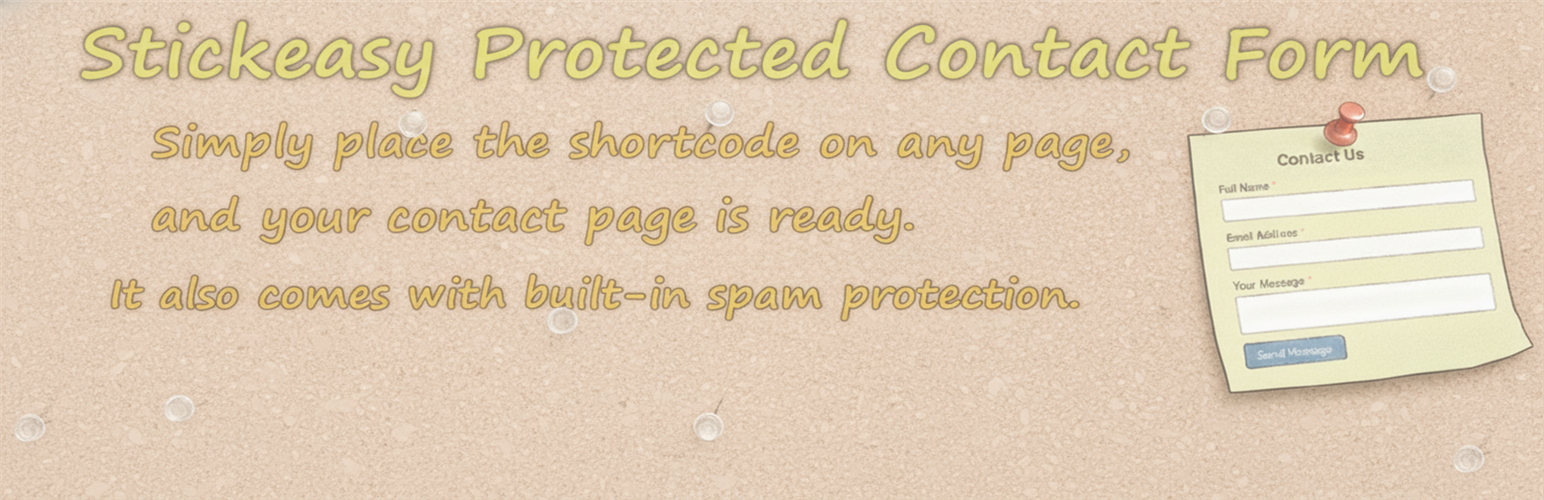
StickEasy Protected Contact Form 是一款快速且簡單的 WordPress 聯絡表單外掛,透過簡單的短碼即可在網站上設置功能性聯絡表單,並內建基本的防垃圾郵件功能,無需使用 CAPTCHA 或第三方服務。
【主要功能】
• 簡單的短碼設置,快速添加聯絡表單
• 基本自訂選項,調整表單行為
• 內建防垃圾郵件功能,保護表單安全
• 自訂成功提交訊息,增強用戶體驗
• 設定最大表單寬度,保持可讀性
• 表單對齊選項,靈活調整顯示方式
外掛標籤
開發者團隊
② 後台搜尋「StickEasy Protected Contact Form」→ 直接安裝(推薦)
原文外掛簡介
StickEasy Protected Contact Form is the fastest way to get a functional contact form on your WordPress site. This plugin is focused on simplicity and speed, allowing you to create a minimal contact form by simply placing a shortcode on any page.
There’s no complex setup or field builder. Just install, place the shortcode, and start receiving messages.
As an added benefit, the form includes built-in basic spam protection (nonce verification, a honeypot field, submission time validation, a bad words filter, and a human interaction check) to keep most automated bots away without the need for CAPTCHAs or third-party services.
Usage
1. Simple Setup (Shortcode)
To instantly add the contact form, insert the following shortcode into any post or page:
[spcf_form]
2. Basic Customization
You can adjust the basic form behavior from Settings → StickEasy Contact.
The following options are available:
Contact Form Settings
Edit Form Labels
Customize the visible labels for each field (Name, Email, Subject, Message) to match your website’s tone or language.
NOTE: Basic HTML such as or
can be used for emphasis or formatting.
Toggle the Name field on or off with a single checkbox. Useful when you prefer a shorter form or want to accept anonymous messages.
Specify the recipient email address for messages.
By default, messages are sent to the Administration Email Address set in your WordPress settings (“Settings” → “General”).
Custom Success Message
Edit the message shown after the form is successfully submitted.
You can also use simple HTML formatting, such as
for line breaks.
Example: “Thank you!
We will get back to you within 2 business days.”
Maximum Form Width
Set a maximum width for the form in pixels (e.g. 600).
This prevents the form from stretching across the full width of the page on large screens, keeping it compact and readable.
Enter 0 to use the full available width.
On smaller screens such as smartphones, the form will automatically shrink to fit the screen regardless of this setting.
Form Alignment
Choose whether the form is aligned to the left or center of the page.
Takes effect when Maximum Form Width is set to a value greater than 0.
Spam Protection Settings
Enable or disable all built-in spam protection features at once.
Included protections: Honeypot, Submission Time Check, Forbidden Word Filter, and Human Interaction Check.
Minimum Submission Time
Set the minimum number of seconds a visitor must remain on the page before submitting.
A value between 3 and 10 seconds is generally recommended.
Forbidden Word Filter
Add blocked words, domains, email patterns, or IP addresses to prevent spam submissions.
Note:
The Forbidden Word Filter list also applies to the visitor’s email address, subject and IP address, not just the message body.
Examples:
viagra
bit.ly
[email protected]
123.45.67.89