
內容簡介
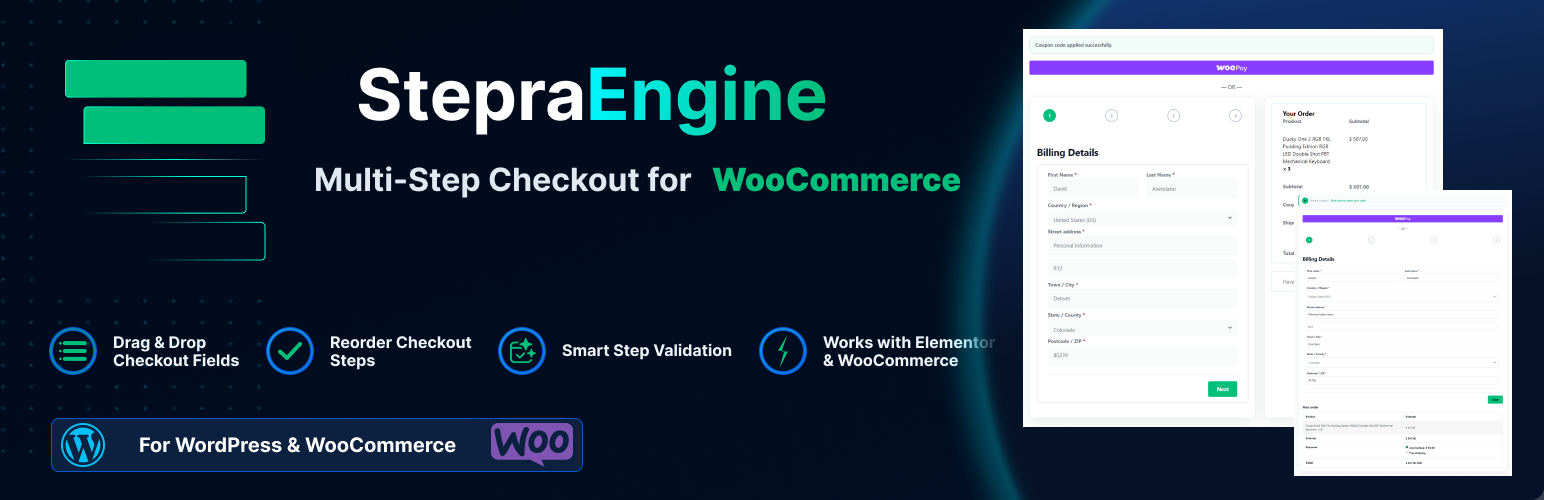
StepraEngine Lite 是一款為 WooCommerce 提供多步驟結帳的外掛,無需替換 WooCommerce,能靈活地管理結帳步驟與欄位,提升使用者的結帳體驗。
【主要功能】
• 自訂結帳步驟與欄位順序
• 支援多種表單整合(如 Contact Form 7)
• 根據產品類型調整結帳流程
• 保持 WooCommerce 控制結帳數據
• 提供進度條與佈局選擇
• 行動裝置友好的響應式設計
外掛標籤
開發者團隊
② 後台搜尋「StepraEngine Lite – Multi-Step Checkout for WooCommerce」→ 直接安裝(推薦)
原文外掛簡介
StepraEngine Lite turns WooCommerce Classic Checkout into a flexible WooCommerce multi-step checkout without replacing WooCommerce. Add, rename, reorder, and remove supported checkout steps; organize standard and supported custom checkout fields; restore the standard step structure; choose progress styles and checkout layouts; and customize the basic checkout presentation.
WooCommerce continues to control checkout fields, customer values, shipping, totals, coupons, payment gateways, validation, order review, and final order placement.
StepraEngine Lite also creates multi-step forms for Contact Form 7, WPForms, Forminator, and Elementor Forms.
Live Demo
See StepraEngine Lite running on WooCommerce before installing it.
Explore the Live Demo
Build a Flexible WooCommerce Multi-Step Checkout
Build a focused checkout flow around the WooCommerce Classic Checkout. StepraEngine Lite lets you:
Add flexible checkout steps.
Rename and reorder checkout steps.
Remove supported checkout steps.
Drag checkout fields into clear steps.
Restore the standard Stepra checkout step structure.
WooCommerce checkout uses StepraEngine’s flexible checkout-step system. The three-step Lite limit applies only to the supported regular form-builder integrations.
Organize Checkout Steps and Fields
Organize standard WooCommerce checkout fields, supported custom checkout fields, and supported checkout-editor-added fields into clear Billing, Contact, Shipping, Additional information, and merchant-created steps.
StepraEngine protects the billing and shipping structure WooCommerce depends on while giving merchants practical control over checkout field organization.
Physical and Virtual Product Checkout
StepraEngine adapts the active WooCommerce checkout flow to the products in the cart.
For physical or shippable products, shipping steps and shipping fields remain available when WooCommerce requires them. For virtual-only carts, unnecessary shipping-only steps are removed from the active checkout flow when WooCommerce does not require shipping.
When shipping becomes relevant again, StepraEngine restores the appropriate shipping steps in their original positions while preserving the saved checkout structure.
Keep WooCommerce in Control
StepraEngine does not replace WooCommerce checkout. WooCommerce remains responsible for:
Checkout data and billing or shipping values.
Shipping methods, taxes, and totals.
Coupons and returning customer login.
Payment methods and payment gateways.
Checkout validation and order review.
Final order submission.
StepraEngine organizes the live WooCommerce checkout into steps around that native behavior. It does not create a separate payment or order system.
Step Validation and Error Recovery
StepraEngine validates the active checkout step before moving forward, while WooCommerce remains the final validation authority. Required fields and WooCommerce field validation stay part of the native checkout process.
When checkout validation reports an error, StepraEngine can navigate back to the relevant active checkout step so the customer can find and correct the invalid field.
For supported regular form builders, StepraEngine retains its existing validation helpers for required fields and supported email, URL, phone, postal-code, and date inputs. Builder validation remains authoritative for final submission.
Progress, Layouts and Basic Styling
Choose the checkout presentation that fits your theme:
Bar progress or Numbered progress.
A current step heading.
Side-by-Side, Stacked, or Theme checkout layouts.
Stepra Style on or off.
Step Shadow on or off.
Progress colors and progress text color.
Custom Next and Previous labels.
Basic Next and Previous button colors.
Numbered progress in Lite displays step numbers without progress step headings. Progress Step Headings are available in StepraEngine Pro.
Mobile-Friendly Responsive Checkout
StepraEngine’s WooCommerce multi-step checkout is designed to adapt across desktop, tablet, and mobile screens. Checkout steps, progress, navigation, checkout fields, order review, and payment presentation respond to the available space.
On smaller screens, the responsive WooCommerce checkout keeps the flow focused with clear progress and mobile-friendly navigation. The final mobile checkout appearance can still depend on the active theme and checkout customizations.
Elementor WooCommerce Checkout Support
StepraEngine supports the Elementor WooCommerce Checkout widget in tested one-column and two-column layouts. StepraEngine organizes the guided checkout presentation while WooCommerce continues handling the checkout itself.
Heavily customized Elementor templates and third-party checkout replacements may require separate compatibility testing.
Also Works With Popular Form Builders
These Lite integrations remain available for regular WordPress forms, with up to three steps:
Contact Form 7 multi-step form: use supported H3 or H4 headings for manual step breaks.
WPForms multi-step form: StepraEngine uses supported WPForms field containers for automatic splitting.
Forminator multi-step form: use supported Section fields to define step breaks.
Elementor multi-step form: use HTML fields containing supported H3 or H4 headings.
Strict H3 mode remains available when only H3 headings should create manual step breaks. Disable a builder’s native pagination or multi-step feature on forms where StepraEngine is active to avoid competing step systems.
StepraEngine Lite Features
WooCommerce Multi-Step Checkout
Flexible Checkout Steps
Add, Rename, Reorder & Remove Checkout Steps
Checkout Field Organization
Standard & Supported Custom Checkout Fields
Restore Standard Steps
Physical & Virtual Product Checkout Handling
Dynamic Shipping Step Handling
Step Validation & Error Recovery
Native WooCommerce Payments, Shipping & Totals
Coupons & Returning Customer Login
Elementor WooCommerce Checkout
Side-by-Side, Stacked & Theme Layouts
Bar & Numbered Progress
Mobile-Friendly Responsive Checkout
Stepra Style ON/OFF
Step Shadow
Basic Progress Colors
Next / Previous Labels
Basic Button Styling
Contact Form 7
WPForms
Forminator
Elementor Forms
StepraEngine Pro
StepraEngine Lite provides the complete multi-step checkout foundation. Pro adds deeper checkout insights and more presentation control with:
Step Summary
Checkout Analytics
Progress Step Headings
Advanced Checkout Customization
Priority Pro Support
Compatibility
WooCommerce Classic Checkout is supported.
WooCommerce Block Checkout is not the current Stepra checkout target.
Elementor WooCommerce Checkout is supported in the tested one-column and two-column layouts.
WooCommerce HPOS compatibility is maintained.
Physical, shippable, and virtual-only cart flows adapt to WooCommerce shipping requirements.
Do not run StepraEngine alongside another multi-step checkout system on the same checkout. Third-party multi-step checkout plugins, heavily customized checkout templates, custom checkout replacements, and extension-provided checkout fields may require compatibility testing.
For regular form builders, disable native pagination or multi-step systems on forms where StepraEngine is active. Advanced fields, conditional behavior, third-party add-ons, and heavily customized form templates may also require compatibility testing.














