內容簡介
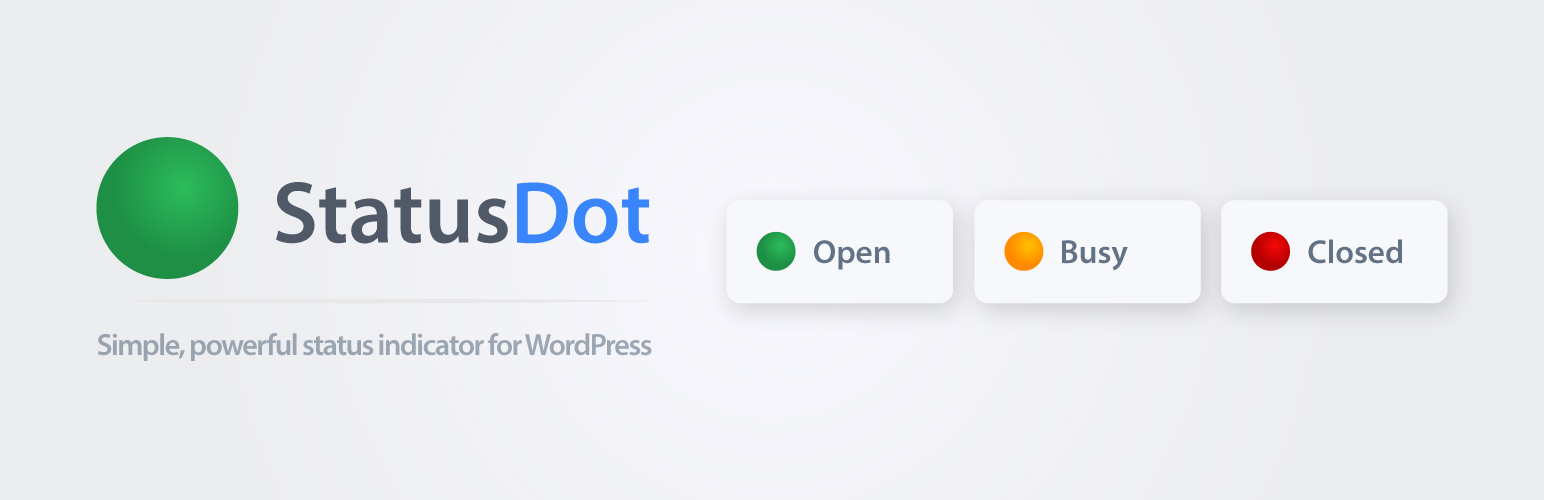
StatusDot 是一款簡單易用的外掛,能夠顯示您的營業狀態(開放、繁忙、關閉或暫時閒置),並自動更新。透過簡單的點指示器和即時倒數計時,讓訪客隨時掌握您的營業時間。
【主要功能】
• 每週營業時間設定(HH:MM)
• 支援夜間營業時間設定
• 可選擇繁忙模式和強制關閉
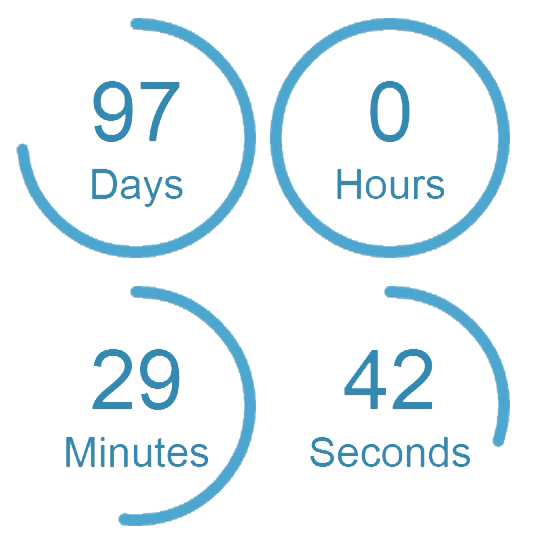
• 倒數計時顯示即將開放或關閉的時間
• AJAX即時更新,無需全頁刷新
• 支援多個短碼實例於同一頁面
外掛標籤
開發者團隊
原文外掛簡介
StatusDot helps you show whether you’re Open, Busy, Closed, or temporarily Idle — using a simple dot indicator that updates automatically.
Configure a weekly schedule (supports HH:MM), optionally enable Busy mode, or override everything with Force Closed or Open 24/7. You can also start an Idle override (“Back in…”) timer when you’re away.
StatusDot can show status text + a live countdown, for example:
Open now — Closes in 04:52:14
Updates are handled via lightweight AJAX polling, so visitors see changes without a full page refresh.
Place it anywhere using the shortcode. Multiple instances per page are supported.
Features
Weekly opening hours (HH:MM, including minutes)
Overnight hours supported (set the close time earlier than the open time)
Optional break windows during Weekly Schedule and Open 24/7
Optional pre-break warnings before scheduled breaks
Status modes:
Use Opening Hours (Weekly Schedule)
Force Closed
Open 24/7
Manual Busy mode (orange status)
Idle override (“Back in…”) with start/stop and countdown
Display options:
Toggle status text (Open/Busy/Closed)
Toggle countdown label + time per state (Closes in / Opens in / Back in)
Separator selection (-, —, |, •)
Optional light text (white) output for dark backgrounds
Live countdowns to the next opening, closing, break end, or idle return
AJAX-based live updates (configurable refresh interval)
Unlimited shortcodes per page
Works with major page builders (Gutenberg, Elementor, etc.)
Lightweight and dependency-free
Shortcode
Basic usage:
[statusdot]
Optional attributes:
[statusdot id=”header” refresh=”20″]
id – Optional unique identifier (useful for targeting with custom CSS). Default: header
refresh – Refresh interval in seconds (default: 20)