內容簡介
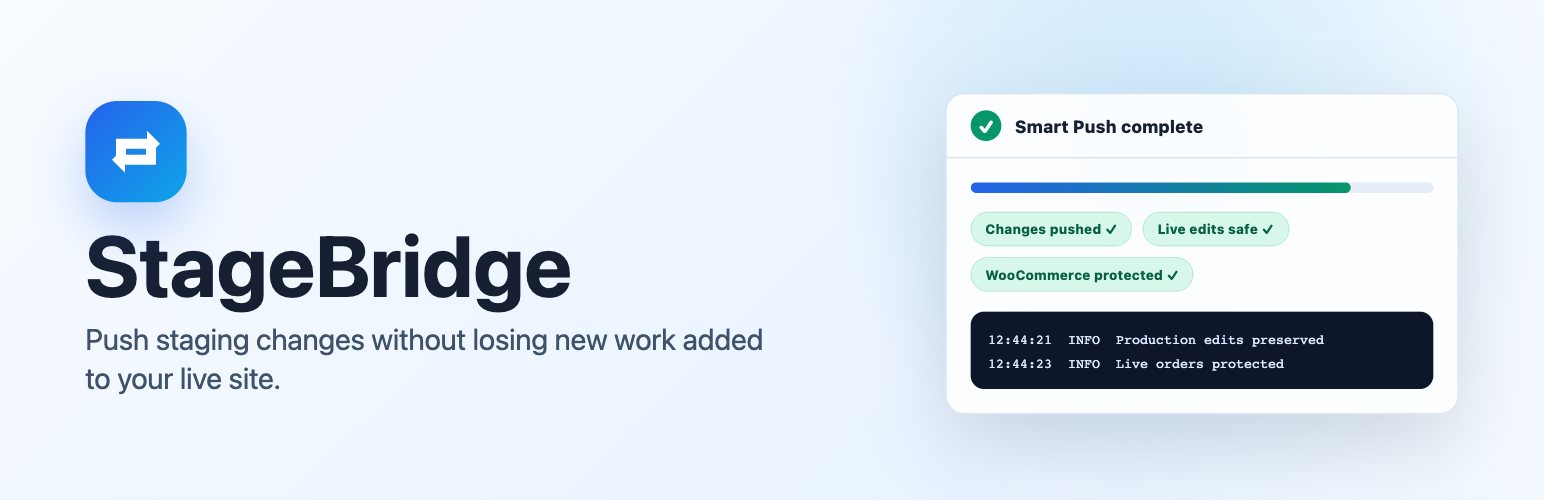
StageBridge 是一款專為 WordPress 設計的佈景主題外掛,提供安全的測試環境與智能推送功能。它能夠在不影響現有生產工作的情況下,將測試環境中的變更安全地推送到實際網站,特別適合 WooCommerce 商店使用。
【主要功能】
• 智能推送:安全推送測試變更至生產環境
• WooCommerce 保護:保護活躍訂單與商店數據
• 完整的佈景主題工作流程:克隆、同步與推送
• 自動備份:在同步與推送前自動備份
• 衝突保護:防止生產文件與測試變更衝突
外掛標籤
開發者團隊
原文外掛簡介
Push tested changes. Keep live work.
StageBridge is a WordPress staging plugin built around Smart Push. It checks what changed in staging and on your live site, moves the staging work it can safely apply, and keeps unrelated production work in place.
That means a new production page does not need to block an unrelated staging page from going live. The same protection works at the individual post, page, and custom-post level, while changed production files are protected from conflicting staging copies.
For WooCommerce stores, Smart Push also keeps live orders, customers, stock, carts, sessions, webhooks, scheduled actions, and payment settings on production.
Documentation:
Why Smart Push Matters
A staging site can become outdated while customers, editors, or clients continue working on production. A full overwrite can replace that newer live work. Smart Push compares both environments and applies non-conflicting staging changes while preserving unrelated production changes.
You stay in control:
Preview file and database changes before starting.
Push files, database data, or both.
Keep the automatic safety backup enabled or skip it for a small follow-up operation.
Use Force Overwrite only when staging should intentionally replace matching production data.
WooCommerce Protection
When WooCommerce is detected, StageBridge protects active store data during Smart Push:
Live orders, including HPOS order data.
Customers, stock, carts, and sessions.
Payment settings, webhooks, and scheduled actions.
Staging email delivery, WooCommerce webhooks, and Action Scheduler processing are paused by default.
Product content, prices, categories, tags, plugin updates, and theme changes can still move to production when they do not conflict with protected live data.
Complete Staging Workflow
Clone – Create a staging copy of your production site in a configurable subfolder, such as /staging/, or on a staging subdomain such as staging.example.com.
Sync – Pull current production files and database changes into staging.
Smart Push – Push staging changes without losing unrelated work added to your live site.
WooCommerce protection – Keep live orders and active store data on production during Smart Push.
Force overwrite – Optional push mode for cases where staging should intentionally replace production changes.
Backups – Create full, database-only, or files-only backups manually or on a schedule.
Restore – Restore from saved backups when you need to roll back.
Additional Features
Incremental file copying for clone, sync, and push operations.
Conflict-aware push protection for production files and common WordPress content tables.
Compressed file backups to reduce inode usage.
Disposable security, traffic, scan, and cache tables are excluded from backups by default while remaining manually selectable.
Automatic full safety backups before sync and push, with a per-operation checkbox to skip them when appropriate.
Subfolder or subdomain staging URL modes.
Staging admin bar indicator and frontend staging banner.
Same-tab switch buttons to reduce accidental editing in the wrong environment.
Search/replace for URLs and paths with serialized data support.
Password-protect staging with .htaccess / .htpasswd when supported by the server.
robots.txt handling for staging environments.
Email notifications for clone, sync, push, and backup events.
Live activity logs and persistent completion modals for long-running operations.
Configurable file exclusions for cache, backup, archive, and log files.
Automatic retries for temporary server errors.
Clean uninstall that removes plugin options and custom plugin tables.
StageBridge is intended for site owners, maintainers, and developers who need a practical staging workflow from inside WordPress.
Requirements
WordPress 6.2 or higher
PHP 7.4 or higher
ZipArchive PHP extension for file and full backups
mod_rewrite for optional staging password protection on Apache-compatible servers
Sufficient disk space for staging copies and backups
A conventional writable WordPress installation where staging can use its own wp-config.php
Hosting compatibility: StageBridge does not support managed platforms that lock or regenerate wp-config.php, share the production configuration with subfolder installations, or expose WordPress through split read-only core mounts. Flywheel is currently unsupported.
Privacy
StageBridge runs locally inside your WordPress installation. It does not send site data to an external service.
The plugin stores settings, logs, backup metadata, operation progress, and staging metadata in the WordPress database. Backup archives and temporary job files are stored on your server under wp-content/uploads/stagebridge/. Email notifications are sent through your WordPress site’s configured mail system.