外掛標籤
開發者團隊
② 後台搜尋「Stablevoy: USDT and USDC Crypto Payments for WooCommerce」→ 直接安裝(推薦)
原文外掛簡介
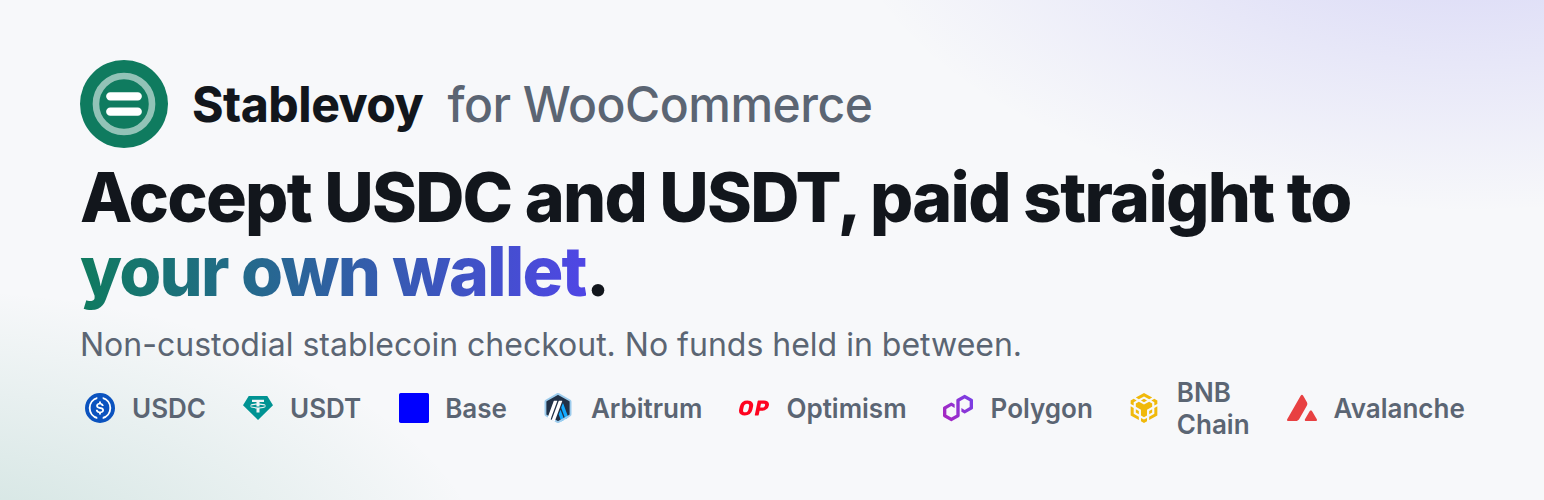
Stablevoy is a non-custodial crypto payment gateway for WooCommerce for the two biggest stablecoins, USDT (Tether) and USDC. Customers pay a dollar amount on chain, and the money goes straight to your own wallet. USDC and USDT are accepted on Base, Arbitrum, Optimism, Avalanche, Polygon and BNB Chain, and USDT on Tron.
Each order gets its own deposit address, backed by an immutable contract that can only forward funds to your payout wallet (minus a fixed fee). Stablevoy never holds your money.
On Tron (USDT TRC20, also written TRC-20) there is no contract at all: the customer pays your own wallet directly, an exact amount identifies the order, and Stablevoy takes no fee. A payment that arrives with another amount, for example from an exchange that took its withdrawal fee out of it, is listed in your Stablevoy dashboard for you to match to the order.
On the payment page the customer can pay on Tron with TronLink in the browser or from a mobile wallet that supports Tron, such as Trust Wallet, over WalletConnect: the page prepares the transfer of the exact amount and the customer confirms it in the wallet.
External service
This plugin connects to the Stablevoy API (the URL you configure, for example https://api.stablevoy.com) to create an invoice for each order and to read your invoice limits. It sends the order total, the order id and the order return URL. Stablevoy sends signed webhooks back to your site when a payment is confirmed. Terms of service: https://stablevoy.com/terms/ Privacy policy: https://stablevoy.com/privacy/