內容簡介
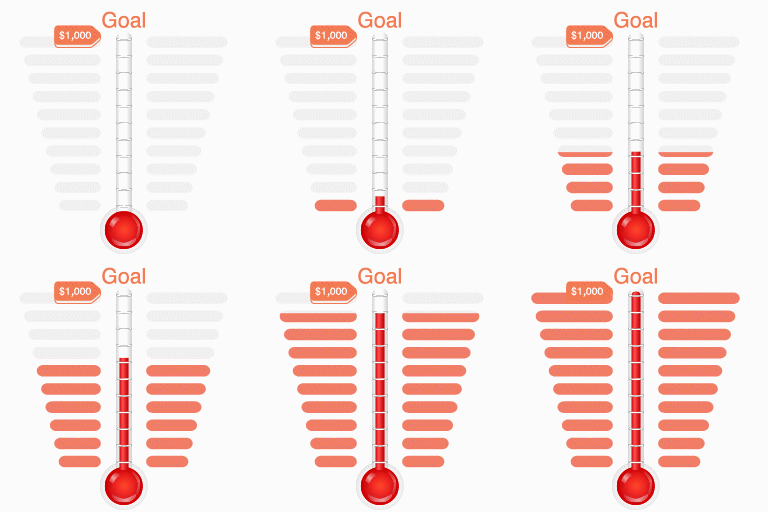
如果你有一個慈善網站,並且希望籌集一些資金?或是你想要購買新電腦,希望得到家人和朋友的幫助?如果是這樣,SponsorMe 可以幫助你直接從你的博客上運行你的活動。它可以讓你展示你的目標是什麼,你已經存了多少錢,還有多少錢是未完成的。如果他們決定捐款,SponsorMe 將收集他們的承諾細節,並允許他們直接通過 PayPal 轉賬到你的帳戶。
外掛包括一個管理介面,你可以在裡面看到你的承諾,一旦你收到資金,你可以檢查它們或刪除它們,如果它們被證明是無效的話。它也允許你改變圖表的顏色和所有有關贊助的細節。
新功能:現在您可以接受那些沒有 PayPal 帳戶的使用者的承諾。如果用戶選擇 "支票" 選項,您需要個別與他們聯繫來安排線下贊助。管理介面讓您跟踪需要聯繫的人以及需要驗證的付款。
該外掛仍在開發中,所以我每天都在添加新功能。我期待聽到您的意見和反饋,如果您想做出貢獻,可以在我的 聯繫頁面 留言。
更多資訊請參考:外掛主頁
外掛標籤
開發者團隊
原文外掛簡介
Do you have a charity website and are looking to raise some funds? Are you saving for a new computer and would like some help from family and friends? If so, SponsorMe can help you run your campaign directly from your blog. It allows you to show people what your target is, how much you have saved and how much is outstanding. And if they decide to contribute, SponsorMe will collect details of their pledge and allow them to make a PayPal payment straight into your account.
The plugin includes an administration interface where you can see your pledges, verify them once you receive the funds or delete them if they prove to be void. It also allows you to change the colours of your graph as well as all the details about what you are looking for sponsorship for.
New Feature You can now accept pledges from users who do not have PayPal. If the user selects the “Cheque” option, you will need to contact them individually to arrange off-line sponsorship. The admin interface lets you keep track of people you need to contact and payments that need verification.
THe plugin is still in development, so I’m adding new features almost every day. I look forward to hearing your comments and feedback, so if you would like to contribute, you can leave me a comment on my Contact Page
Most information at: Plugin Home Page