外掛標籤
開發者團隊
原文外掛簡介
SplashSend is email marketing for shops. This plugin connects your WooCommerce shop to your SplashSend account.
Orders come across as they happen. Each buyer arrives in SplashSend’s People with what they bought, so a drip can thank a first-time buyer or ask for a review once the order ships.
A tick box at checkout. It starts unticked, and only buyers who tick it can be emailed. It works on the classic checkout and the block checkout.
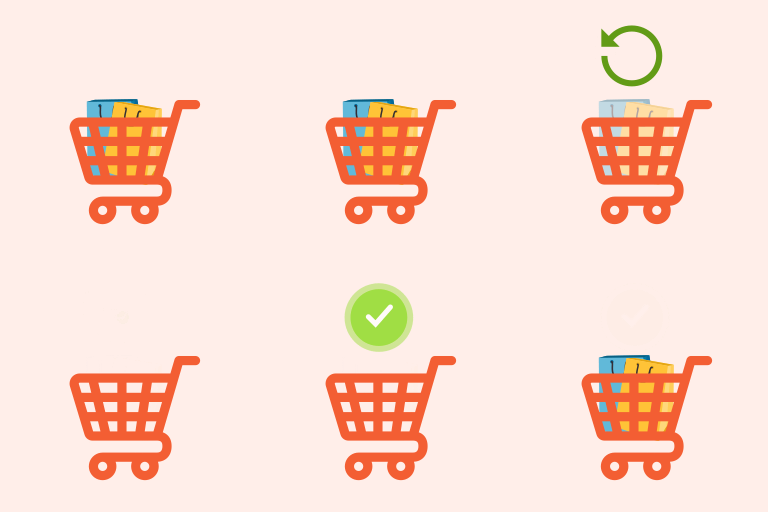
Baskets left at checkout. Once you switch it on, when someone already on your list leaves their basket at checkout, SplashSend can send a reminder with a link that puts the same products back in their basket.
Your products in your emails. Products come across with their pictures, prices and links, ready for product blocks in your designs.
Your forms on your site. The SplashSend form block shows a sign-up form, a Collect form or a review wall on any page.
Website tracking. Once you switch it on, SplashSend’s script notices what people from your emails look at, so a drip can follow up. It follows your cookie banner through the WP Consent API.
You need a SplashSend account to use this plugin. You can sign up free at splashsend.com.
External services
This plugin connects your shop to SplashSend (splashsend.com), the email marketing service it was made for. Until you connect a SplashSend account, the only thing it loads from splashsend.com is a form you add with the SplashSend form block.
Connecting. When you select Connect to SplashSend, you sign in on splashsend.com and choose Allow, and SplashSend gives the plugin access to your account. The plugin asks splashsend.com for your account’s name when it connects, once a day, and when you open its page in WooCommerce, which keeps the connection working.
Orders. When an order is placed, and each time it changes, the plugin sends splashsend.com the order number and date, the buyer’s name, email address and IP address, what they bought, the total and currency, the order’s status, any coupon codes used, and whether they ticked the box at checkout. Bring in past orders sends older orders the same way.
Products. When you connect, and whenever a product changes, the plugin sends each product’s name, description, picture, price, stock, category, tags, link and whether it’s published.
Baskets left at checkout. Off until you switch on basket reminders in WooCommerce, then SplashSend. While it’s on, when a shopper gives their email address at checkout and leaves without ordering, the plugin sends splashsend.com that address, the products in the basket and a link back to it half an hour later. SplashSend only acts on it if the address is already on your list.
Website tracking. Off until you switch it on in WooCommerce, then SplashSend. While it’s on, your shop’s pages load SplashSend’s script from splashsend.com. It notes the products looked at and added to the basket by people who arrived from your SplashSend emails. With a cookie banner that uses the WP Consent API, it waits until the visitor allows marketing.
Forms. A page with the SplashSend form block loads that form from splashsend.com, and what a visitor types into the form goes to SplashSend.
Rewards. Off until you switch it on in WooCommerce, then SplashSend. While it’s on, your shop’s pages load SplashSend’s script from splashsend.com, which shows the Rewards button. When a customer signed in to your shop opens it, the plugin asks splashsend.com for their points by their account’s email address, and a reward they claim comes back as a code the plugin makes into a coupon. When someone types in a reward code your shop doesn’t have yet, the plugin checks the code with splashsend.com before making the coupon.
Disconnecting, or deleting the plugin, tells splashsend.com to end the plugin’s access.
See SplashSend’s terms and privacy policy.