
內容簡介
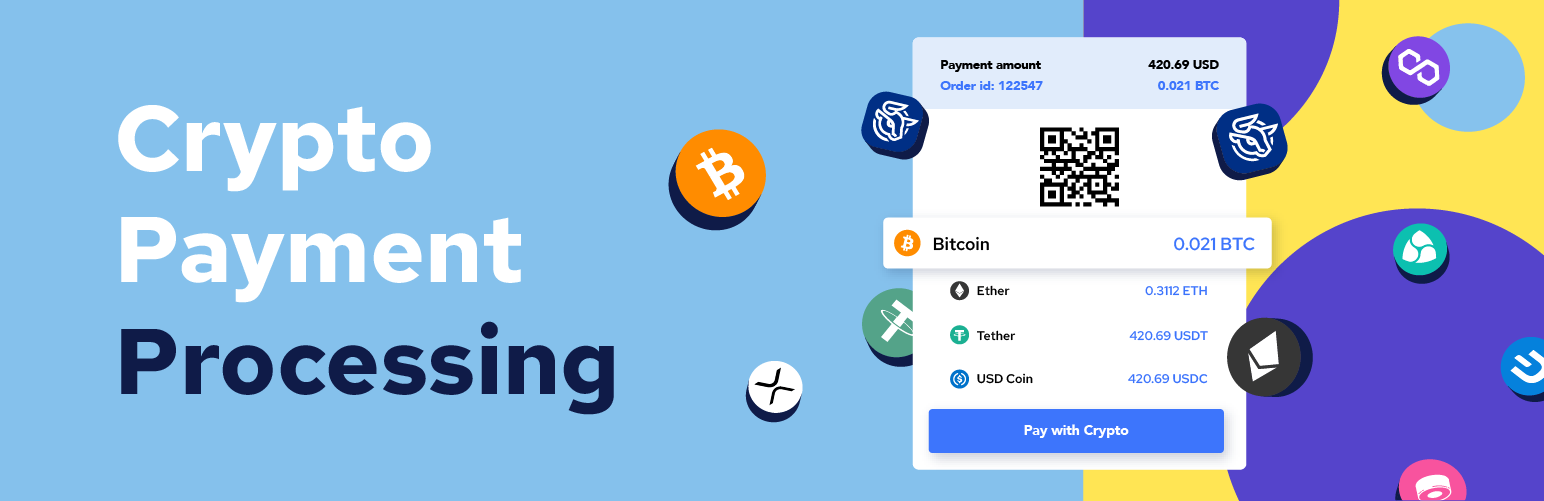
SpectroCoin Payment Extension for WooCommerce 是一款創新的 WordPress 外掛,讓您的 WooCommerce 網店能夠輕鬆接受多種加密貨幣付款,包括 BTC、ETH、USDT 等超過 25 種數位資產,為顧客提供安全無憂的購物體驗。
【主要功能】
• 支援多種加密貨幣付款
• 無縫整合至現有 WooCommerce 商店
• 吸引全球顧客使用安全的加密支付
• 避免價格波動,支持多種法幣結算
• 確保交易安全,保護顧客資訊
• 提供多樣化的支付選項以吸引科技導向顧客
外掛標籤
開發者團隊
② 後台搜尋「SpectroCoin Payment Extension for WooCommerce」→ 直接安裝(推薦)
原文外掛簡介
Welcome to the world of seamless cryptocurrency transactions on your WooCommerce site! With SpectroCoin’s innovative WordPress payment plugin, you can now accept a wide range of cryptocurrencies, including BTC, ETH, USDT, and over 25 other popular digital assets, right on your online store.
Why is this the perfect solution for WooCommerce users? If you are already using WooCommerce, integrating our plugin is the recommended method for venturing into the world of crypto payments. It opens up a whole new realm of possibilities, allowing customers to make secure and hassle-free purchases on your site.
Plugin is now compatible with the new block-based cart, checkout, and order confirmation functionality introduced in WooCommerce 8.3.
Benefits
Accept Multiple Cryptocurrencies: Easily add BTC, ETH, USDT, and 25+ other cryptocurrencies to your WooCommerce site.
Seamlessly integrate the plugin into your existing WooCommerce store without any hassle.
Attract customers from around the world with secure crypto payment options.
Avoid price volatility by settling payments in EUR, USD, GBP, or 20+ supported fiat currencies.
Ensure safe and secure crypto transactions for you and your customers.
Offer a wide range of payment methods to appeal to tech-savvy customers.
Embrace the growing trend of crypto payments, building trust among your audience.
Receive prompt assistance from SpectroCoin’s exceptional customer support team.
How to get API credentials
Sign up for a SpectroCoin Account.
Log in to your SpectroCoin account.
On the dashboard, locate the Business tab and click on it.
Click on New project and fill in the project details.
Submit the project and copy the “Project ID”.
Navigate to Settings -> API and create a new API by providing an API name. Select the following scope groups:
“View merchant preorders”
“Create merchant preorders”
“View merchant orders”
“Create merchant orders”
“Cancel merchant orders”
Copy and store the Client ID and Client Secret securely.
Testing & Callbacks
Order callbacks notify your server when an order’s status transitions to PAID, EXPIRED, or FAILED.
Enable Test Mode in your SpectroCoin project settings.
Simulate payment statuses:
PAID: Updates the order as Completed.
EXPIRED: Updates the order as Failed.
Ensure your callbackUrl is publicly accessible (local servers like localhost will not work).
Check the Order History and callback logs on SpectroCoin to verify callback success.
Debugging
For troubleshooting, navigate to WooCommerce -> Status -> Logs and check the plugin-spectrocoin log file. If additional support is needed, contact SpectroCoin and provide the log details.
Remove plugin
Navigate to WordPress dashboard -> Plugins -> Installed Plugins.
Search for SpectroCoin plugin and click “Deactivate”.
Click “Delete”.
Contact
For support, contact us via:
E-mail: [email protected]
Skype: spectrocoin_merchant
Web
X (formerly Twitter)
Facebook