外掛標籤
開發者團隊
② 後台搜尋「SourceCrate – Post-Purchase Survey & Attribution for WooCommerce」→ 直接安裝(推薦)
原文外掛簡介
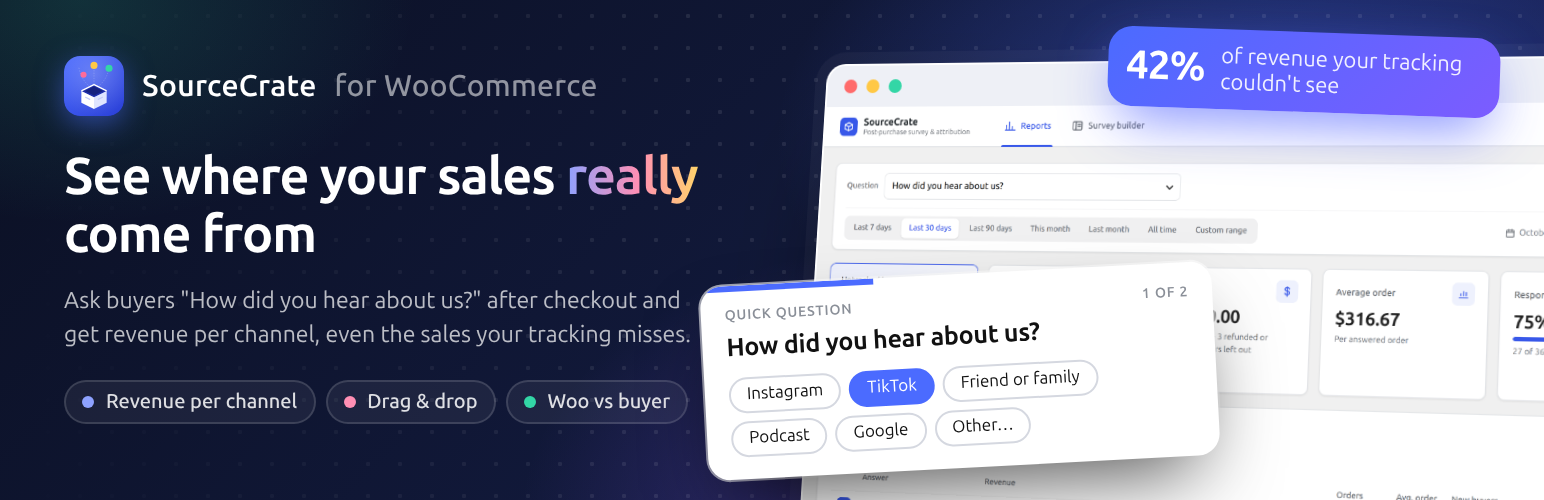
Which marketing brings in sales? Ad tracking misses a lot: cookie banners, iPhone privacy rules, word of mouth, podcasts and TikTok videos all leave no link to follow. So ask the buyer.
SourceCrate shows a short survey on the WooCommerce thank-you page, saves each answer with the order, and turns the answers into revenue per marketing channel: “TikTok brought $4,200 this month, and 60% of those buyers were new.”
What you get, free
“How did you hear about us?” ready on activation, with Google, Instagram, Facebook, TikTok, YouTube, friend or family, podcast and influencer answers. Answers are shuffled for each buyer so the first one is not over-picked.
Drag-and-drop survey builder. Drag fields and ready-made templates onto a live preview of the card, reorder by dragging, and edit everything in the options panel. Desktop and mobile preview, full-screen mode.
Unlimited questions, fully editable. Change the question, add, rename, reorder or remove answers, add “Other” with a text box, make a question skippable or not.
Seven answer types: single choice, multiple choice, dropdown, yes / no, 1–5 star rating, short text and long text.
Ready-made templates: “What almost stopped you from buying?”, “What made you buy today?”, “Which other stores did you consider?” and more.
Ask the right buyers: first-time or returning buyers only, and only (or never) for orders with certain products or categories.
One question at a time. Each answer is saved the moment it is given, so a buyer who stops after the first question still counts. You choose how many questions one buyer sees.
Revenue per answer: orders, revenue after refunds, average order value, share and new-vs-returning buyers for every answer, any date range, plus the response rate.
“Untracked by WooCommerce” headline: the share of revenue your link tracking marked Direct or Unknown, and where those buyers really came from.
On the Orders list: a “Heard about us” column next to WooCommerce’s Origin, and a filter to show only the orders that came from TikTok, a friend or anything else.
“WooCommerce says Direct, the buyer says TikTok.” See WooCommerce’s own order attribution next to what buyers told you, and how much revenue link tracking could not explain.
On the order screen: every answer next to WooCommerce’s attribution.
CSV export of every answer.
Block and classic checkout, HPOS compatible.
Private by design: answers stay in your WordPress database. Nothing is sent anywhere, no account needed. Works with WordPress’s personal data export and erasure tools.
Who it is for
Stores that spend on marketing across two or more channels and want to know which ones sell. You will see patterns from around 50 orders a month.
Why ask instead of track?
WooCommerce’s order attribution only knows the last link a buyer clicked. A buyer who saw you on a podcast, heard about you from a friend, or watched a TikTok and later typed your address shows up as “Direct” or “Unknown”. Only the buyer knows, and most are happy to tell you in one click.