內容簡介
**總結:**
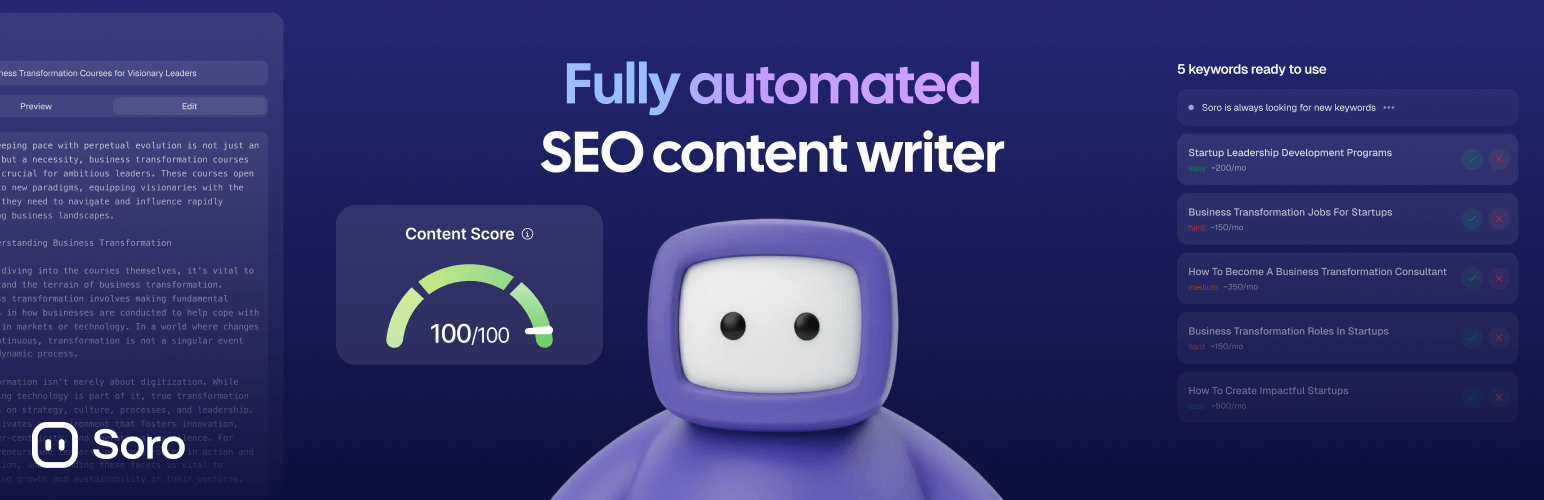
Soro是一個輕量級的外掛程式,將您的WordPress網站連接到Soro,這是一個AI動力的SEO內容平台,可以自動生成並發佈最佳化文章到您的部落格。
**問題與答案:**
1. 如何設定Soro外掛?
- 安裝外掛後,複製您的API金鑰,即可完成連接。
2. 這個外掛如何確保安全性?
- 所有通訊均使用獨特的API金鑰進行身份驗證,確保安全API。
3. Soro外掛是否能自動下載並設置精選圖片?
- 是的,它可以自動下載和設置精選圖片。
4. Soro外掛與哪些SEO工具整合?
- 可與Yoast SEO、Rank Math和All in One SEO協同運作。
5. 如何讓Soro外掛自動在WordPress網站上發佈文章?
- 安裝並啟用外掛後,從「設定」→「Soro」複製您的API金鑰,然後在Soro儀表板的「設定」→「整合」→「WordPress」粘貼金鑰,即可設定Soro以您的時間表自動發布文章。
6. 使用Soro外掛有哪些系統要求?
- 需擁有WordPress 5.0或更新版本、PHP 7.4或更新版本、以及Soro帳戶(可在trysoro.com進行註冊)。
7. 使用Soro外掛時是否會與個人資料有關?
- 這個外掛會與Soro服務(trysoro.com)通訊以接收文章內容進行發佈,但不會從您的WordPress網站向Soro發送任何個人資料。外掛僅接收您在Soro儀表板中配置的內容。
外掛標籤
開發者團隊
② 後台搜尋「Soro – SEO Autopilot & AI Content Writer」→ 直接安裝(推薦)
原文外掛簡介
Soro is a lightweight plugin that connects your WordPress site to Soro, an AI-powered SEO content platform that automatically generates and publishes optimized articles to your blog.
Features
One-Click Setup – Install the plugin, copy your API key, and you’re connected
Secure API – All communication is authenticated with a unique API key
Featured Images – Automatically downloads and sets featured images
SEO Integration – Works with Yoast SEO, Rank Math, and All in One SEO
Lightweight – No bloat, no database tables, minimal footprint
How It Works
Install and activate this plugin
Copy your API key from Settings → Soro
Paste the key in your Soro dashboard under Settings → Integrations → WordPress
Soro will automatically publish articles to your WordPress site based on your schedule
Requirements
WordPress 5.0 or higher
PHP 7.4 or higher
A Soro account (sign up at trysoro.com)
Privacy
This plugin communicates with the Soro service (trysoro.com) to receive article content for publishing. No personal data is sent from your WordPress site to Soro. The plugin only receives content that you have configured in your Soro dashboard.