內容簡介
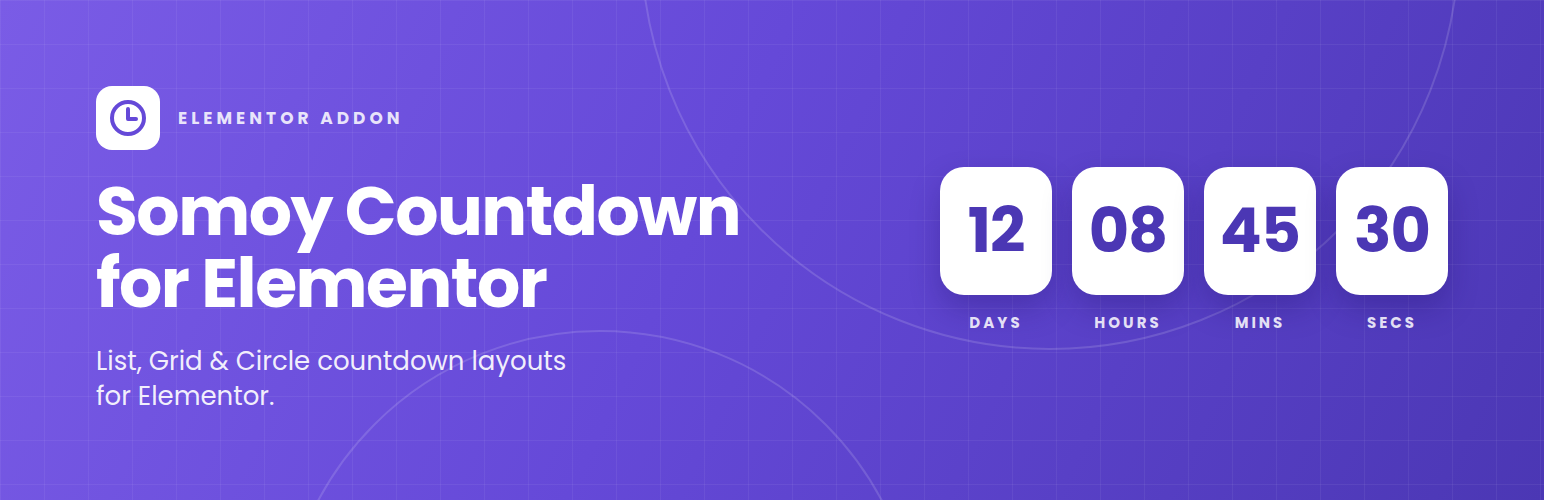
Somoy Countdown for Elementor 是一款專為 Elementor 設計的倒數計時外掛,提供多種佈局選擇與完整的樣式控制,讓使用者能輕鬆設計符合需求的倒數計時器。
【主要功能】
• 提供列表、網格和圓形三種倒數佈局
• 目標日期與時間選擇器
• 自訂倒數結束後的訊息
• 可調整網格欄位數(2、3 或 4)
• 完整的樣式設定,包括背景、邊框、陰影等
• 支援桌面、平板和手機的獨立樣式設定
外掛標籤
開發者團隊
② 後台搜尋「Somoy Countdown for Elementor」→ 直接安裝(推薦)
原文外掛簡介
I built this because most countdown addons either come bundled inside a huge “all-in-one” widget pack or don’t give you enough control over how the boxes actually look. Somoy Countdown is just the one thing: drop it into Elementor, pick a target date, and style it however you want.
You get three layouts to start with — a simple List (the classic row of boxes), a Grid you can lock to 2, 3, or 4 columns, and a Circle style for rounder, badge-like timers. From there, everything is adjustable from Elementor’s own Style tab: background, padding, border, corner radius, shadow, number and label typography, colors, spacing — all of it. And since every size and spacing control is responsive, you can set one look for desktop and a tighter one for mobile without touching CSS.
What it does:
List, Grid, and Circle countdown layouts
Date & time picker for the target
Days / Hours / Minutes / Seconds boxes
Custom message once the countdown hits zero
Grid columns control (2, 3, or 4)
Full box styling — background, padding, border, radius, box-shadow
Separate color, typography, and spacing controls for the numbers and the labels
Independent desktop / tablet / mobile values on every layout and spacing control
Translation-ready