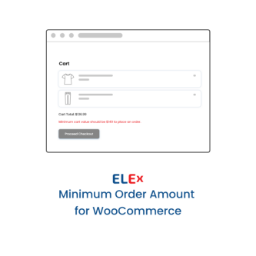
內容簡介
Minimum Order Notice for WooCommerce 外掛幫助 WooCommerce 商店擁有者在顧客結帳前傳達最低訂單要求。用戶可以設定最低訂單金額,並自訂通知文字,確保顧客在滿足條件前無法結帳。
【主要功能】
• 設定自訂最低訂單金額
• 比較購物車小計、折扣後小計或總金額
• 在購物車頁面顯示通知
• 在商店檔案頁面選擇性顯示通知
• 在結帳表單前顯示通知
• 自訂顧客面對的通知與錯誤訊息
外掛標籤
開發者團隊
② 後台搜尋「Minimum Order Notice for WooCommerce」→ 直接安裝(推薦)
原文外掛簡介
Minimum Order Notice for WooCommerce plugin helps WooCommerce store owners communicate a minimum order requirement before customers reach the final checkout step.
You can set a minimum order amount, choose which cart value should be compared, customize the notice text, and decide whether checkout should be blocked while the cart is below the minimum.
Features
Set a custom minimum order amount.
Compare against cart subtotal, discounted subtotal, or cart total.
Show a notice on the cart page.
Optionally show a notice on the shop archive.
Show a notice before the checkout form.
Optionally prevent checkout while the cart is below the minimum amount.
Customize customer-facing notice and checkout error messages.
Use dynamic placeholders for the cart total, remaining amount, and minimum amount.
Compatible with WooCommerce High-Performance Order Storage (HPOS).
Message placeholders
You can use these placeholders in the notice fields:
{cart_total} – The current cart amount used for comparison.
{remaining_amount} – The amount the customer still needs to add.
{minimum_amount} – The configured minimum order amount.