外掛標籤
開發者團隊
② 後台搜尋「SoftIcon Ready-Made Template」→ 直接安裝(推薦)
原文外掛簡介
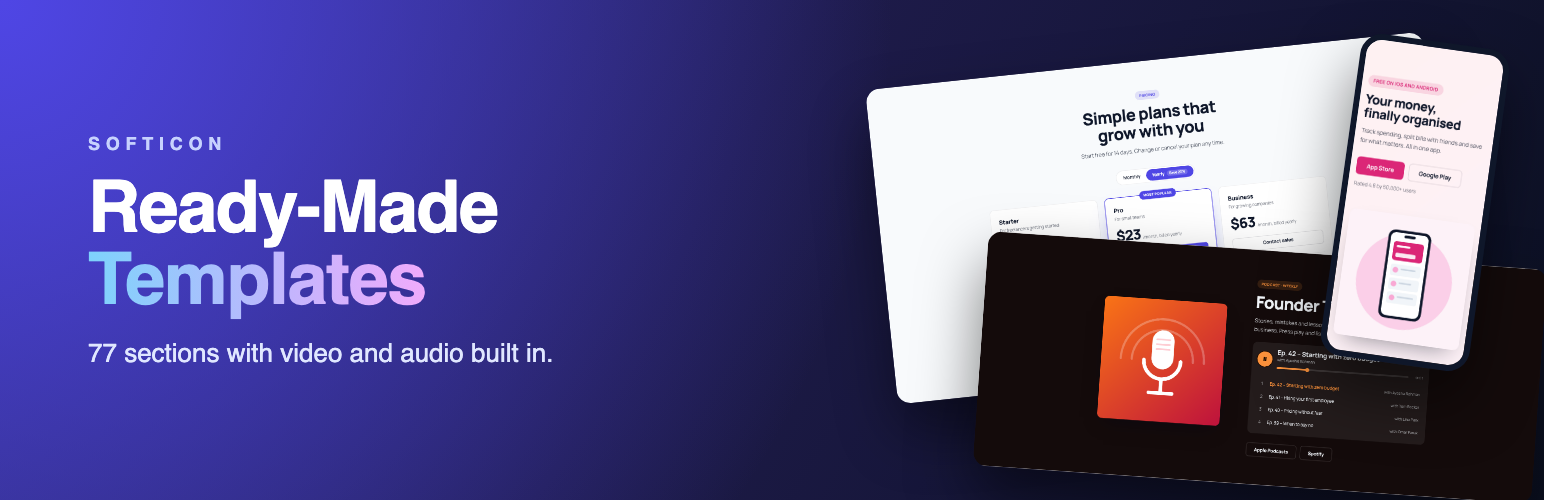
SoftIcon Ready-Made Template adds one block, Ready-Made Template, with a library of finished page sections sorted by category. Insert the block, pick a template, then click any text on the block to change it. Media, links and colors are in the sidebar.
Most template libraries are built from plain blocks, so a video popup, a background video or a podcast player needs another plugin. Here they are part of the template.
Video tutorials: add your first section, edit a template, video and audio and smart sections. Or watch the 30-second trailer and the whole playlist.
Why choose SoftIcon Ready-Made Template?
One block, many templates – every template is the same block, so you learn it once.
Video and audio built in – background video, video popups, play buttons, video and voice testimonials, podcast and music playlists.
Live previews – the library shows each template as it really looks, not a screenshot.
Edit in place – headings, text, quotes and button labels are edited right on the block.
Light on your pages – background videos load only when they scroll into view, YouTube uses the privacy-enhanced domain, and nothing loads for a template without media.
77 templates in 12 categories
Hero (11) – product video popup, full-screen background video, podcast player, restaurant, real estate, online course, event, fitness, app download, AI product
Features & Services (6) – icon cards, four-column benefits, zigzag product tour with video, agency services, local business, app highlights
Call to Action (8) – gradient banner, box, sale and event countdowns, side-by-side bar, background video, app download, course enrollment
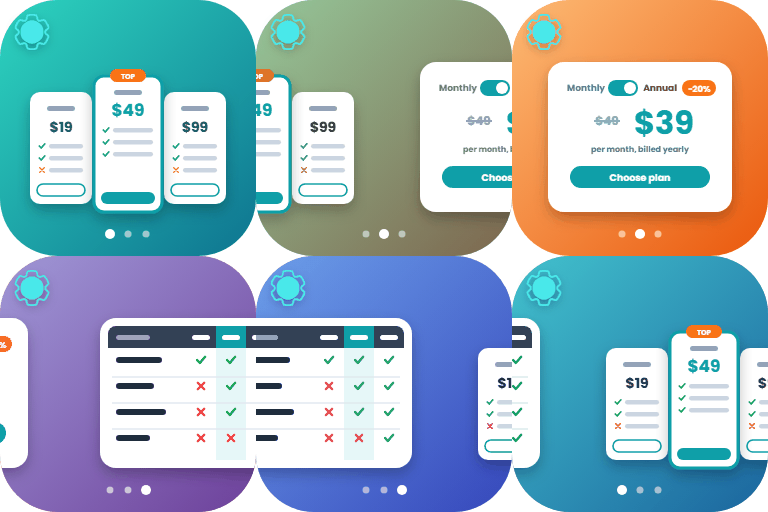
Pricing (7) – monthly / yearly switch, free and Pro, agency packages, single course offer, gym memberships, hourly services
Stats & Numbers (6) – counters that count up as they scroll into view
Logos & Clients (5) – logo row, moving logo row, partner grid, “as featured in”
FAQ (6) – accordion, heading beside questions, grid, video answers, audio answers; FAQ structured data for search results
Contact (5) – details beside a form, with map, project brief, centered form, clinic appointment
Testimonials (5) – review cards, video testimonials, voice reviews, a large single quote, minimal
Team (6) – photo cards, round photos, names over photos, video introductions, doctors, founders
Gallery & Portfolio (6) – masonry with filter, grid, carousel, video reels, restaurant, photographer
Podcast & Music (6) – episode playlist, album, audio message, meditation, audiobook, sermons
Media and interaction
Video: YouTube, Vimeo or a video file (.mp4, .webm), in a popup or in place
Background video: a muted loop from a file, YouTube or Vimeo, with a poster image. Visitors who ask their device for reduced motion see the poster only
Audio: a player with progress bar and playlist. Only one player sounds at a time
Gallery lightbox for images and videos, with arrow keys, filter buttons and a carousel
Countdown timer, monthly / yearly price switch, counting numbers, moving logo row
Contact form that emails you, with spam protection (hidden field, time check, rate limit) and an optional consent checkbox. The recipient address is never shown on the page
Style
Light or dark base colors, plus text, accent and card colors
Background color, gradient, image or video, with an overlay
Layout options for every section: alignment, media position, columns, style variations
Width, height, spacing and corner radius
Wide and full width alignment
External services
The plugin can show content from three outside services. Nothing is loaded from them unless you add a YouTube or Vimeo link or a map address to a block, and the plugin sends no data anywhere when it is only installed.
YouTube (Google) plays YouTube videos you link in a block.
What is sent and when: when a visitor presses play on a YouTube video, or a section with a YouTube background video scrolls into view, the visitor’s browser loads the video from youtube-nocookie.com. YouTube receives the video ID, the visitor’s IP address and the usual browser information.
Terms of service: https://www.youtube.com/t/terms
Privacy policy: https://policies.google.com/privacy
Vimeo plays Vimeo videos you link in a block.
What is sent and when: as for YouTube, the video loads from player.vimeo.com when the visitor presses play or a background video scrolls into view. Vimeo receives the video ID, the visitor’s IP address and browser information.
Terms of service: https://vimeo.com/terms
Privacy policy: https://vimeo.com/privacy
Google Maps shows a map in a Contact section when you enter an address.
What is sent and when: when the map comes near the screen, the visitor’s browser loads it from maps.google.com. Google receives the address you entered, the visitor’s IP address and browser information.
Terms of service: https://maps.google.com/help/terms_maps/
Privacy policy: https://policies.google.com/privacy
The contact form sends messages with WordPress’s own wp_mail() function from your server. If you use an SMTP or email delivery plugin, messages go through the service that plugin is set up with.
Privacy
The plugin adds no cookies and does no tracking.
The contact form sends the visitor’s name, email, message and optional phone number and subject to the site’s email address, or to an address an Editor or Administrator chose. Messages are not saved on the site.
To limit spam, the form keeps a count of messages per visitor for ten minutes under a salted hash of the visitor’s IP address, and at most 30 messages per form each hour (the alrt_contact_hourly_cap filter changes this). The counts are deleted when the plugin is uninstalled.
Suggested text for your privacy policy is added under Settings → Privacy → Policy Guide.
Credits and third-party code
The plugin bundles no third-party libraries.
JavaScript: the editor and front-end scripts use only the WordPress packages that ship with WordPress itself (React, @wordpress/blocks, @wordpress/block-editor, @wordpress/components, @wordpress/i18n and others). They are loaded from WordPress core, not copied into the plugin.
Build tool: @wordpress/scripts (GPLv2 or later) builds the build folder from src. It is a development tool and is not part of the plugin.
Images and icons: every illustration, logo, portrait and icon in the templates and in assets was made for this plugin by its author. They are released with the plugin under GPLv2 or later. The company names in the logo templates are made up.
Shared helper: src/vendor/softicon-tools is the author’s own code, shared between SoftIcon plugins, under the same license.
Product names in sample text: names such as YouTube, Vimeo, Spotify, Apple Podcasts, App Store and Google Play appear only as example button or link text. They belong to their owners; the plugin is not affiliated with them.
Development
The human-readable source code is included in the plugin, in the src folder (JavaScript, SCSS and the block files). The build folder is generated from it with @wordpress/scripts.
To build it yourself you need Node.js 18 or newer:
npm install
npm run build
src/vendor/softicon-tools holds a small helper shared between SoftIcon plugins, written by the same author under the same license.