
外掛標籤
開發者團隊
② 後台搜尋「Social Autopublish for WoopSocial」→ 直接安裝(推薦)
原文外掛簡介
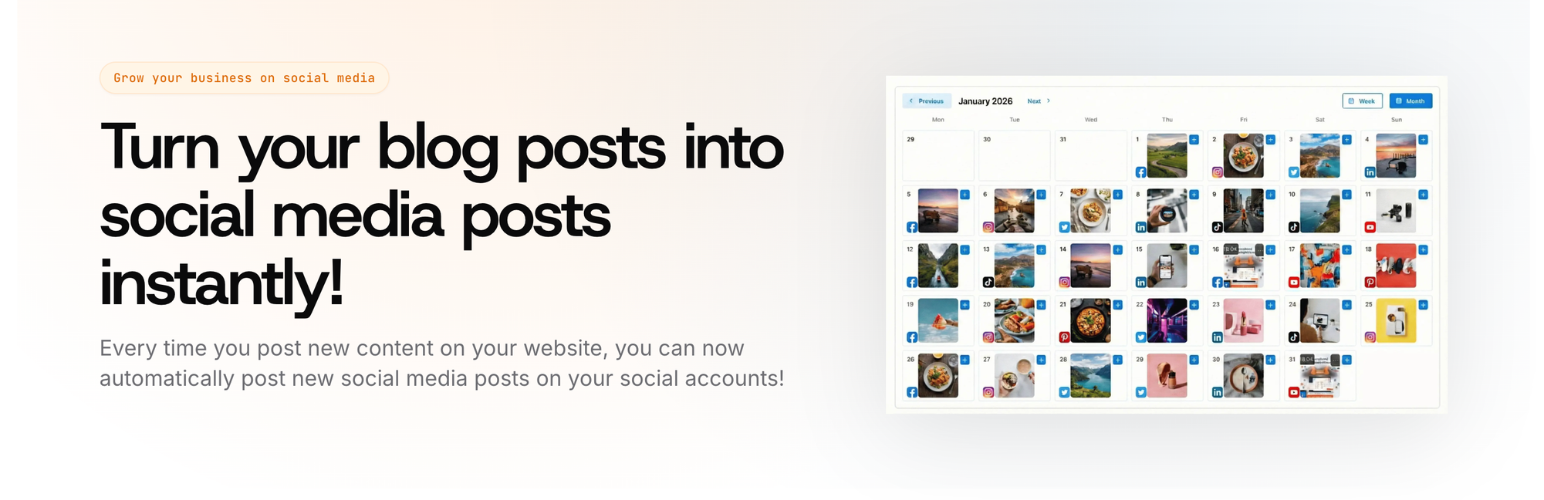
Social Autopublish for WoopSocial connects your WordPress site to the WoopSocial API. It helps creators, bloggers, agencies, and ecommerce teams ship new posts to connected social accounts through your WoopSocial workspace.
Supported publishing channels (through your connected WoopSocial accounts):
X (Twitter)
Facebook
Instagram
LinkedIn
LinkedIn Pages
Pinterest
Notes:
This WordPress plugin does not include TikTok/YouTube delivery as these are not text/image based platforms.
Available channels depend on the social accounts you have connected to WoopSocial within your selected project.
How the plugin works
You publish a post on your WordPress website
The plugin automatically checks your set up rules (which post types, categories/tags filters, and any safety delay / dedicated times you’ve selected)
The plugin creates platform-specific messages using your own templates
The plugin pushes the social media messages per social media platform
WoopSocial queues and publishes to your selected destinations on social media.
The plugin then records an audit entry in wp-admin, retries failures automatically, and tracks final failures in a dead-letter log.
API key integration
To connect the plugin:
In WordPress admin, go to Settings > Social Autopublish.
Generate or copy your API key from woopsocial.com/api-access (or from the WoopSocial Dashboard left sidebar).
Paste your key into the API key field and click Save API Key and Get Projects.
Select your Project, then Save Project Selection.
In Destination social accounts, select one or more destination accounts per social media platform.
Configure any required Pinterest settings (board selection) and save changes.
Publish your first post.
Core features
Automatic publishing when a post transitions to published (when enabled)
Manual Send to WoopSocial now action in the post editor
Per-platform message templates using {title} and {url} placeholders
Templates are configured inside the destination account section (next to each platform)
UTM tracking (utm_source, utm_medium, utm_campaign) when enabled
Smart queue windows to post only during specific times of the day
Optional category/tag filtering
Pinterest board selection (supports selecting multiple boards per Pinterest account)
Image rules:
Instagram and Pinterest require a featured image on the WordPress post (the plugin uploads it via POST /media) as the platforms require this for every post
X, LinkedIn, and Facebook rely on link previews from your templates (use {url} in templates)
Retry handling with dead-letter tracking and an audit log in wp-admin
Who this is for
Content marketers distributing blog content across many channels
SEO teams who want social amplification immediately on publish
Agencies managing multiple brands via WoopSocial
Store owners sharing product and announcement posts automatically
External services
This plugin connects to the WoopSocial API to validate your API key, load your WoopSocial projects and social accounts, fetch Pinterest boards, upload featured images for supported networks, and publish posts to your selected destinations.
When data is sent:
On connection checks and settings refresh, the plugin sends your configured API key to WoopSocial endpoints to validate connectivity and retrieve your available projects/social accounts/boards.
When a post is published (or manually sent), the plugin sends post content (title, URL, message template output), selected destination account IDs, and scheduling data.
For Pinterest and Instagram flows that require media, the plugin uploads the post featured image file to WoopSocial before publishing.
Service provider: WoopSocial
Terms of Service: https://woopsocial.com/terms
Privacy Policy: https://woopsocial.com/privacy-policy