
內容簡介
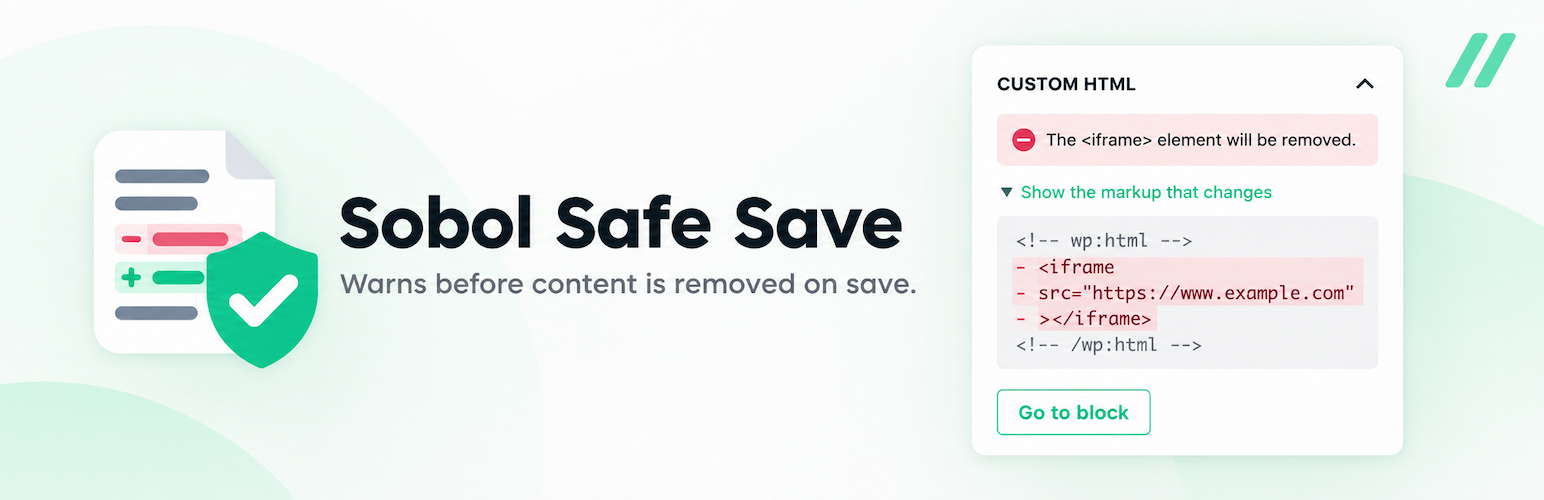
Sobol Safe Save 外掛能夠在使用者儲存內容前,提前警告可能會被移除的 HTML 元素,避免編輯器關閉後內容顯示錯誤的情況。這對於普通用戶(如作者和貢獻者)來說,特別重要,因為他們常常會受到 WordPress 的內容過濾影響。
【主要功能】
• 寫作時即時檢查內容
• 儲存前提供警告
• 列出受影響的區塊
• 顯示將被移除的元素
• 兼容區塊編輯器
• 不會阻止儲存操作
外掛標籤
開發者團隊
原文外掛簡介
WordPress quietly removes HTML that the person saving is not allowed to publish. No warning, no
notice, no record: the editor closes, the content looks wrong, and nobody knows why.
It happens more often than most people realise, because it has nothing to do with the content and
everything to do with who saved it. Anyone without the unfiltered_html capability is affected —
that is every Author and Contributor on a normal site, and every user except the super admin on
multisite, site administrators included.
Sobol Safe Save tells you before it happens.
What it does
Checks your content while you write, a moment after you stop typing.
Warns you before you save that this save will change your content.
Lists which blocks are affected, and takes you to them.
Says what will go: a removed