內容簡介
總結:SmartUsername - 安全管理員登入重命名和使用者名稱編輯工具是WordPress管理員的終極解決方案,用戶可以修改登入名稱而不需要創建新帳戶或繁瑣的解決方案。
1. 這個外掛適合哪些用途?
- 網站管理員需要更新使用者登入名稱
- 管理多個客戶網站的機構
- 需要修改用戶名稱的會員網站
- 公司網站需要更改員工名稱
- 需要更新客戶登入名稱的電子商務網站
2. 如何操作這個外掛?
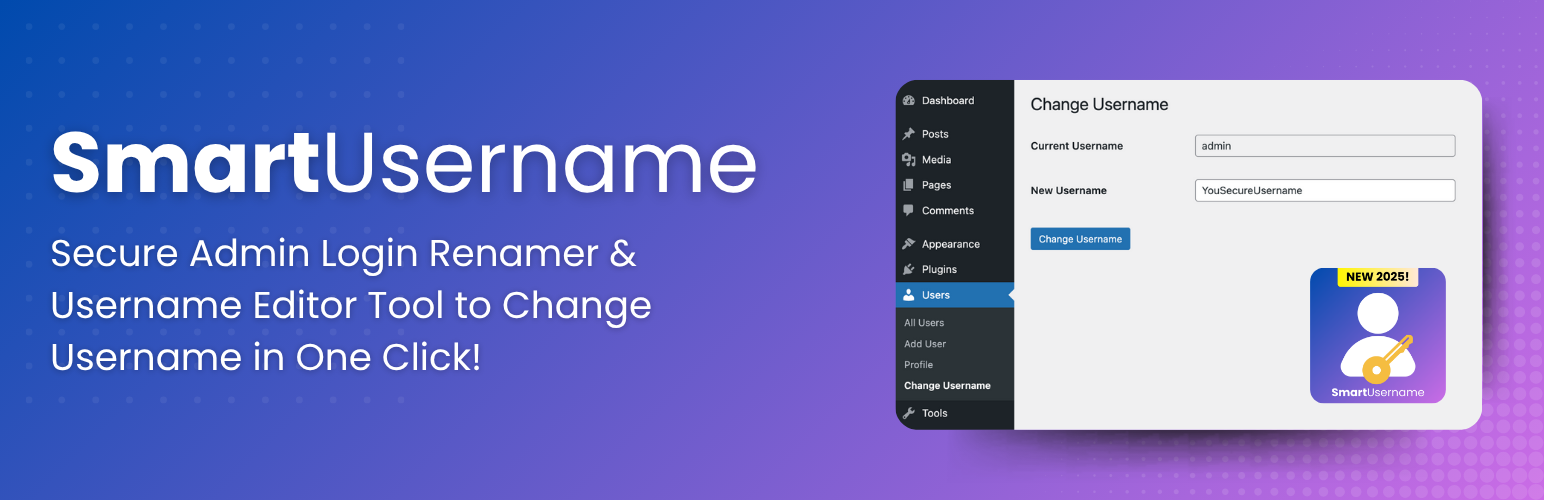
- 在WordPress管理員中,前往使用者 -> 變更使用者名稱
- 輸入您想修改的目前使用者名稱
- 輸入新的期望使用者名稱
- 點選「變更使用者名稱」即可完成操作
3. 這個外掛的安全性如何?
- 內建嚴謹的WordPress安全最佳實踐和正確的nonce驗證
- 檢查使用者權限以確保僅授權使用者可以進行更改
- 輸入清潔和驗證
- 遵循WordPress安全最佳實踐
HTML列表:
<ul>
<li>為網站管理員提供簡單介面</li>
<li>建立安全的流程</li>
<li>只有具備適當權限的使用者可以更改使用者名稱</li>
<li>即時更新,需要適當的快取清除</li>
<li>無需技術知識,只需要輸入舊和新使用者名稱</li>
<li>遵循所有WordPress編碼標準和外掛指南</li>
</ul>
外掛標籤
開發者團隊
② 後台搜尋「SmartUsername – Secure Admin Login Renamer & Username Editor Tool」→ 直接安裝(推薦)
原文外掛簡介
SmartUsername – Secure Admin Login Renamer & Username Editor Tool is the ultimate solution for WordPress administrators who need to modify user login names without the hassle of creating new accounts or complex workarounds.
Key Features
Simple Interface: Clean, intuitive admin interface integrated seamlessly into WordPress
Secure Process: Built with WordPress security best practices and proper nonce verification
Administrator Control: Only users with proper permissions can change usernames
Instant Updates: Changes take effect immediately with proper cache clearing
User-Friendly: No technical knowledge required – just enter the old and new username
WordPress Standards: Follows all WordPress coding standards and plugin guidelines
Perfect For
Site Administrators who need to update user login names
Agencies managing multiple client websites
Membership Sites requiring username modifications
Corporate Websites with changing employee usernames
E-commerce Sites needing to update customer login names
How It Works
Navigate to Users → Change Username in your WordPress admin
Enter the current username you want to change
Enter the new desired username
Click “Change Username” – it’s that simple!
The plugin handles all the technical details including database updates, cache clearing, and security verification.
Security First
SmartUsername – Secure Admin Login Renamer & Username Editor Tool is built with security as a top priority:
* Proper nonce verification for all form submissions
* Capability checks to ensure only authorized users can make changes
* Input sanitization and validation
* Follows WordPress security best practices
Support & Updates
This plugin is actively maintained and regularly updated to ensure compatibility with the latest WordPress versions.
License
This plugin is licensed under the GPLv2 or later.