內容簡介
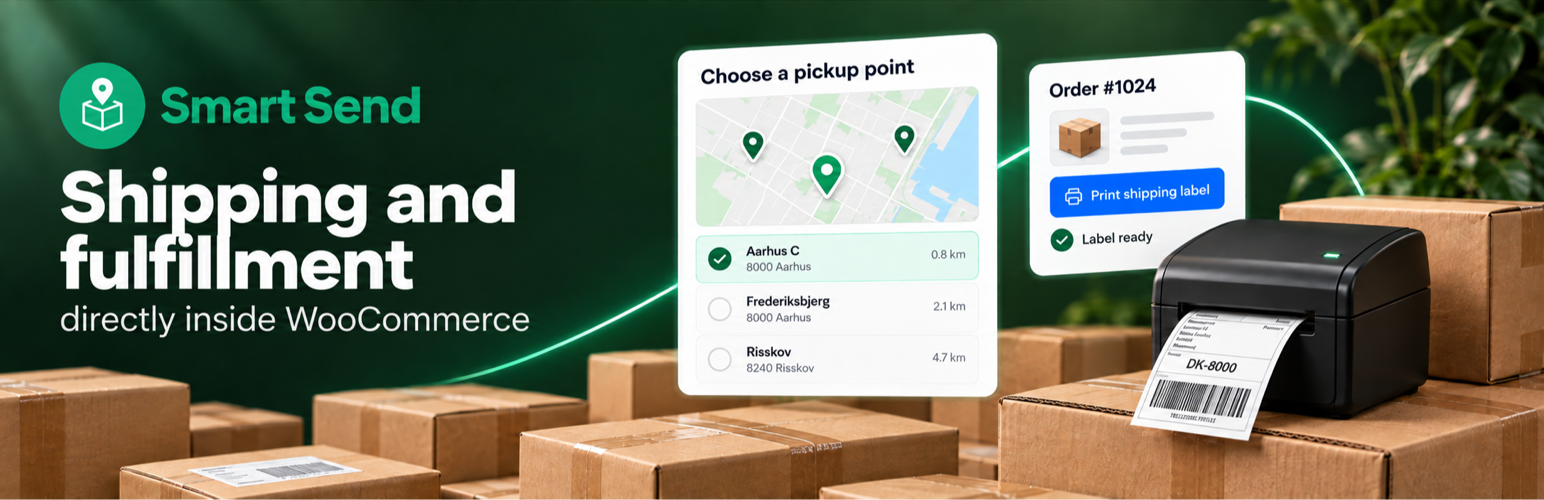
Smart Send 將運送功能整合至 WooCommerce,讓顧客可以選擇收貨方式,並根據訂單詳情直接創建運送標籤,簡化了運送流程。
【主要功能】
• 提供多種運送選擇,如宅配和取貨點
• 讓顧客在結帳時選擇方便的取貨點
• 設定運費並在適合時提供免運優惠
• 直接從訂單創建和列印運送標籤
• 創建退貨標籤並管理追蹤號碼
外掛標籤
開發者團隊
📦 歷史版本下載
原文外掛簡介
Smart Send brings shipping into WooCommerce. Let customers choose how they receive their order, then create shipping labels using the order details already in your store.
What you can do
Offer home delivery and pickup points from carriers including PostNord, GLS, DAO, Bring, Burd and Budbee.
Let customers choose a convenient pickup point at checkout.
Set your shipping prices and offer free shipping when it suits your store.
Create and print shipping labels directly from your orders, without copying customer details into another system.
Create return labels and keep labels and tracking numbers together on the order.
Works with both the classic WooCommerce checkout and the WooCommerce Checkout Block.
A Smart Send account is required.
For setup instructions and detailed feature guides, visit the WooCommerce documentation.
Developers
Use Smart Send’s hooks and filters to customize shipping rules, pickup points and label creation.
See the developer reference for supported hooks and code examples, and the versioned plugin reference for the complete API contracts and upgrade guidance.