內容簡介
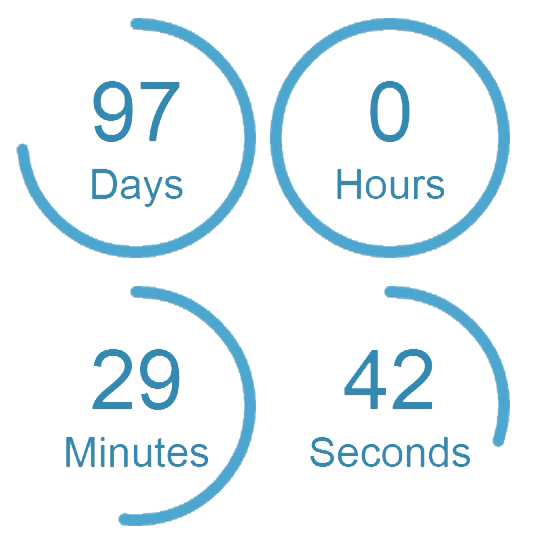
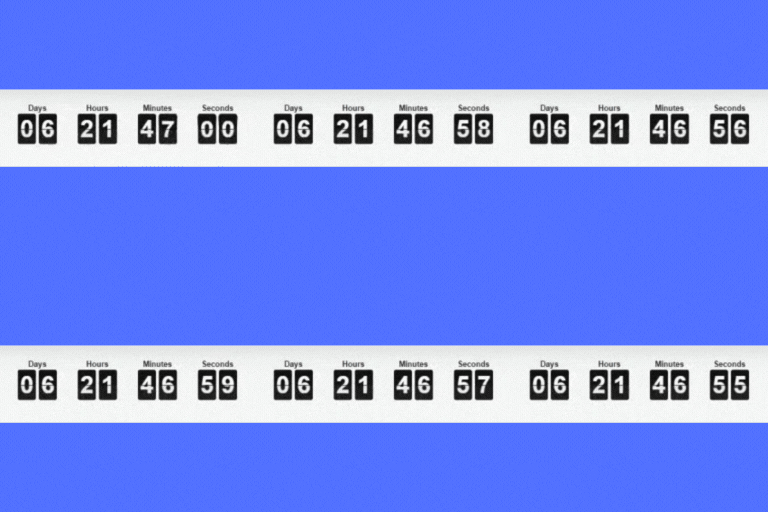
總結:Smart Countdown Scarcity 透過在 WooCommerce 商品頁面上顯示動態的、具有倒數計時器的限時特賣橫幅,幫助提升轉換率,減少購物車棄單,該外掛能自動偵測產品的特賣狀態,顯示倒數計時器並呈現特賣訊息,創造緊迫感,鼓勵客戶快速完成購買。
問題與答案:
1. Smart Countdown Scarcity 如何幫助提高轉換率和減少購物車棄單?
- 透過在 WooCommerce 商品頁面上顯示動態的、具有倒數計時器的限時特賣橫幅。
- 自動偵測特賣產品並顯示倒數計時器與折扣資訊,創造緊迫感鼓勵客戶快速完成購買。
2. Smart Countdown Scarcity 的主要特點有哪些?
- 自動偵測並展示目前特賣商品的橫幅。
- 動態倒數計時器與 WooCommerce 特賣時間表同步。
- 可自訂橫幅外觀、訊息和風格。
- 可透過 shortcode 在商品頁面、標題、頁尾或任何區域展示橫幅。
- 使用 shortcode 可在文章、頁面、樣板或小工具中。
- 後台表單可指定特賣訊息並透過單選按鈕選擇產品。
外掛標籤
開發者團隊
原文外掛簡介
Smart Countdown Scarcity helps boost conversions and reduce cart abandonment by displaying dynamic, time-sensitive sale banners with countdown timers on WooCommerce product pages. The plugin automatically detects when a product is on sale and shows a countdown timer with discount information, creating a sense of urgency that encourages customers to complete purchases quickly.
Key Features
Automatically detect and display banners for products currently on sale.
Dynamic countdown timers synced with WooCommerce sale schedule.
Customize banner appearance, messaging, and styling.
Show banners on product pages, headers, footers, or any area via shortcode.
Add multiple banners on a single page using shortcodes.
Use shortcode in posts, pages, templates, or widgets: [smart_countdown_banner]
Backend form to assign sale messages and select products via radio buttons.
Requirements
WordPress 6.7 or newer.
WooCommerce 9.9.4 or newer.
PHP 8.0 or higher.
Usage
Use the shortcode [smart_countdown_banner] in:
Classic Editor or Block Editor (Gutenberg).
Template files via
Widgets, headers, footers, or anywhere shortcode is supported.
You can use the shortcode multiple times on a page to show multiple banners.
External Service Usage
This plugin does not use any external services or send data to third-party servers.