內容簡介
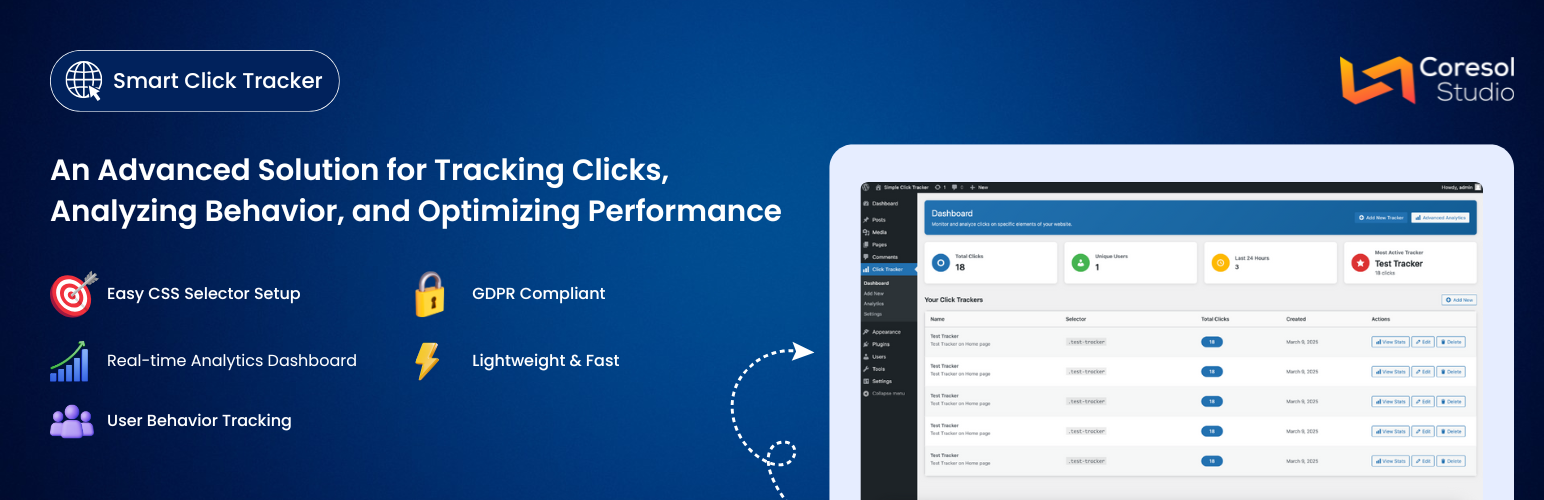
Smart Click Tracker 是一款輕量級的 WordPress 外掛,幫助您追蹤和分析網站上的點擊行為。無論是監控按鈕點擊、連結互動或其他元素,這款外掛提供必要的工具,讓您能夠做出數據驅動的決策。
【主要功能】
• 元素點擊追蹤:使用 CSS 選擇器追蹤任何元素的點擊
• 進階分析:提供點擊趨勢的視覺化圖表
• 日期範圍過濾:依自訂日期範圍過濾分析數據
• 設備偵測:了解用戶在桌面、手機和平板的互動
• 用戶追蹤控制:選擇追蹤登入用戶、匿名用戶或兩者
• 數據保留:根據設定自動清理舊的追蹤數據
外掛標籤
開發者團隊
原文外掛簡介
Smart Click Tracker is a lightweight WordPress plugin that helps you track and analyze clicks on your website. Whether you want to monitor button clicks, link engagement, or any other element interactions, this plugin provides the tools you need to make data-driven decisions.
Key Features
Element Click Tracking – Track clicks on any element using CSS selectors
Advanced Analytics – Visual charts for clicks over time, hourly distribution, and device breakdown
Date Range Filtering – Filter analytics data by custom date ranges and specific trackers
Device Detection – See how users interact across desktop, mobile, and tablet devices
User Tracking Controls – Choose to track logged-in users, anonymous users, or both
Data Retention – Automatic cleanup of old tracking data based on your retention settings
IP Anonymization – Built-in option to anonymize visitor IP addresses for privacy compliance
Rate Limiting – Prevents duplicate click tracking from the same user in quick succession
Lightweight – Minimal impact on page load times with asynchronous tracking
Use Cases
Conversion Optimization – Identify which CTAs and buttons get the most clicks
UX Research – Understand how users interact with your site layout
Content Strategy – Measure engagement on specific content elements
A/B Testing Support – Compare click rates on different page elements
Privacy
Smart Click Tracker is designed with privacy in mind:
Optional IP address anonymization
Configurable data retention period
Minimal data collection (no cookies, no third-party services)
All data stored locally in your WordPress database