內容簡介
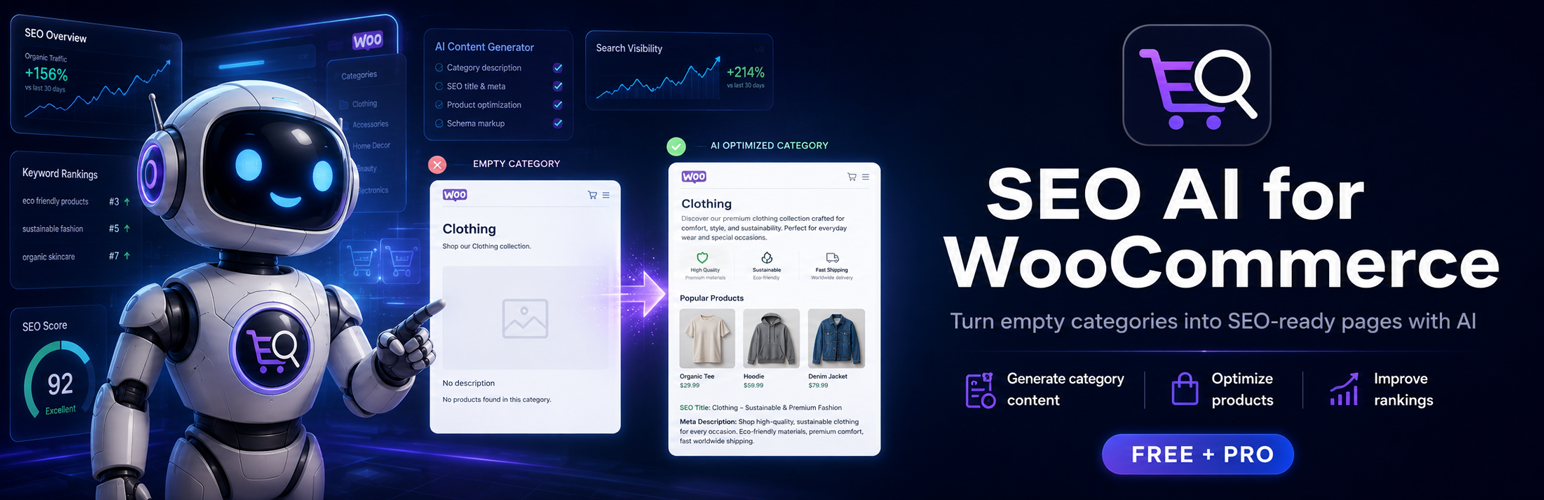
SEO AI for WooCommerce 是一款幫助網店擁有者解決目錄常見問題的外掛,專注於填補空白類別頁面及簡化冗長描述,提升 SEO 效果,讓網店看起來更專業。
【主要功能】
• 自動填補空白類別頁面
• 提供可變數據庫以生成獨特內容
• 支援長文本折疊顯示
外掛標籤
開發者團隊
原文外掛簡介
SEO AI for WooCommerce helps store owners fix two common catalog problems:
Empty category pages that look unfinished and weak for SEO.
Long descriptions that overwhelm shoppers on category and product pages.
Free: Fill Empty Categories
No API key required. One shared category template with variables ({category_name}, prices, and more).
Open Generate SEO in the admin menu.
Write or paste a category template, then Count and Preview.
Approve rows and Apply — Free writes that one template into WooCommerce category descriptions (variables make each category unique).
Optional: keep a runtime template for any categories that stay empty.
Includes: variable library with click-to-insert, Display Studio (collapse long text), and clear PRO upsell for AI workflows.
PRO: Bulk SEO with AI
Upgrade for unique AI-generated text per category and product, SERP packages, queue, cost estimate, and one-click rollback. Same plugin — PRO add-on sold separately.
Free features
Generate SEO (template) — one category template, preview, approve, and write to the database.
Runtime template fallback for empty product_cat pages (optional).
Variable library + quick phrases for store-ready wording.
Live preview with real category data and collapse mockup.
Variable library: {category_name}, {products_count}, {min_price}, {max_price}, {shop_name}, and more.
Optional setup wizard + victory flow after first save.
Text collapse for category descriptions (desktop + mobile line limits).
Optional collapse for product full and short descriptions.
Button presets, alignment, fade gradient, exclusions.
Shortcodes [scatseo_toggle] / [scatseo_collapse].
Compatible with AJAX/PJAX themes (e.g. WoodMart-style category tabs).
PRO features (add-on)
AI generation for categories, product descriptions, and excerpts.
SERP packages (title, meta, focus keyphrase) with Yoast / Rank Math adapters.
Batch preview, Quality Guard, cost estimate, rollback.
Per-category templates, {if} conditionals, bulk write to database.
Private updates via license server.
Privacy (Free): settings stay in your WordPress database. The free plugin does not call external APIs.
Quick Start (Free, ~60 seconds)
Open Generate SEO.
Paste a category template with variables (or keep the saved one).
Count items, then Preview and review template.
Approve all → Apply approved changes.
Confirm text on a live category page.
Pass criteria: visible category text on the storefront for an empty category, without editing each category in WooCommerce.
Quick Start (PRO)
Connect AI API key → test key.
Count empty entities → AI preview → run batch.
Rollback last batch if needed.