
內容簡介
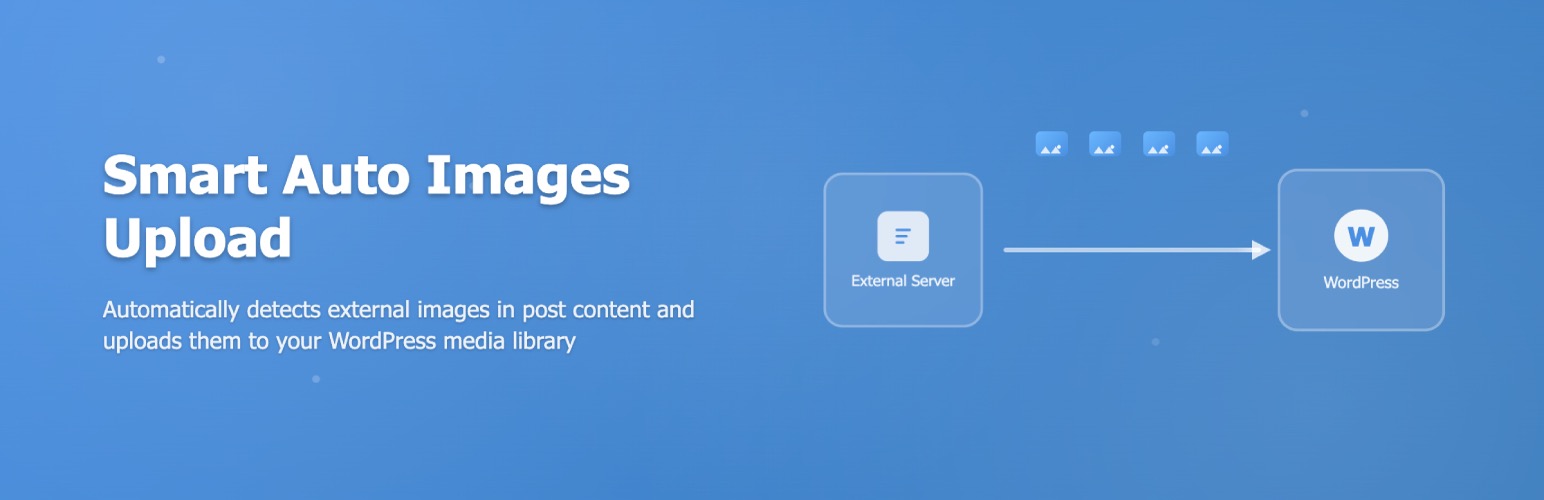
總結:這個外掛在儲存文章時,會掃描內容中的外部圖片網址,自動下載圖片、上傳到 WordPress 媒體庫,並將原本的網址替換為新的在您伺服器上托管的網址。
問題與答案:
1. 這個 WordPress 外掛在什麼情況下會自動執行下載和上傳外部圖片的功能?
- 答:在儲存文章時,這個外掛會自動掃描內容中的外部圖片網址,並將圖片下載並上傳到 WordPress 媒體庫中。
2. 這個外掛提供了哪些功能?
- 答:這個外掛可以自動檢測文章中的外部圖片、替換原始圖片網址、將導入的圖片加入到 WordPress 媒體庫、從自動上傳功能中排除特定自訂文章類型、指定要排除的圖片導入域、定義上傳圖片的自訂基本 URL、設置上傳圖片的自訂檔名格式、設置導入圖片的自訂 alt 文本格式、定義上傳圖片的最大寬度和高度。
外掛標籤
開發者團隊
② 後台搜尋「Smart Auto Upload Images – Import External Images」→ 直接安裝(推薦)
原文外掛簡介
Smart Auto Upload Images automatically imports external images from your post content into your WordPress media library. When you save or update a post, the plugin detects any external image URLs, downloads them to your server, and replaces the original URLs with your hosted versions. This improves site performance, ensures image availability, and gives you complete control over your content.
Why Auto Upload Images to Your Media Library?
When you copy content from external sources or use remote images, you risk broken images when the original source removes them. Hosting images on your own server provides several benefits:
Better SEO performance – Search engines favor self-hosted images
Faster page load times – Eliminates external HTTP requests
Full content control – Images remain available even if sources go offline
How Auto Upload Images Works
The plugin runs automatically whenever you save or update a post. Here’s the process:
Scans post content for external image URLs (any image not hosted on your domain)
Downloads each external image to a temporary location
Validates image file integrity and format
Uploads valid images to your WordPress media library
Replaces original external URLs with new local URLs
Attaches imported images to your post in the media library
No manual intervention required. Just write your content and let the plugin handle the rest.
Key Features
Automatic External Image Detection
The plugin automatically identifies external images in your post content when you save. It distinguishes between local images (already hosted on your site) and external images that need importing.
Smart URL Replacement
After importing images, the plugin intelligently replaces all instances of the external URL with your new local URL. This works with images in:
Post content (Classic Editor and Gutenberg blocks)
Image galleries
Featured images
Media Library Integration
All imported images are added to your WordPress media library with proper metadata. You can:
Edit images using WordPress image editor
View which post each image is attached to
Set custom alt text during import
Apply your site’s image optimization settings
Flexible Domain Exclusions
Exclude specific domains from auto-import. Useful for:
CDN-hosted images you want to keep external
Partner websites where you have permission to hotlink
Your own secondary domains
Social media embeds you want to keep as external
Custom Post Type Control
Choose which post types trigger auto-upload. Enable for:
Posts and pages (default)
WooCommerce products
Custom portfolio post types
Documentation posts
Or disable for specific types you want to skip
Advanced File Naming Patterns
Set custom file naming patterns for imported images using dynamic tags:
%filename% – Original filename
%post_title% – Current post title
%post_id% – Post ID
%image_title% – Image title attribute
%date% – Current date
%time% – Current timestamp
Example: %post_title%-%filename% becomes my-blog-post-example-image.jpg
Custom Alt Text Patterns
Define alt text patterns for better SEO:
%post_title% – Use post title in alt text
%filename% – Use filename as alt text
Custom text – Set consistent alt text across imports
Image Size Constraints
Set maximum width and height for imported images to:
Control storage usage
Maintain consistent image sizes
Automatically resize oversized images
Prevent huge images from slowing your site
Featured Image from URL
Set a post’s featured image using an external URL. The plugin will:
Download the image from the URL
Import it to your media library
Set it as the post’s featured image
Work via REST API or post editor
How to Import External Images from Posts
Install and activate Auto Upload Images
Go to Settings → Auto Upload Images
Configure your preferences (or use defaults)
Create or edit any post with external images
Click Save or Update – images import automatically
Check your Media Library to see imported images
How to Exclude Specific Domains
If you want to prevent images from certain domains from being imported:
Go to Settings → Auto Upload Images
Find the “Excluded Domains” section
Enter domains one per line (e.g., cdn.example.com)
Save settings
Images from excluded domains will be left as external URLs
How to Set Custom File Names for Imported Images
Navigate to Settings → Auto Upload Images
Find “File Name Pattern” setting
Enter your pattern using available tags:
Example: %post_title%-%filename%
Example: imported-%date%-%filename%
Save settings
New imports will use your naming pattern
This helps organize your media library and improves SEO with descriptive file names.
How to Set Featured Image via URL
Using the Post Editor:
Edit your post
Find the Featured Image section in the sidebar
Enter the external image URL in the “Set from URL” field
The image imports automatically and sets as featured image
Integration with Page Builders
Auto Upload Images works with popular page builders:
Gutenberg Block Editor
All images in Gutenberg blocks are automatically detected and imported when you save the post.
Classic Editor
External images in Classic Editor content are imported on post save.
WooCommerce
Enable auto-import for Product post type to automatically import external product images.
Custom Post Types
Configure any custom post type to trigger auto-import functionality.
Just ensure Auto Upload Images is active when running imports.
Performance and Storage Considerations
Server Storage
Imported images consume server storage. Monitor your hosting plan’s disk space if importing large quantities of images.
Import Speed
Import time depends on:
* Image file sizes
* Your server’s download speed
* Number of images per post
* Configured maximum dimensions
Optimization Tips
Set maximum width/height to reduce storage
Use an image optimization plugin after import
Exclude domains hosting very large images
Test with small batches before bulk imports
Developer Features
Filter: smart_aui_validate_image_url
Programmatically control which image URLs get imported.
`
add_filter( ‘smart_aui_validate_image_url’, function( $is_valid, $url ) {
// Skip images from specific paths
if ( strpos( $url, ‘/cdn/avatars/’ ) !== false ) {
return false;
}
return $is_valid;
}, 10, 2 );
`
Additional Hooks
Check plugin documentation for additional filters and actions to customize behavior.
Troubleshooting
Images Not Importing
Problem: External images remain unchanged after saving post
Solutions:
* Check if domain is in excluded domains list
* Verify your server can make external HTTP requests
* Check WordPress debug log for errors
* Ensure PHP has necessary image processing libraries
* Verify write permissions on uploads directory
Import Errors in Debug Log
Problem: Seeing errors in wp-content/debug.log
Solutions:
* Check image URL is publicly accessible
* Verify image format is supported (JPG, PNG, GIF, WebP)
* Ensure external server allows download/hotlinking
* Check SSL certificate validity if using HTTPS images
Images Upload but URLs Not Replaced
Problem: Images added to media library but old URLs remain
Solutions:
* Clear any caching plugins
* Check post content in Text/HTML mode
* Verify images aren’t in excluded domain list
* Review file naming pattern doesn’t cause conflicts
Duplicate Images in Media Library
Problem: Same image imported multiple times
Solutions:
* Plugin should detect and reuse existing images (v1.2.0+)
* Check if images have different URLs but same file
* Clear media library of duplicates and re-save post
Featured Image Not Setting from URL
Problem: Featured image URL not importing
Solutions:
* Verify URL is publicly accessible
* Check image format is supported
* Ensure PHP memory limit is sufficient
* Review error logs for specific error messages
Maximum Width/Height Not Applied
Problem: Images exceed configured dimensions
Solutions:
* Ensure GD or ImageMagick is installed on server
* Check PHP memory limit allows image processing
* Verify dimensions are set in plugin settings
* Test with smaller images first














