
內容簡介
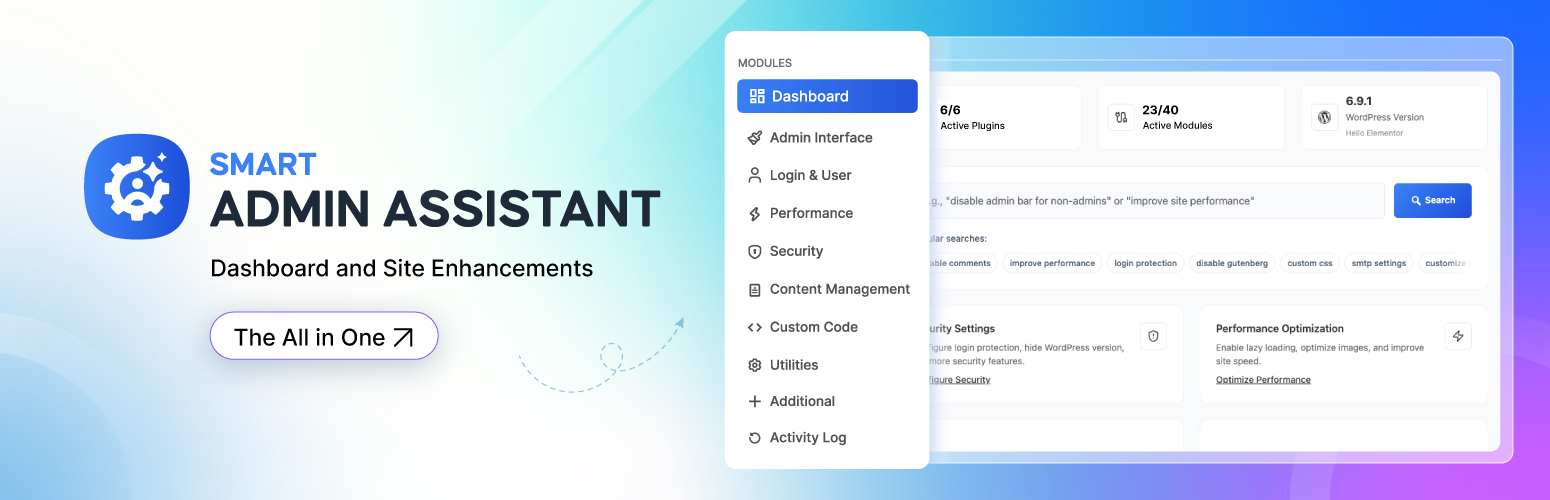
Smart Admin Assistant 是一款強大的 WordPress 外掛,提供管理控制台增強功能與網站優化,簡化管理工作流程,提升網站效能與安全性,讓使用者享受更智慧、更快速的 WordPress 體驗。
【主要功能】
• 自訂控制台與選單
• 用戶管理與安全性增強
• 數據庫與圖片優化
• 快取與壓縮功能
• 登入與 CAPTCHA 保護
• 角色切換功能
外掛標籤
開發者團隊
② 後台搜尋「Smart Admin Assistant – Dashboard and Site Enhancements」→ 直接安裝(推薦)
📦 歷史版本下載
原文外掛簡介
Smart Admin Assistant brings powerful admin dashboard enhancements and site optimizations in one plugin.
Simplify your admin workflows with menu and dashboard customization, custom login URL, post duplication, custom code, SMTP, login and captcha protection, role switching, database and image optimization, caching, compression, and more—all for a smarter, faster WordPress experience.
No need to install dozens of plugins! Try Smart Admin Assistant now and manage your admin dashboard without any trouble.
Try Live Demo | Get Smart Admin Assistant Pro | Read Documentation
Why Choose?
All-in-One Solution
Modular Architecture
Performance Optimized
Security First
Regular Updates and 24/7 Support
Multi-site Controlling from admin panel(Coming soon)
Look at Core Modules & Features
Admin Interface
This module creates a cleaner, personalized dashboard experience that reduces cognitive load and improves workflow efficiency. You can eliminate distractions while gaining faster access to frequently used administrative functions and better data visibility.
Hiding admin bar (in Backend, on Frontend)
Hiding admin bar for user Roles (Pro)
Enabling admin bar cleanup (On/Off toggle)
Hiding all admin notices from plugins and WordPress
Enabling dashboard customization—columns layout customization (Pro)
Enabling menu customization—Hide, Rename, Reorder, Structure control (Pro)
List table enhancements in the Column of Post, Page, Media Library, User list (Pro)
Infinite scrolling in media library (Pro)
Displaying active plugins first (Pro)
Preserving Taxonomy Hierarchy in Classic Editor
Adding User Role to Body Class (Frontend)
Adding User Info to Admin Body Class
Custom Footer Text(Shortcode & Basic HTML support)
Login & User Management
This module strengthens website security while providing administrators with complete visibility into user access patterns. You are able to benefit from reduced security vulnerabilities and enhanced ability to monitor and control user authentication processes effectively.
Enhancing security through URL obfuscation
Replacing default WordPress Login URL with custom slug
Restricting user login to username OR email address only
Login method limitation for security
Login page customization with logo, colors, URL and styling (Pro)
User Tracking— Last Login, IP address, and user agent (Pro)
Enabling logout redirection (Pro)
Performance
This module helps you reduce page load times and server strain, improving user experience and search engine rankings. Any WordPress site owners avail opportunity from automated optimization processes that require minimal technical knowledge or ongoing maintenance.
Limit the number of revisions stored for posts and pages
Reducing server load through API optimization
Database optimization through auto-clean expired Transients, auto-delete spam comments, auto-empty trash (Pro)
Automatic Image Optimization (Coming Soon)
Caching & Loading—GZIP Compression, Browser Caching (Pro)
Cache headers to allow browsers to cache static resources
Removing unnecessary whitespace and comments from HTML output
Preloading critical resources—hints for critical CSS and JS files
Security
This module provides comprehensive protection through advanced security measures, real-time threat monitoring, and vulnerability scanning to safeguard your WordPress site from malicious attacks and unauthorized access attempts.
CAPTCHA verification to Login & Comment form (Pro)
Site-wide Password protection (Coming Soon)
Email address protection from spam bots
Removing WordPress version from meta tags, RSS feeds, etc.
Disabling file (Theme & Plugin) editing
IP management—Current status, Blocked IPs, etc.
Component Disabling
This module allows selective deactivation of WordPress features and admin components you don’t need, reducing bloat and improving performance while creating a cleaner, more focused administrative experience tailored to your workflow.
Disabling Gutenberg globally
Disabling Gutenberg for specific post types
Disabling comments globally
Disabling comments for specific post types
Closing comments on old content
HTTP security headers
Custom Code
This module empowers you to implement advanced customizations without touching theme files, ensuring updates don’t break functionality. Developers like you benefit from centralized code management with backup capabilities for safer site modifications.
Code snippets management—creating, importing & exporting
Custom code integration status
Automatic CSS and JavaScript code minification (Pro)
Utilities
Simplifies site maintenance by providing essential diagnostic tools and automated cleanup processes. Gain peace of mind through better visibility into site health and streamlined management of routine administrative tasks.
Configuring custom SMTP settings for email delivery (Coming Soon)
Maintenance mode to show page to non-admin users
Displaying system information in table
Technical support assistance tool
Restoring all settings to default configuration
Plugin reset functionality
Content Management
This module saves time by eliminating repetitive content creation tasks while maintaining site organization. You can gain complete control over content publishing schedules and external link behavior, reducing manual oversight requirements.
One-click duplication of pages, posts, post meta, etc.
Allowed Roles – Administrator, Editor, Author, Contributor, Subscriber (Pro)
Edit Screen & List View (redirect option)
User Permission Management (Administration, Editor, Author, etc.)
Auto-generates post excerpts and customization (On/Off toggle)
Enable custom Ordering of hierarchical content (Pro)
Content organization management
Media replacement (Pro)
SVG file uploads, security sanitization, and file type support
SVG Uploads Roles—Administrator, Editor, Author, Contributor, Subscriber (Pro)
Automatic publishing trigger for posts with “missed schedule” status
Recovery mechanism for failed scheduled posts
Custom permalink functionality for external URLs
External URL configuration for pages, posts, and custom post types
Enabling External Permalinks (Pro)
Automatic rel=”noopener noreferrer” attribute addition
Enhanced user experience for external navigation
New tab opening for menu links with rel=”noopener noreferrer”
Manual IP Blocking
Additional
This module extends core WordPress capabilities with specialized tools for advanced user management and future-ready features. Benefit from enhanced flexibility and professional-grade functionality typically requiring multiple separate plugins.
Custom avatars instead of using Gravatar
Switching roles between users (Pro)
UX testing and debugging capability
Image size management in WordPress (Coming Soon)
User profiles enhancement
Who Is Smart Admin Assistant For
Site Owners/Administrators – Business owners, bloggers, and organizations who need specific functionality for their websites but may not have technical expertise to code solutions themselves.
Content Creators – Writers, marketers, and content managers who use plugins to enhance their publishing workflow, and content presentation.
Developers/Agencies – Web developers and agencies who use plugins as building blocks to create custom solutions for clients, extending WordPress functionality without reinventing the wheel.
E-commerce Users – Online store owners who rely on plugins like WooCommerce for shopping cart functionality, payment processing, and inventory management.
Marketing Professionals – Those using plugins for email marketing, analytics, lead generation, A/B testing, and conversion optimization.
Small to Medium Businesses – Companies that need professional website features like appointment booking, membership systems, or customer relationship management without custom development costs.
Smart Admin Assistant Pro
Tired of a cluttered WordPress admin area?
If you want to make your WordPress dashboard more enhanced and user-friendly, Get pro version of it available at store.bdthemes
Support & Documentation
Plugin Support: Available through WordPress.org support forums
Documentation: Comprehensive guides available on our website
Feature Requests: We listen to our community for future enhancements










