外掛標籤
開發者團隊
② 後台搜尋「SLNWP Role Extension for Paid Memberships Pro」→ 直接安裝(推薦)
原文外掛簡介
Members get a WordPress role for each Paid Memberships Pro level, kept up to date automatically. That makes it easier to show or hide content in page builders, using the role conditions most of them already provide. A bulk re-sync brings existing members into line.
Requires Paid Memberships Pro, available from paidmembershipspro.com (it is not in the WordPress.org plugin directory).
It replaces the official PMPro Roles add-on and fixes these issues with it:
Roles were not being updated when a user changed membership level
Roles were not being removed on cancellation or expiry
The administrator role was being removed when a membership was cancelled
What You Can Do With Roles
Show or hide content in your page builder using role conditions
Cover several levels with one role, so monthly and annual members see the same content
Add new levels without re-editing content: give them an existing role
Use roles in other tools, such as menu visibility and role-based plugin features
Key Features
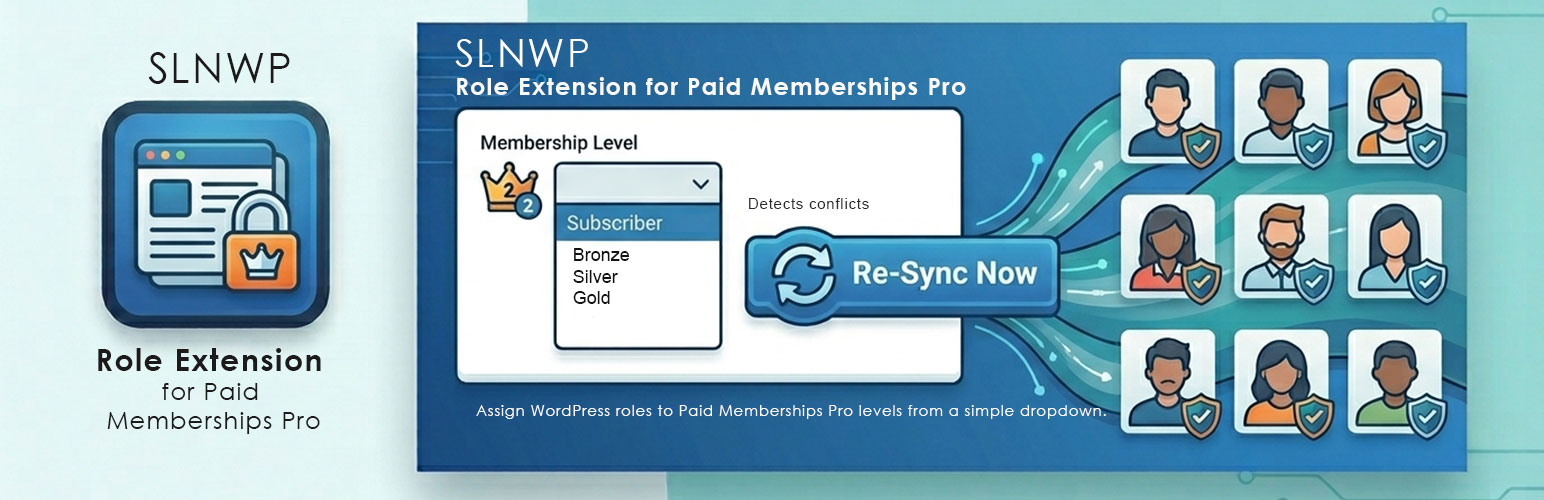
WordPress Role dropdown on each membership level’s settings page
Shared role slugs — multiple levels can map to one role (e.g. Gold Monthly, Gold Quarterly, and Gold Annual all → gold)
Protected roles — administrator, editor, author, contributor, customer, and subscriber are never removed under any circumstances
Admin-safe — users with admin roles get membership roles correctly assigned AND removed without losing their admin role
Conflict detection — warns if the official PMPro Roles add-on is still active
One-click bulk sync — a single “Run Sync Now” button under Memberships → Role Sync fixes all existing users immediately
How It Works
Each PMPro membership level has a “WordPress Role” dropdown in its settings. Choose the role you want assigned to members of that level. Multiple levels can share the same role — ideal for sites that offer the same membership tier at different payment frequencies (monthly, quarterly, annually).
Roles are automatically synced when:
A user signs up for a membership
A user upgrades or downgrades their level
A membership is cancelled
A membership expires
Protected Roles
The following roles are never removed under any circumstances:
administrator
editor
author
contributor
customer (WooCommerce)
subscriber
Note: protecting a role only stops this plugin from removing it — a non-member is still assigned the site’s default role (usually subscriber) as normal. Protection just means that role, once held, can never be stripped again afterwards.
For the same reason, a protected role can’t be chosen as a membership level’s role: members would keep it after their membership ended. If a level already uses one, the plugin shows a warning naming that level.
You can add additional protected roles via filter:
add_filter('pmpro_protected_roles', function($roles) {
$roles[] = 'shop_manager';
return $roles;
});
Requirements
WordPress 6.5+
PHP 7.4+
Paid Memberships Pro, from paidmembershipspro.com (not in the WordPress.org plugin directory)
The Multiple Memberships Per User add-on is supported (a member’s levels are each evaluated independently)
The official PMPro Roles add-on must be deactivated to avoid conflicts