內容簡介
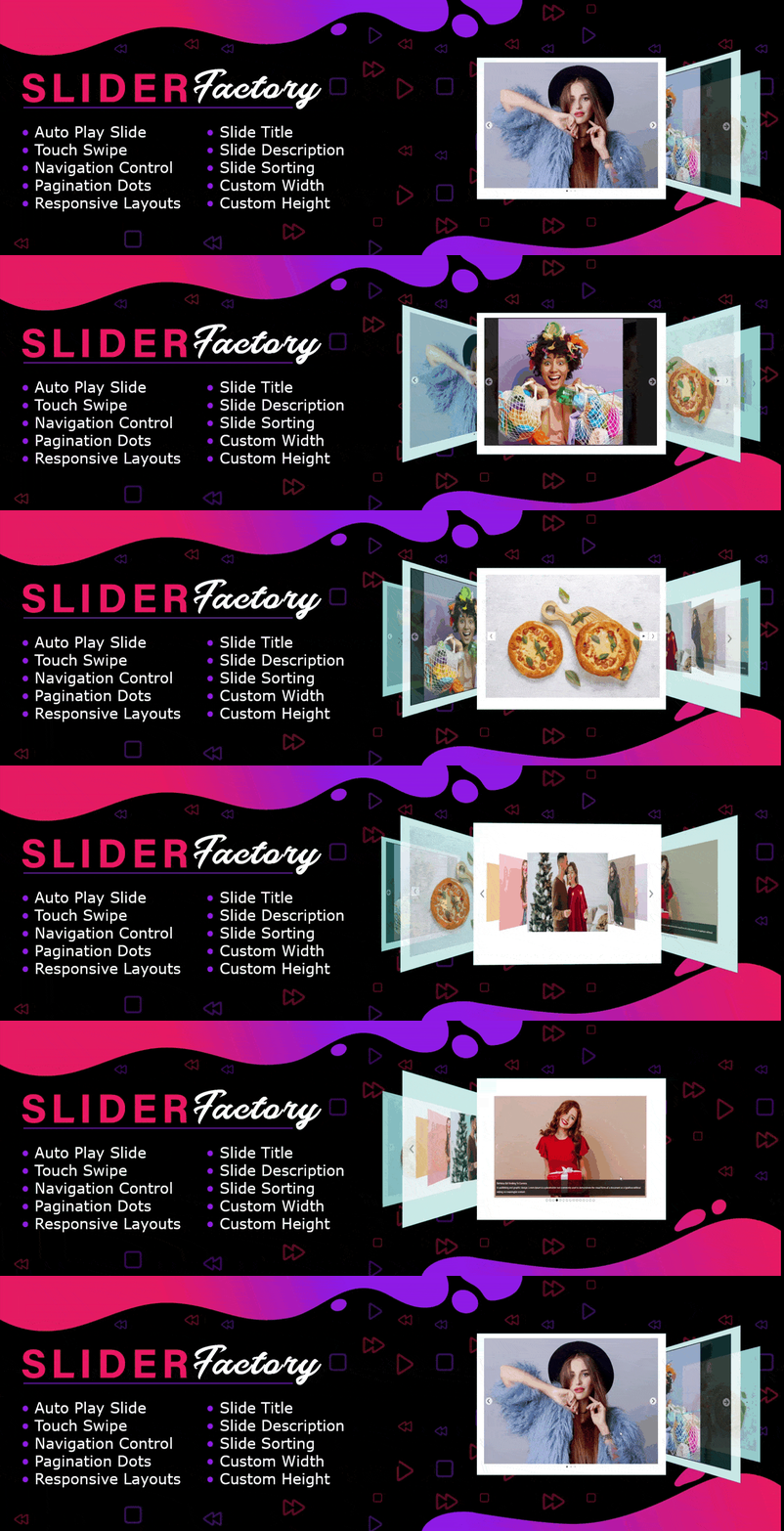
Slider Factory 提供 一個儀表板面板中的12種不同的排版方式。使用此外掛程式,您可以製作圖像幻燈片,相片旋轉木馬,響應式圖像滑块,切換圖片庫或相片庫。此外,外掛程式還提供圖像的標題,說明和Alt文本,有益於SEO目的。我們使用最新的Bootstrap 5 CSS框架來設計外掛程式的儀表板,它完全響應和兼容所有便攜式設備。您可以使用多圖像上傳器一次添加多張圖像。使用拖放功能將這些圖像按所需順序排序。使用自己的自定義CSS代碼,根據需要修改設計。選擇佈局,添加幻燈片圖像,配置設置,生成短代碼,並將短代碼嵌入任何頁面或發布內容中以開始幻燈片放映。非常簡單易用的外掛程式,具有多種佈局和設置。
我們的外掛程式完全兼容 WPML- WordPress多語言插件、Elementor、Visual Composer、WPBakery頁面構建器以及所有頁面塊編輯器插件。
免費版本特點:
- 響應式設計
- 12種不同的設計佈局
- Bootstrap管理後台
- Bootstrap 5用戶界面
- 多圖像上傳器
- 拖放幻燈片排序/定位
- 可自定義寬度/高度
- 自動播放ON / OFF設置
- 可自定義的照片標題
- 可自定義的說明
- 文本小部件支援
- 適用於SEO的Alt標籤
免費外掛程式:DEMO
看影片教學
如何在任何模板中嵌入滑動條?
外掛標籤
開發者團隊
📦 歷史版本下載
原文外掛簡介
Slider Factory helps you create attractive slideshows for your WordPress website. Whether you need an image slider for your homepage, a photo carousel for your portfolio, or a video slideshow for product demos, this plugin offers 12 ready-to-use layouts to get you started quickly.
The plugin works with a simple drag-and-drop interface. Upload your images, arrange them in your preferred order, adjust the settings, and place the shortcode on any page or post. Your slider will automatically adapt to different screen sizes, looking sharp on desktops, tablets, and mobile phones.
Each slider supports titles, descriptions, and alt text for images, which helps with accessibility and search engine optimization. You can upload multiple images at once and rearrange them easily. The admin dashboard is built with Bootstrap 5, making it intuitive to navigate and configure your sliders.
Slider Factory integrates smoothly with popular page builders including Elementor, Visual Composer, WPBakery Page Builder, and the Gutenberg block editor. It also works with WPML for multilingual websites.
Watch Video Tutorial
How It Works
Navigate to Slider Factory in your WordPress admin
Click “Add New Slider” and choose a layout
Upload your images using the bulk uploader
Drag and drop to arrange the slide order
Configure settings like autoplay, width, and height
Copy the generated shortcode
Paste the shortcode into any page, post, or widget
To embed a slider directly in a theme template, use:
The shortcode [sf id=1 layout=1] contains the slider ID and layout number.
Free Version Features
12 Slider Layouts – Choose from image sliders, carousels, photo galleries, team sliders, testimonial sliders, and more
Responsive Design – Sliders adapt to all screen sizes automatically
Bulk Image Upload – Add multiple images at once with the built-in uploader
Drag and Drop Sorting – Arrange slides in your preferred sequence
Customizable Dimensions – Set custom width and height for each slider
Autoplay Control – Enable or disable automatic slide transitions
Title and Description – Add text overlays to each slide
SEO Friendly – Alt text support for all slider images
Widget Ready – Use sliders in sidebar widgets
Bootstrap 5 Dashboard – Clean, modern admin interface
Free Plugin Demo: View Demo
Pro Version Features
Upgrade to Slider Factory Pro for additional layouts and advanced features:
21 Slider Layouts – Nine additional layout designs for more variety
Video Slides – Add YouTube and Vimeo videos to your slideshows
Transition Effects – Fade, slide, and CSS3 animation effects
jQuery Easing – Smooth easing effects for slide transitions
Speed Control – Adjust transition speed and autoplay intervals
Pause on Hover – Pause slideshow when visitors hover over it
Fullscreen Mode – Display sliders in fullscreen view
Mouse Wheel Control – Navigate slides with mouse scroll
Touch Swipe – Swipe gestures for mobile devices
Thumbnail Navigation – Show clickable thumbnails below the slider
Dots Pagination – Add navigation dots for slide control
Arrow Navigation – Previous/next arrows for manual navigation
Loading Bar – Visual progress indicator during slide transitions
Image Links – Add clickable links to each slide image
Two Link Buttons – Add multiple call-to-action buttons per slide
Slide Sorting – Sort by title, ascending, descending, or random
Adaptive Height – Slider height adjusts to image dimensions
Gap Between Slides – Control spacing in carousel layouts
Slider Cloning – Duplicate existing sliders with one click
Custom CSS – Add your own styling for complete customization
RTL Support – Right-to-left language support
Translation Ready – Compatible with WPML and multilingual plugins
Pro Version Details: Learn More
Pro Version Demo: View Demo
Purchase Pro: Buy Now