外掛標籤
開發者團隊
原文外掛簡介
SkyServers Promo Campaigns runs a time-boxed promotion such as Black Friday on a WooCommerce shop without touching the prices stored on your products.
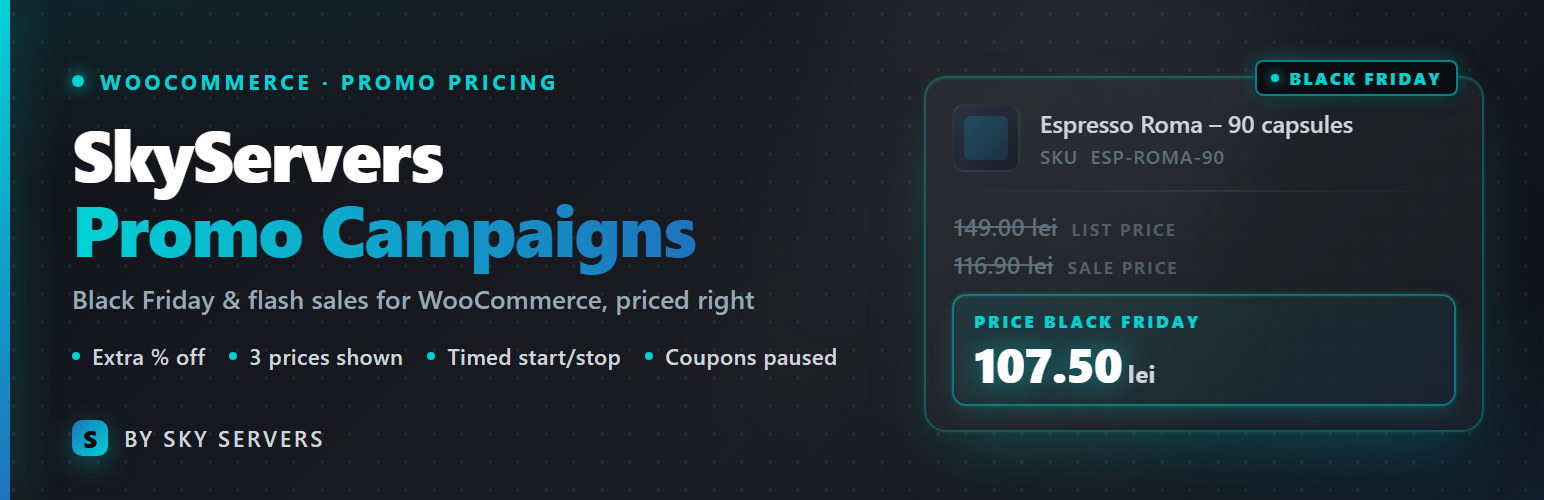
Set a percentage, a start and an end, and the plugin applies the extra discount automatically in the cart, on top of the sale prices you already have. Shoppers see three prices: the list price struck through, the current sale price struck through and the campaign price highlighted. When the campaign ends, everything returns to normal by itself.
What it does
Extra percentage discount applied in the cart, on top of existing sale prices.
Three prices shown on product cards, product pages, the cart, checkout and the mini-cart.
A campaign label replaces the “Sale!” bubble, and a campaign strip appears under the header.
Scheduled start and end, in the site timezone, with automatic cache purge for LiteSpeed Cache.
Preview mode: administrators and shop managers see the campaign, visitors do not, so you can check the look before launch.
Exclude categories (with their subcategories) and individual products, for example fee products added automatically next to other items.
Coupons paused during the campaign, with a message in the cart and at checkout.
“Instead of” on each line and a “You saved” row in the cart totals.
Every order line keeps a note with the campaign name and the price before the campaign, visible in the order and in emails.
Three price layouts, three sizes and your own colours, all from the settings screen.
Product schema (structured data) carries the campaign price, so search engines see what shoppers see.
Reports: orders, revenue, discount given, average order value, per-day breakdown and top products for each campaign, with CSV export.
Prices that always add up
The campaign price is always rounded to at most two decimals before it reaches the cart, by default down to the nearest 10 cents. That keeps the WooCommerce total, the invoice generated by your invoicing plugin and the amount sent to the card processor identical to the cent. Prices with more decimals are the usual cause of totals that differ by a few cents.
Works with
Classic WooCommerce cart and checkout (shortcodes). Block-based cart and checkout are not supported yet.
Any theme. The sale bubble is relabelled on themes that print one; the Flatsome theme gets the campaign strip right under its header.
HPOS (high-performance order storage).