
內容簡介
自從 WordPress 4.4 之後,新增使用者的程序選擇性地允許將電子郵件發送給新使用者,告知他們關於帳戶的資訊。預設選擇為在帳戶建立/新增時發送電子郵件。
在某些情況下,管理員可能會先設定一個或多個帳戶,例如用於測試目的,稍後才通知用戶,一切都準備就緒。但是,如果您忘記更改預設的通知設定,就很容易在不需要時發送通知消息。
這個簡單的外掛程式將反轉預設行為,因此不會自動發送電子郵件,如下所述:
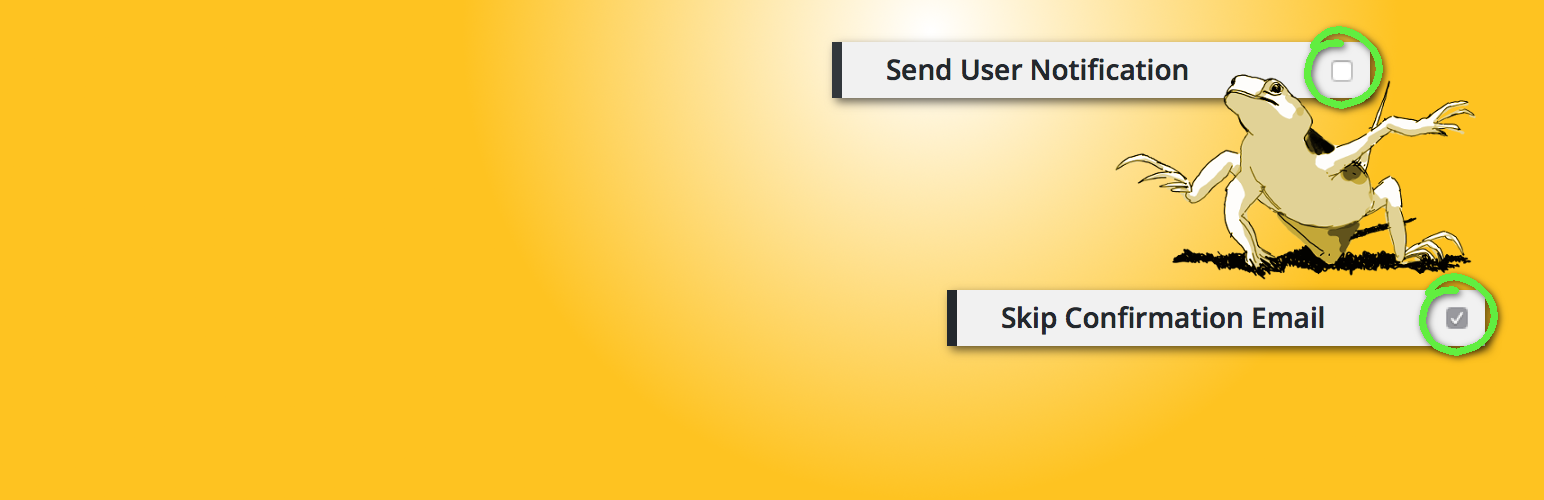
1. 在標準 WordPress 中,「發送使用者通知」的核取方塊預設為已勾選(因此會發送消息)。該外掛程式將其更改為預設為不勾選(因此不會發送消息)。
2. 在 WordPress 多站點中,「跳過確認電子郵件」的核取方塊預設為未勾選(因此會發送消息)。該外掛程式將其更改為預設為已勾選(因此不會發送消息)。
注意事項:多站點超級管理員在從「網路管理員/新增使用者」畫面(而非特定子站點的「新增使用者」畫面)新增使用者時,將始終發送通知。
外掛標籤
開發者團隊
原文外掛簡介
Since WordPress 4.4, the Add New User process selectively allows an email to be sent to the new user about their account. The default selection is to send an email when the account is created/added.
In some circumstances, an admin might wish to set up one or more accounts in advance – perhaps for testing purposes – and only notify the users later, once everything is ready. However, it’s easy to send a notification message when you didn’t mean to, if you forget to change the default notification setting.
This simple plugin reverses the default behaviour so an email is NOT sent by default, as follows:
In standard WordPress, the tickbox “Send User Notifiction” is ticked by default (so a message is sent). The plugin changes this to unticked by default (so a message is NOT sent).
In WordPress Multisite, the tickbox “Skip Confirmation Email” is unticked by default (so a message is sent.) The plugin changes this to ticked by default (so a message is NOT sent.)
NOTE TO MULTISITE SUPER-ADMINS: Adding a user from the Network Admin / Add User screen (rather than from a particular sub-site’s Add User screen) will always send a notification.


