內容簡介
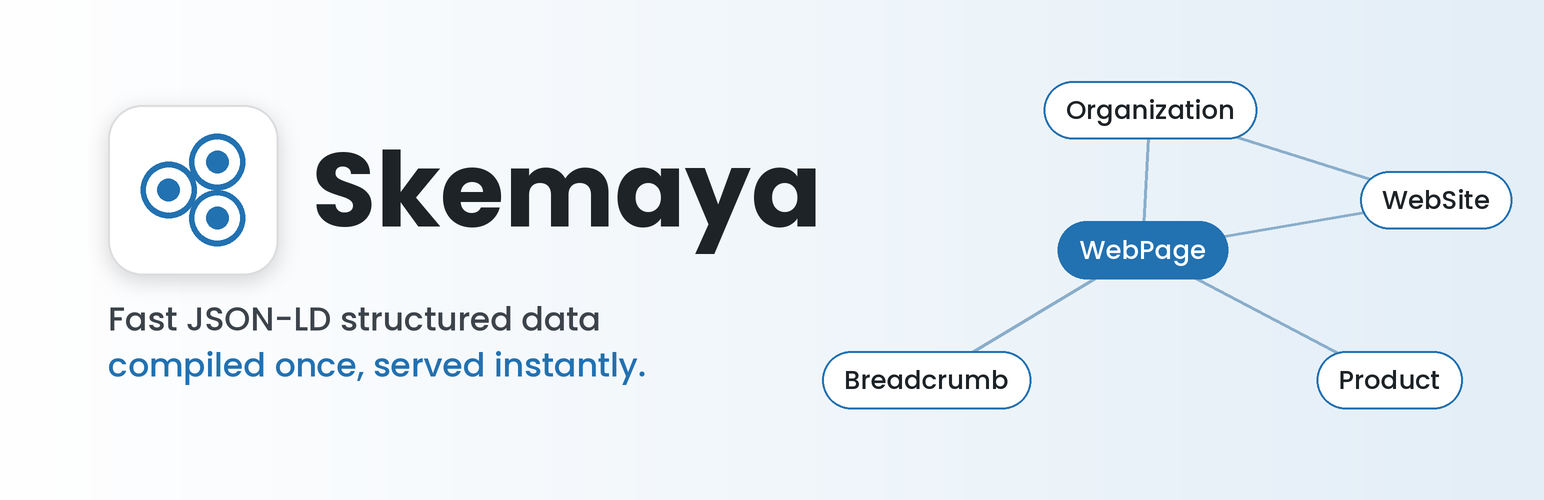
Skemaya 是一款能為您的網站添加乾淨且有效的 JSON-LD 結構化資料的外掛。它在每次儲存文章時編譯結構化資料,並將其儲存,前端僅顯示已準備好的區塊,簡化了資料管理流程。
【主要功能】
• 實體檔案:設定組織或網站資訊並重複使用
• 結構化資料庫:選擇可用的結構化資料類型
• 文章類型映射:為每種文章類型選擇預設結構化資料
• 產品欄位:在編輯器側邊欄提供價格、貨幣等資訊
• 衝突管理器:檢測其他外掛的結構化資料輸出
• 預編譯輸出:在儲存時生成結構化資料
外掛標籤
開發者團隊
原文外掛簡介
Skemaya adds clean, valid JSON-LD structured data to your site. Instead of building schema on every page view, it compiles each post’s schema when you save and stores it with the post, so the front end only prints a ready-made block.
You choose the schema type once per post type, then override it on any single post. Everything is managed from one focused dashboard, and it works in both the block editor and the classic editor.
Features
Entity Profile: set your organization or site details once and reuse them across your schema.
Schema Library: choose which schema types are available in your editors.
Post Type Mapping: pick a default schema type for each post type, and override it per post.
Product fields: price, currency, availability, brand, GTIN, MPN, condition, ratings and more, in the block editor sidebar and the classic editor. On WooCommerce products, Skemaya reads commerce data from WooCommerce and only asks for what WooCommerce does not have.
Data Sources: control where values come from, such as post meta, custom field plugins or WooCommerce.
Conflict Manager: detect schema output from other plugins and choose which one to keep.
Pre-compiled output: schema is generated on save, not on every page view.
Background rebuilds: settings changes refresh schema in the background without emptying what is already published.
REST API: read a post’s compiled schema through the REST API.
Supported types: Article, BlogPosting, Product and WebPage, plus the site-level Organization, WebSite and breadcrumb items.
Works alongside
Skemaya can detect structured data output by Yoast SEO, Rank Math, All in One SEO and WooCommerce, and lets you decide which plugin’s schema to keep. It is not affiliated with or endorsed by those products.
Optional Pro add-on
Skemaya is complete on its own. A separate add-on, Skemaya Pro, adds more schema types and tools. It is a different plugin, available from skemaya.com, and is not required.
Privacy
Skemaya does not collect or send any personal data and does not contact external services. It stores its settings and the generated schema on your own site only.
External services
Skemaya makes no requests to external services. The dashboard and editor sidebar contain an optional link to Google’s Rich Results Test (https://search.google.com/test/rich-results). It opens in a new tab only when you click it, and nothing is sent automatically.