內容簡介
**總結:**
Siteready Coming Soon Under Construction 可輕鬆在幾秒內創建美觀的即將推出、維護和施工中頁面。這款外掛提供專業的站位頁面, 讓您的訪客隨時了解網站的狀態, 適合設計師、開發人員和企業準備推出新網站。
**問題與答案:**
- 這個外掛可以用來幹什麼?
Siteready Coming Soon Under Construction 可以用來創建精美的即將推出、維護和施工中頁面。無論您正在推出新網站、進行更新或進行維護,都可以使用這個外掛來顯示專業的站位頁面。
- 如何設置這個外掛?
這個外掛可以在不到一分鐘的時間內設置好 - 無需編碼!使用者只需使用一次點擊即可輕鬆啟用或禁用「即將推出模式」,當您的網站準備好時,立即切換回線上模式。
- 這個外掛有哪些關鍵功能?
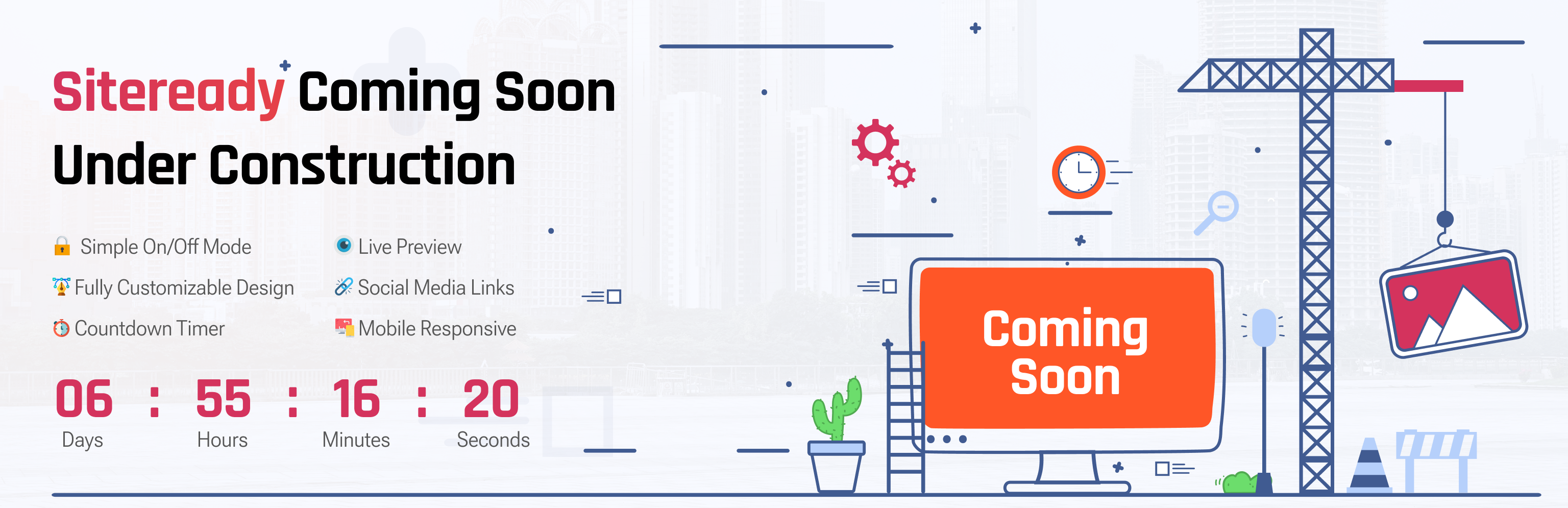
* 簡單的開關模式
* 可完全自定義的設計
* 動態倒數計時器
* 電子郵件訂閱整合功能
* 即時預覽
* 白名單訪問權限
* 社交媒體連結
* 分析就緒
* 手機響應
* ...等等。
- 這個外掛適合哪些情況使用?
Siteready Coming Soon Under Construction 適用於新網站推出、網站重設計或重新定位、臨時維護模式、私人開發或分段網站、管理客戶項目的自由職業者和代理機構。
- 使用這個外掛有什麼優勢?
* 快速設置,零膨脹 - 安裝後不到2分鐘即可上線。
* 無需編碼 - 所有設置均可通過簡單的儀表板訪問。
* SEO友好 - 即使為訪客隱藏,搜索引擎仍可瀏覽您的網站。
- 這個外掛如何幫助您在工作時保護您的網站?
透過建立期待、收集訂閱者並在工作時保護您的網站,Siteready Coming Soon Under Construction 藉此提供可靠且輕量的插件。
外掛標籤
開發者團隊
② 後台搜尋「Siteready Coming Soon Under Construction」→ 直接安裝(推薦)
原文外掛簡介
🚧 Siteready Coming Soon Under Construction
Create beautiful coming soon, maintenance, and under construction pages in seconds.
Whether you’re launching a new website, making updates, or performing maintenance, Siteready Coming Soon Under Construction makes it effortless to display a professional placeholder page and keep your visitors informed.
==🌟 Overview==
Keep your website private while it’s being built — without breaking SEO or user trust.
This plugin lets you display a custom coming soon or maintenance page with your own branding, countdown timer, and subscription forms. Perfect for designers, developers, and businesses preparing for launch.
Set it up in under a minute — no coding required!
==⚙️ Key Features==
* 🔐 Simple On/Off Mode
Easily enable or disable Coming Soon Mode with a single click. Switch back to live instantly when your site is ready.
🎨 Fully Customizable Design
Choose from pre-made templates or design your own layout. Add your logo, custom background, text, and buttons effortlessly.
🕒 Countdown Timer
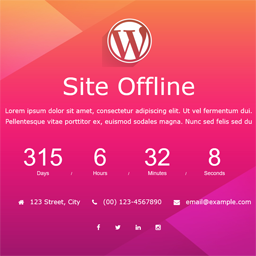
Add a dynamic countdown to build anticipation for your website launch or upcoming event.
✉️ Email Signup Integration
Collect leads before launch! Connect your form to Mailchimp, ConvertKit, or any major email marketing tool.
👀 Live Preview
See your changes instantly as you design your page — no need to save or refresh.
👤 Whitelist Access
Allow admins or specific users to view the live site while visitors see the coming soon page.
🔗 Social Media Links
Add your social profiles to keep visitors connected while you’re offline.
📊 Analytics-Ready
Integrate your Google Analytics ID to track page visits and engagement.
💻 Mobile Responsive
Looks great on every device — phones, tablets, and desktops.
==🌍 Perfect For==
* New website launches
* Website redesigns or rebrands
* Temporary maintenance mode
* Private development or staging sites
* Freelancers and agencies managing client projects
==🧩 Works Seamlessly With==
All major WordPress caching and security plugins — no extra setup needed.
Lightweight, fast, and fully compatible with WordPress block themes and page builders like Elementor, Divi, and Gutenberg.
==💬 Why Users Love It==
* Fast setup, zero bloat – install and go live in under 2 minutes.
* No coding required – all settings accessible through a simple dashboard.
* SEO-friendly – search engines can still crawl your site while it’s hidden from visitors.
==🚀 Get Ready to Launch==
Build anticipation, collect subscribers, and protect your site while you work — all with one reliable, lightweight plugin.
Siteready Coming Soon Under Construction
==🌟 Your Next Step to a Stunning Site==
Enhance your build, customize freely, and launch without limits — everything you need in one place.
Browse the complete Pro templates along with the WordPress Theme Bundle you began using for your website.
Website Templates | All Elementor Themes
Because first impressions start before your site goes live.