
內容簡介
此外掛可讓您在您的網站建立自訂圖像大小。直接在媒體選項頁面上覆寫您的佈景主題大小。
您可以重新產生您剛剛建立的所有大小,並選擇要重新產生的大小。
您現在可以獲取所有代碼,複製並貼上到您主題文件中的功能。
現在,您可以直接在您的文章中使用生成的大小,在適當的大小插入圖像!
您現在可以選擇是否要在文章插入圖像中顯示大小。
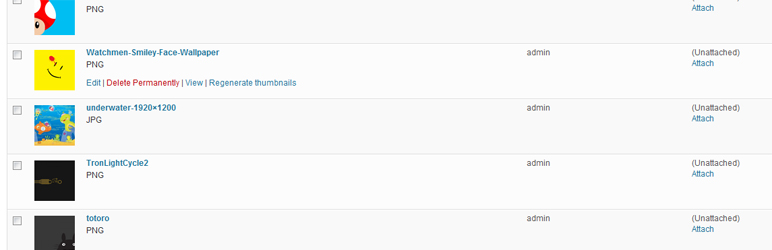
您現在可以在「媒體」一般面板中按需重新產生圖像。
您現在可以在「媒體」一般面板中進行批量操作以重新生成圖像大小。
您現在可以在單個附件編輯頁面上重新生成圖像大小。
我已增加計時器,因此當您重製您的縮略圖時,您可以大約知道何時結束。
我已改進 PHP 和 JavaScript,您可以知道圖像是否已被重新生成,是否有錯誤以及是哪一個。
在 https://github.com/Rahe/Simple-image-sizes 上貢獻。
開發者團隊
📦 歷史版本下載
原文外掛簡介
This plugin allow create custom image sizes for your site. Override your theme sizes directly on the media option page.
You can regenerate all the sizes you have just created and choose which one you wanted to regenerate.
You can now get all the code to copy and paste to your function theme file.
Now you can use the generated sizes directly into your posts and insert images at the right size !
Now you choose if you want display the size in the post insert image.
Now you can regenerate the images one by one in the ‘Medias’ general pane.
Now you can regenerate the images by bulk action in the ‘Medias’ general pane.
Now you can regenerate the image sizes on single attachment edit page.
I have added a timer so when you regeneration your thumbnails, you can know approximately when the regeneration will be ended.
I have improved the php and javascript, you can know if the image have been regenerated or not or if there is an error and which one.
Contribute on https://github.com/Rahe/Simple-image-sizes














