內容簡介
該外掛會在完整文字的 RSS 訂閱中,文章結尾加入版權聲明,並附上指向網誌與原始文章的反向連結。
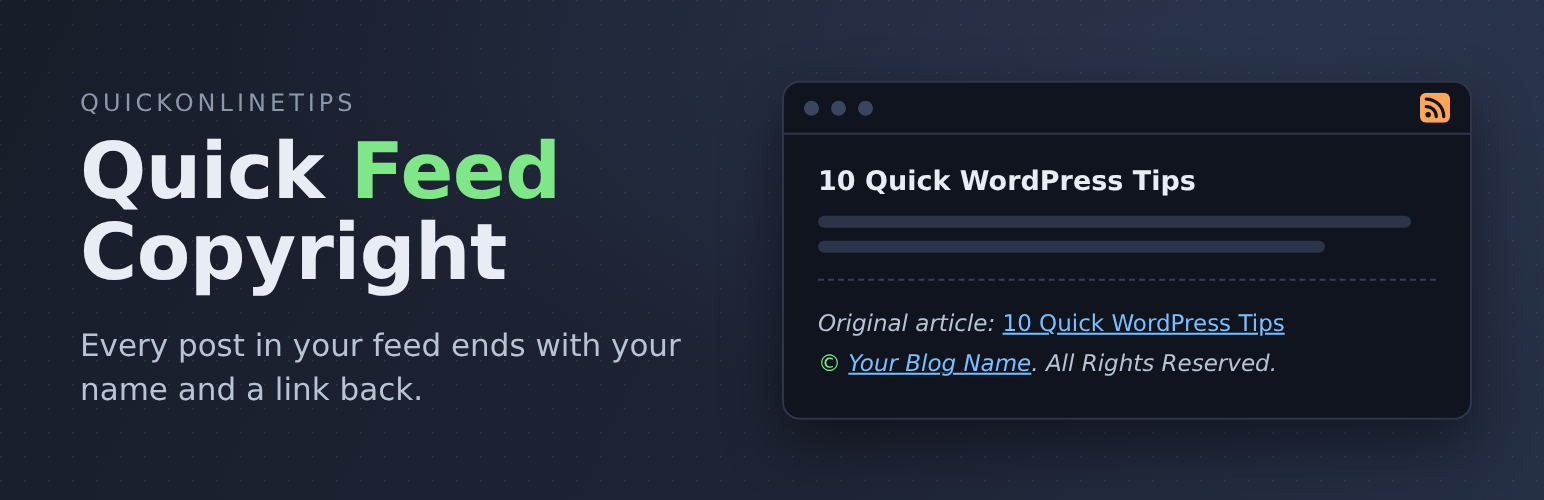
版權聲明會像這個樣子出現在訂閱文章底部
原始文章:文章標題(連結至文章獨立網址)
版權年份。網誌標題(連結)。保留所有權利
你的網誌標題會連結到你的網誌網址,而你的文章標題則會連結到文章獨立網址。
在網路上,許多 RSS 匯編和自動網誌都會未經允許轉載你的訂閱文章,所以網誌版權聲明非常重要。使用這個外掛後,RSS 匯編和自動網誌將會鏈結回到你的網站,這對搜尋引擎來說,會表明你的網誌文章是原始來源。
外掛標籤
開發者團隊
原文外掛簡介
Your RSS feed travels far beyond your site. Feed readers show it, and scraper sites and autoblogs often copy it word for word onto their own pages. Quick Feed Copyright adds a short notice to the end of every post in your feed, so wherever your posts end up, they still say who wrote them and link back to the original.
Refreshed for 2026. First released in 2007 as Simple Feed Copyright, version 2.0 is rebuilt with a settings page and a live preview. Choose every part of the notice, change the wording, write your own, and add extras below it. Far more control than the original fixed notice, and more useful than ever now that feeds are copied more widely.
Out of the box, every post in your feed ends like this:
Original article: Title of the Post (linked to the post)
© 2026 Your Blog Name. All Rights Reserved. (your blog name linked to your site)
Those links tell readers and search engines where the article came from, even on a site that copied it. For more ways to protect your site and your content, see our security guides.
Choose your own wording
Go to Settings > Quick Feed Copyright and pick each part of the copyright line, with a live preview as you go:
Symbol: ©, (c), Copyright, Copyright ©, or none
Year: this year, the year each post was published, a range such as 2006–2026, or none
Name: your site title or another name, such as your company, linked to your home page or not
Rights: All Rights Reserved, Some Rights Reserved, your own wording (links allowed, for example to a Creative Commons licence), or nothing
Write your own notice
Prefer your own words? Write the whole notice yourself, with HTML and handy placeholders such as {title}, {link}, {site_link}, {author} and {copyright}.
Extras below the notice (all off until you switch them on)
A list of your latest posts, so feed readers find more of your articles
Any extra text, such as a newsletter link or a short message
Also
Adds the copyright line to the feed’s own details (
Can add the notice to summary feeds too, not just full-text feeds
Only touches your feeds. Your site’s pages are never changed.
Lightweight: one setting saved in the database, no files or scripts loaded on your site, and nothing at all outside the feed and its settings page
Formerly called Simple Feed Copyright. Updating keeps your feed exactly as it was until you change a setting.
Made by Quick Online Tips, tech help that works since 2004. See the Quick Feed Copyright plugin page for more.