內容簡介
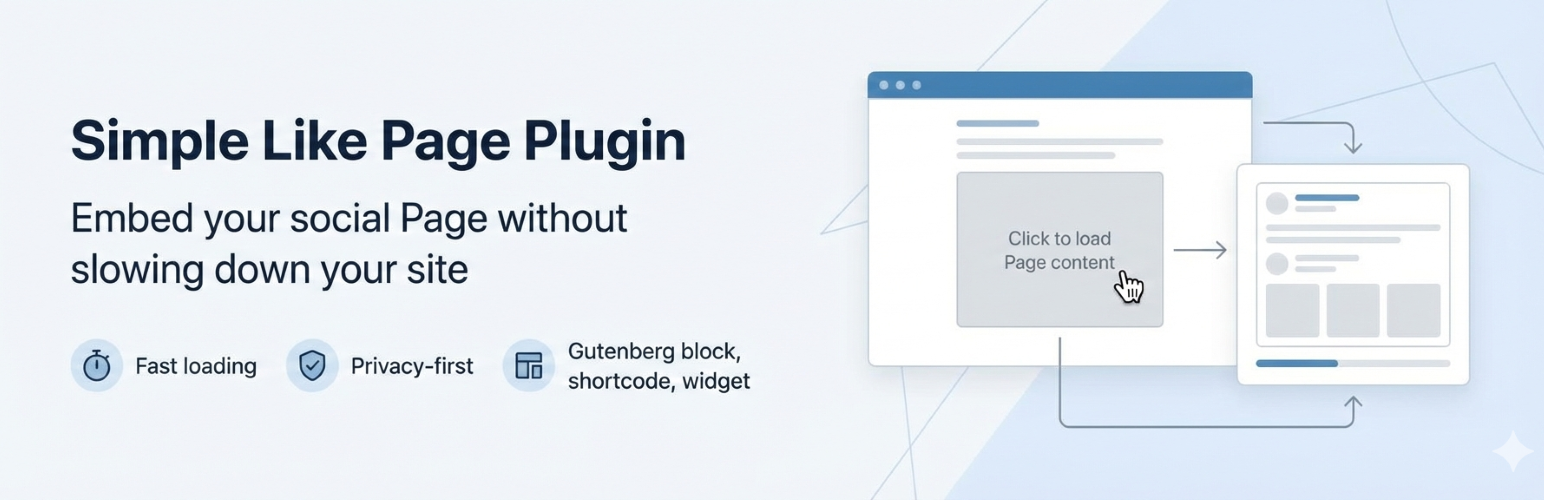
Simple Like Page Plugin 是一款快速且注重隱私的外掛,幫助用戶在不影響網站性能的情況下嵌入 Meta™ 頁面內容。它延遲腳本加載,直到用戶互動或可見,從而減少不必要的請求並改善網站的核心網頁指標。
【主要功能】
• 延遲 Facebook 腳本加載至用戶互動
• 輕量級 HTML 占位符於啟用前顯示
• 支援 Gutenberg 區塊、短碼及小工具
• 提供多種整合選項
• 可擴展的架構設計
外掛標籤
開發者團隊
② 後台搜尋「Simple Like Page Plugin – Fast & Privacy-Friendly Page Embeds」→ 直接安裝(推薦)
原文外掛簡介
Embedding social Page content often slows down WordPress sites and loads third-party scripts before visitors interact.
Simple Like Page Plugin helps you embed Meta™ Page content without hurting performance, by delaying script loading until interaction or visibility.
This reduces unnecessary requests, improves Core Web Vitals, and gives you control over when external scripts load.
This plugin is not affiliated with, endorsed by, or sponsored by Meta Platforms, Inc.
All trademarks belong to their respective owners.
Key Features
Privacy-First Loading
Delays Facebook script loading until user interaction
Optional lazy loading when the embed enters the viewport
Helps reduce third-party requests on initial page load
Performance Focused
Lightweight HTML placeholder before activation
No render-blocking Facebook SDK on initial page load
Multiple Integration Options
Gutenberg block
Shortcode
Classic widget
Theme template tag
Extensible
Hooks and filters for add-ons
Architecture designed for future consent-based extensions
How It Works
Renders a placeholder instead of the Facebook embed
Loads Facebook scripts only after user interaction (or when in view, if enabled)
Renders the Page Plugin once scripts are available
This approach is designed to improve performance and reduce unnecessary third-party requests.
Usage
You can add the Facebook Page Plugin in four different ways.
1. Gutenberg Block (Recommended)
Edit any post or page
Click Add Block (+)
Search for Simple Like Page Plugin
Insert the block
Paste your Facebook Page URL
Adjust layout and privacy options in the block sidebar
2. Shortcode
Use the shortcode inside any post or page:
sfp-page-plugin
Shortcode parameters:
url
width
height
hide_cover
show_facepile
small_header
timeline
events
messages
locale
click_to_load
lazy_load
placeholder_text
placeholder_bg_color
placeholder_text_color
Example:
[sfp-page-plugin url="https://www.facebook.com/WordPress" width="320" timeline="true"]
3. Widget
Go to Appearance -> Widgets
Add SFP – Like Page Plugin
Enter your Facebook Page URL
Configure display options
Save
4. Template Tag (Advanced)
For theme developers:
`
‘https://www.facebook.com/WordPress/’,
‘width’ => ‘300’,
‘timeline’ => true,
‘locale’ => ‘en_US’
);
sfp_page_plugin( $args );
} ?>
`
Performance & Privacy
By default, the plugin delays Facebook loading until interaction. If you enable lazy loading, scripts are loaded when the embed is in view.
Facebook may set cookies or process data once the embed loads. You are responsible for updating your privacy policy as needed.
Settings
The plugin includes a Performance & Privacy section where you can control:
Click-to-load (default off)
Lazy loading (default on)
Placeholder text
Placeholder colors
You can also set a default Facebook Page URL and locale in the settings screen.
Compatibility
Works with modern WordPress themes
Compatible with caching and performance plugins
Supports Gutenberg and Classic Editor
Support
Found a bug or have a feature request? Please use the Support tab on WordPress.org.