外掛標籤
開發者團隊
原文外掛簡介
日本語
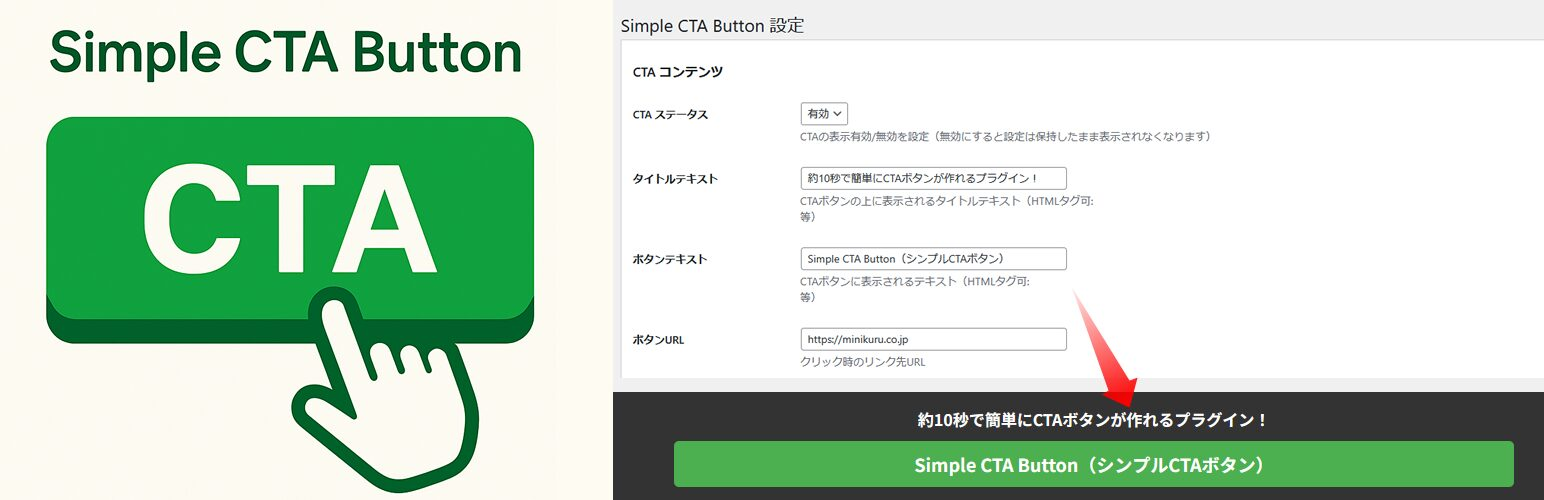
Simple CTA Button は、WordPress サイトに簡単にCTAボタンを追加するためのプラグインです。
効果的なコンバージョン率の向上のため、特定のページにカスタマイズ可能なCTAボタンを表示することができます。
主な機能
シンプルで目立つCTAボタンを表示
ページごとにCTAボタンの表示・非表示を設定可能
PC・モバイル別の表示設定
表示タイミングの設定(即時表示、遅延表示、スクロール後表示)
カスタマイズ可能なデザイン(色、フォントサイズ、透明度など)
インプレッション数とクリック数のトラッキング
ショートコードによる柔軟な配置
使用方法
プラグインをインストールして有効化します
管理画面の「CTA Button」メニューから設定を行います
CTAボタンのテキスト、リンク先URL、デザインなどを設定します
表示させたいページIDを指定します(カンマ区切りで複数指定可能)
「all」を入力するとすべてのページに表示されます
「front」を入力するとフロントページに表示されます
ショートコード
ショートコードを使用して任意の場所にCTAボタンを配置することもできます。
[simple_cta_button]
ショートコード内でパラメータを指定することもできます:
[simple_cta_button title="お問い合わせはこちら" button_text="今すぐ問い合わせる" button_url="https://example.com/contact" button_color="#FF5722"]
English
Simple CTA Button is a plugin that allows you to easily add Call To Action buttons to your WordPress site. You can display customizable CTA buttons on specific pages to effectively improve conversion rates.
Key Features
Display simple and eye-catching CTA buttons
Control which pages display the CTA button
Device-specific display settings (PC/mobile)
Timing options (immediate, delayed, or after scroll)
Customizable design (colors, font sizes, transparency)
Track impressions and clicks
Flexible placement with shortcodes
How to Use
Install and activate the plugin
Go to the “CTA Button” menu in the admin dashboard
Set up the CTA button text, URL, design, etc.
Specify which page IDs should display the button (comma-separated for multiple pages)
Enter “all” to display on all pages
Enter “front” to display on the front page
Shortcode
You can also place CTA buttons anywhere using the shortcode:
[simple_cta_button]
You can specify parameters in the shortcode:
[simple_cta_button title="Contact Us" button_text="Contact Now" button_url="https://example.com/contact" button_color="#FF5722"]
Developer
開発者:ネトデジ編集部
詳細情報:https://ec.minikuru.co.jp/
Privacy
日本語
このプラグインはサイト訪問者の個人情報を収集しません。ただし、インプレッション数やクリック数などの統計情報を収集します。これらのデータはあなたのWordPressデータベース内にのみ保存され、外部には送信されません。
English
This plugin does not collect personal information from site visitors. However, it does collect statistical information such as impressions and clicks. This data is stored only in your WordPress database and is not transmitted externally.