外掛標籤
開發者團隊
② 後台搜尋「Simple Code Block Highlighter」→ 直接安裝(推薦)
原文外掛簡介
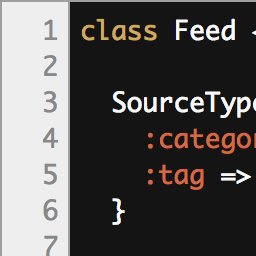
Simple Code Block Highlighter enhances the default WordPress code and preformatted blocks. It can show line numbers, add a copy-to-clipboard button, switch between light and dark display themes, and automatically color code blocks with bundled Highlight.js syntax highlighting.
The plugin uses the WordPress Settings API, validates and sanitizes saved options, escapes admin output, and avoids inline JavaScript-generated HTML for line numbers. Syntax highlighting is served from the plugin files and does not load a third-party CDN on visitor pages.
For setup help, read the Simple Code Block Highlighter guide.
Third-party Libraries
This plugin bundles Highlight.js 11.11.1 for syntax highlighting.
Highlight.js
Source: Highlight.js on GitHub
License: BSD 3-Clause
License file included at: assets/vendor/highlightjs/LICENSE