
內容簡介
<html>
<body>
<h3>WordPress 外掛:Sigma 搜尋與替換</h3>
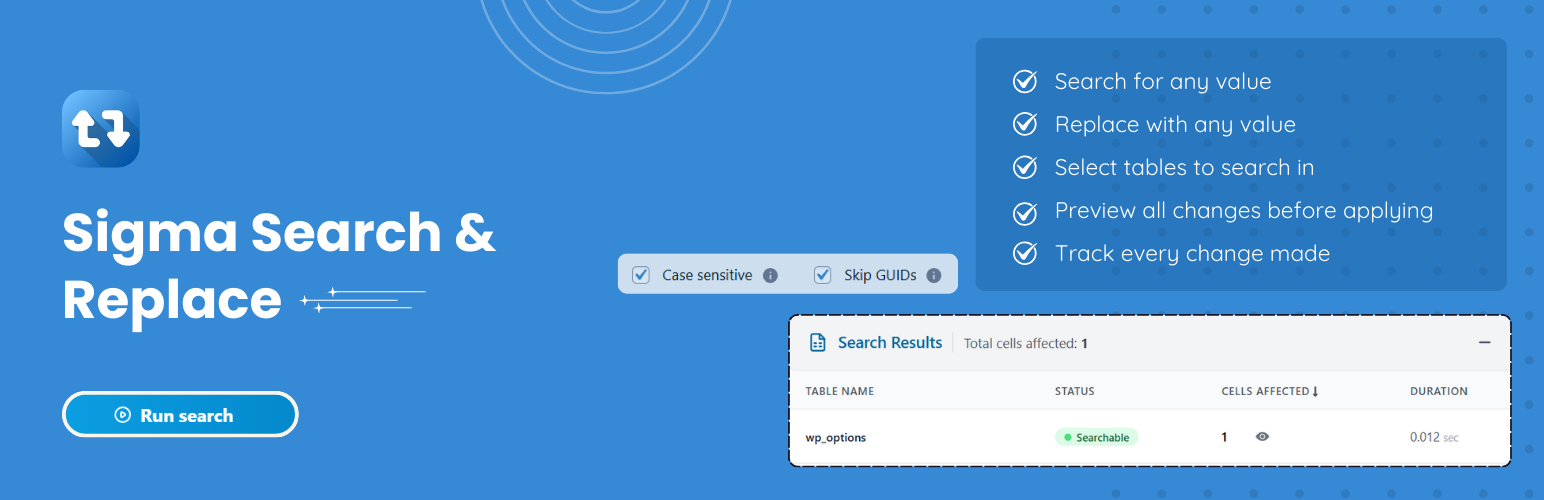
<p>這是一個全面性的 WordPress 外掛,可以輕鬆且安全地在整個 WordPress 資料庫中搜尋和替換內容。不管您是在遷移網站、更改域名,還是跨多篇文章更新內容,這個外掛提供了一個用戶友好的介面來處理複雜的資料庫操作。</p>
<ul>
<li><strong>如何運作:</strong></li>
<ul>
<li>搜尋階段 - 外掛會搜尋您的資料庫表格以找到匹配項目</li>
<li>審查結果 - 在執行之前查看將被更改的詳細報告</li>
<li>替換階段 - 安全執行替換,並追踪進度</li>
<li>完成報告 - 獲得所有更改的詳細摘要</li>
</ul>
</ul>
<ul>
<li><strong>主要功能:</strong></li>
<ul>
<li>選擇性表格處理 - 選擇要包含在操作中的表格</li>
<li>雙步驟安全性 - 搜尋 → 審查 → 替換;只有點擊替換後才會更改</li>
<li>區分大小寫搜尋 - 完全控制搜尋敏感性</li>
<li>GUID 保護 - 跳過 WordPress GUID 以維護資料完整性</li>
<li>串行數據支援 - 檢測並更新存儲在 PHP-串行化數組或對象中的字符串,而不會破壞其結構</li>
<li>即時搜尋進度 - 實時進度跟踪,並有詳細報告;點擊停止以在運行中取消</li>
<li>即時替換進度 - 實時進度跟踪,並有詳細報告;點擊停止以在運行中取消</li>
<li>批次處理 - 通過可配置的批次大小高效處理大型資料庫</li>
<li>詳細搜尋預覽 - 顯示找到和更改的準確介面</li>
<li>詳細報告和日誌 - 每個表格的命中計數、替換摘要和錯誤日誌</li>
<li>多站點準備 - 網路管理員:任何站點;次站點管理員:僅限自己的站點</li>
<li>現代 React 介面 - 使用 React 构建的乾淨直觀的用戶界面</li>
<li>REST API 整合 - 用於所有操作的安全 API 端點</li>
</ul>
</ul>
<ul>
<li><strong>適用於:</strong></li>
<ul>
<li>網站遷移 - 將 WordPress 網站移至新域名或伺服器</li>
<li>URL 更新 - 更改域名或在 HTTP/HTTPS 之間切換</li>
<li>內容更新 - 在整個網站上批量更新文字、鏈接或其他內容</li>
<li>開發 - 更新本地開發的臨時站點 URL</li>
<li>維護 - 清理舊內容或更新過期資訊</li>
</ul>
</ul>
</body>
</html>
外掛標籤
開發者團隊
原文外掛簡介
Sigma Search & Replace is a comprehensive WordPress plugin that allows you to search and replace content throughout your WordPress database with ease and safety. Whether you’re migrating a site, changing domain names, or updating content across multiple posts, this plugin provides a user-friendly interface to handle complex database operations.
How It Works
Search Phase – The plugin searches through your database tables to find matches
Review Results – View detailed reports of what will be changed before proceeding
Replace Phase – Safely execute the replacement with progress tracking
Completion Report – Get a detailed summary of all changes made
Key Features
Selective Table Processing – Choose which tables to include in operations
Two-Step Safety – Search → review → Replace; nothing changes until you click replace.
Case Sensitive/Insensitive Search – Full control over search sensitivity
GUID Protection – Option to skip WordPress GUIDs to maintain data integrity
Serialized-Data Support – Detect and update strings stored inside PHP-serialized arrays or objects without breaking their structure.
Real-time Search Progress – Live progress tracking with detailed reporting; click Stop to cancel mid-run.
Real-time Replace Progress – Live progress tracking with detailed reporting; click Stop to cancel mid-run.
Batch Processing – Handles large databases efficiently with configurable batch sizes
Detailed Search Preview – Comprehensive user-friendly interface showing exactly what was found and changed
Detailed Reports & Logs – Per-table hit counts, replacement summaries, and error logs.
Multisite Ready – Network admin: any site; sub-site admin: own site only.
Modern React Interface – Clean, intuitive user interface built with React
REST API Integration – Secure API endpoints for all operations
Perfect For
Site Migration – Moving WordPress sites to new domains or servers
URL Updates – Changing domain names or switching between HTTP/HTTPS
Content Updates – Bulk updating text, links, or other content across your site
Development – Updating staging site URLs for local development
Maintenance – Cleaning up old content or updating deprecated information
Safety Features
Backup Warnings – Multiple reminders to backup your database before making changes
Dry Run Capability – Preview what will be changed without making actual modifications
Table Validation – Ensures database tables are valid before processing
Smart Change Detection – Skips updates if values changed after the search.
Site URL Safeguard – Automatically detect and delay site URL edits to the end to avoid breaking the process.
Error Handling – Comprehensive error handling and logging
Technical Features
Efficient Processing – Handles large databases with memory-conscious batch processing
Timeout Management – Automatic timeout handling for long-running operations
Security – Proper authentication and authorization checks
Logging – Comprehensive logging system for troubleshooting