外掛標籤
開發者團隊
② 後台搜尋「Siddik Layout Widgets for Elementor」→ 直接安裝(推薦)
原文外掛簡介
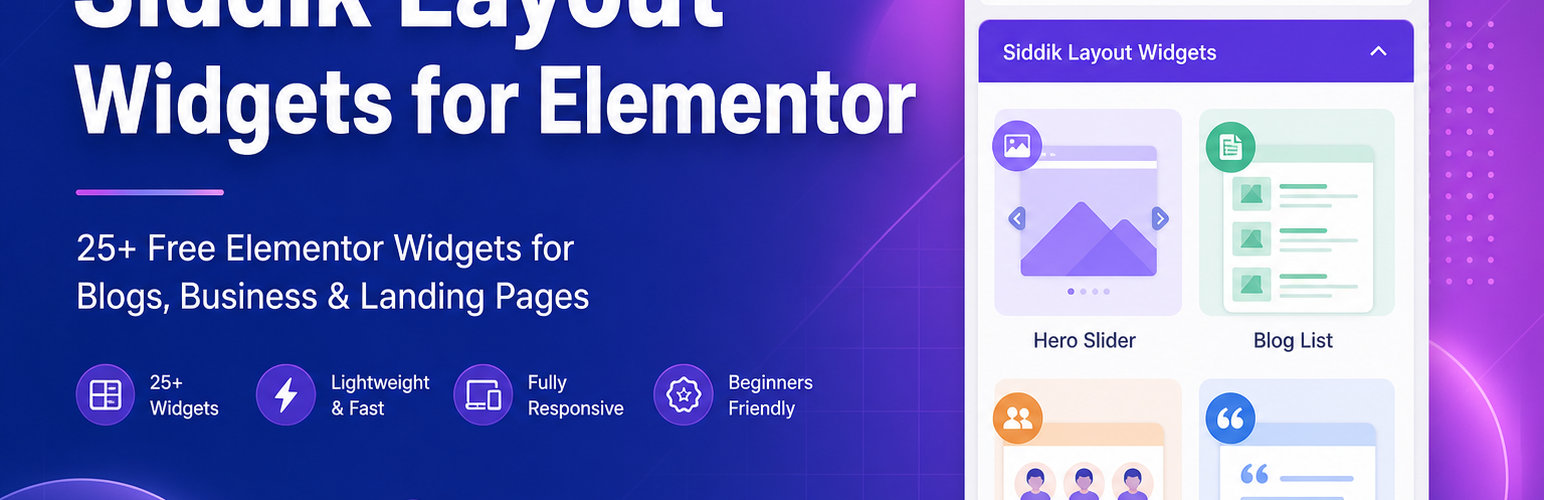
Siddik Layout Widgets for Elementor adds a dedicated Siddik Layout Widgets category inside Elementor with ready-made blocks for homepages, blogs, and business sites — plus extra layout controls for sections, columns, and containers.
No coding required: install the plugin, open Elementor, drag a widget, customize content and style, and publish.
Disclaimer: Independent third-party add-on. Not affiliated with, endorsed by, or officially connected to Elementor or Elementor Ltd.
Quick Start (5 Steps)
Install and activate the free Elementor plugin.
Install and activate Siddik Layout Widgets for Elementor.
Go to Pages → Add New (or edit an existing page) and click Edit with Elementor.
In the left Elements panel, open the Siddik Layout Widgets category.
Drag any widget onto the canvas, adjust settings in Content and Style, then click Publish.
Tip: After activation, open Siddik Layout Widgets → Getting Started in your WordPress admin for a visual walkthrough.
How to Use a Widget
Add a widget
Search or scroll in the Siddik Layout Widgets panel, then drag the block onto your page or inside a section/column.
Edit content
Use the Content tab for text, images, icons, links, repeater items (services, team members, slides, and so on).
Edit design
Use the Style tab for colors, typography, spacing, borders, and responsive settings (desktop, tablet, mobile).
Choose a layout
Many blocks — including Blog List, Service Block, Team Block, and Testimonial Block — support grid, masonry, or carousel modes in the widget settings.
Use Contact Form 7
Install Contact Form 7, create a form, then select it inside the Contact Form 7 widget.
Layout Enhancements (Free)
Open any Elementor Section, Column, or Container and look for the Siddik Layout Widgets panel:
Equal Height Columns — match column heights in a row
Custom Section/Container Width — precise boxed max-width
Stretched Background — extend backgrounds edge-to-edge
Curved Background — SVG curved section backgrounds
Column Flex Reverse — reverse column order on mobile
GSAP Clip Path Effects — when your theme provides compatible GSAP scripts
Example: Free Homepage in Minutes
Hero Slider — main banner with headline and button
Features Block — highlight key benefits
Service Block — 3-column services grid
Testimonial Block — reviews carousel
Counter Block — stats and milestones
Contact Form 7 — lead capture at the bottom
Free vs PRO — What You Get
FREE (this WordPress.org plugin)
| Category | Included |
| Content blocks | Hero Slider, Blog List, Service Block, Team Block, Testimonial Block, Counter Block, Features Block, Theme Button |
| Core widgets | Section Title, Button, Accordion, Tabs, Icon Box, Info Box, Social Links, Text Editor, List, Clients Logo, Funfact Counter, Progress Bar, Video Popup, Contact Form 7, Contact List, Blog |
| Layout tools | Section, column, and container enhancements (equal height, custom width, curved background, and more) |
| Requirements | WordPress 6.0+, PHP 7.4+, free Elementor 3.0+ |
PRO (separate add-on — not included here)
| Category | Included |
| Marketing & media | Pricing Block, Pricing Plan, Countdown Timer, Image Gallery, Before/After Slider, Award Block, Working Block, Skill Block, Showcase Block, Moving Text, Interactive Tabs, and more |
| Header & navigation | Site Logo, Page Title, Header Primary Nav, Header Nav Side Icons, Header Top Info |
| Template parts | Reusable footer, mega menu, header top, page title, and side panel layouts with shortcodes |
| Content types | Portfolio and Projects custom post types with archive templates |
| WooCommerce shop | WC Products, Product Tabs, Product Category, Product List, Info Banner, Header Cart, Header Search, Wishlist, Vertical Menu, Account |
| Extra utilities | Newsletter, Navigation Menu, Pie Chart, Language Switcher, parallax and animated layer widgets, and 50+ advanced blocks total |
Install the free plugin first, then add Siddik Layout Widgets PRO to unlock premium widgets and template parts.
Free Widgets (Complete List)
Marketing & content blocks
Hero Slider — full-width sliders with headings, buttons, and carousel effects
Blog List — post grids, masonry, or carousel layouts
Service Block — services in grid, masonry, or carousel with icons
Features Block — feature highlights with multiple skins
Testimonial Block — client reviews in slider or grid layouts
Team Block — team profiles with photos, roles, and social links
Counter Block — animated number counters for statistics
Theme Button — styled call-to-action buttons
Essential Elementor widgets
Section Title, Button, Accordion, Tabs, Icon Box, Info Box
Social Links, Text Editor, List, Clients Logo, Funfact Counter
Progress Bar, Video Popup, Contact Form 7, Contact List, Blog
PRO Add-on Highlights
The PRO plugin is sold separately and requires this free plugin. It is not bundled in the WordPress.org download.
Marketing & creative blocks
Pricing Block, Pricing Plan, Pricing Plan Switcher
Countdown Timer, Image Gallery, Before/After Slider
Award Block, Working Block, Skill Block, Showcase Block
Moving Text, Circle Text, Spin Text Around Logo
Interactive Tabs, Interactive List, Vertical Image Slider
Header, footer & templates
Site Logo, Page Title, Header Primary Nav, Header Nav Side Icons
Footer, Mega Menu, Header Top, Page Title, Side Panel template parts
Shortcodes: [slwe_footer id="123"], [slwe_megamenu id="456"], [slwe_header_top id="789"], [slwe_page_title id="101"], [slwe_side_panel id="112"], [slwe_template_part id="123"]
Portfolio & projects (PRO)
Portfolio and Projects custom post types
Projects widget with filters and archive layouts
Theme-independent single and archive fallback templates
WooCommerce shop widgets (PRO + WooCommerce)
WC Products, Product List, Product Tabs, Product Category, Info Banner
Header Cart, Header Search, Wishlist, Vertical Menu, Account
How to use PRO template parts
Activate Siddik Layout Widgets PRO alongside this plugin.
In WordPress admin, open UAE Templates (Footers, Mega Menus, and similar menus).
Click Add New, design with Elementor, publish, and note the post ID.
Place the shortcode on any page or inside Elementor’s Shortcode widget.
Who Is This Plugin For?
Freelancers & agencies building client sites with Elementor
Bloggers & publishers who want post grids and archive layouts
Small businesses that need landing pages, services, and testimonials
Beginners who prefer drag-and-drop sections over custom code
Store owners (PRO) who want WooCommerce-ready shop widgets
Creatives (PRO) who showcase portfolio and project case studies
Requirements
WordPress 6.0 or later
PHP 7.4 or later
Elementor 3.0 or later (free version works — Elementor Pro not required)
WooCommerce — optional; required only for PRO shop widgets
Contact Form 7 — optional; required only for the Contact Form 7 widget
Third-Party Resources
This plugin bundles the following GPL-compatible libraries and assets:
WordPress Post Like System by Jon Masterson (GPLv3)
Matthew Ruddy Image Resizer by Matthew Ruddy (GPLv2+)
Font Awesome Free (Icons: CC BY 4.0, Fonts: SIL OFL 1.1, Code: MIT)
Swiper (MIT) — v11.2.10
Slick Carousel (MIT)
Isotope (GPLv3 for Metafizzy commercial license / GPLv3 compatible bundled build)
Bootstrap SCSS (MIT) — source files excluded from release package
LightGallery (GPLv3)
jQuery Mousewheel (MIT) — v3.2.2
GSAP animation options are supported only when a theme registers compatible gsap script handles. GSAP core libraries are not bundled because they are not GPL-compatible.
Minified JavaScript and CSS Source Code
This plugin ships minified or compressed JavaScript and CSS for production. Human-readable source code for each bundled library is available at the public repositories below. No build step is required to use the plugin; these links are provided for review and study.
LightGallery — https://github.com/sachinchoolur/lightGallery
Sticky Sidebar — https://github.com/abouolia/sticky-sidebar
jQuery Match Height — https://github.com/liabru/jquery-match-height
TwentyTwenty (before/after slider) — https://github.com/zurb/twentytwenty
KineticJS — https://github.com/ericdrowell/KineticJS
jQuery Tilt — https://github.com/gijsroge/Tilt.js
jQuery Lazy — https://github.com/eislambey/jquery-lazy
jQuery Mousewheel — https://github.com/jquery/jquery-mousewheel
Swiper — https://github.com/nolimits4web/swiper
Slick Carousel — https://github.com/kenwheeler/slick
Isotope — https://github.com/metafizzy/isotope
imagesLoaded — https://github.com/desandro/imagesloaded
Vivus (SVG animation) — https://github.com/maxwellito/vivus
Typed.js — https://github.com/mattboldt/typed.js
Ion.RangeSlider — https://github.com/IonDen/ion.rangeSlider
jQuery Paroller — https://github.com/tgomilar/paroller.js
jQuery Final Countdown — https://github.com/hilios/jQuery.countdown
jQuery Countdown — https://github.com/hilios/jQuery.countdown
jQuery Easy Pie Chart — https://github.com/rendro/easy-pie-chart
jQuery Animate Numbers — https://github.com/miraan/animateNumbers
Sticky Kit — https://github.com/leafo/sticky-kit
jQuery Parallax Scroll — https://github.com/alumbo/jquery.parallax-scroll
Plugin-specific frontend scripts in assets/js/ and widget styles in assets/css/ are maintained in this repository without a separate build step.