
內容簡介
Web Stories Widgets For Elementor
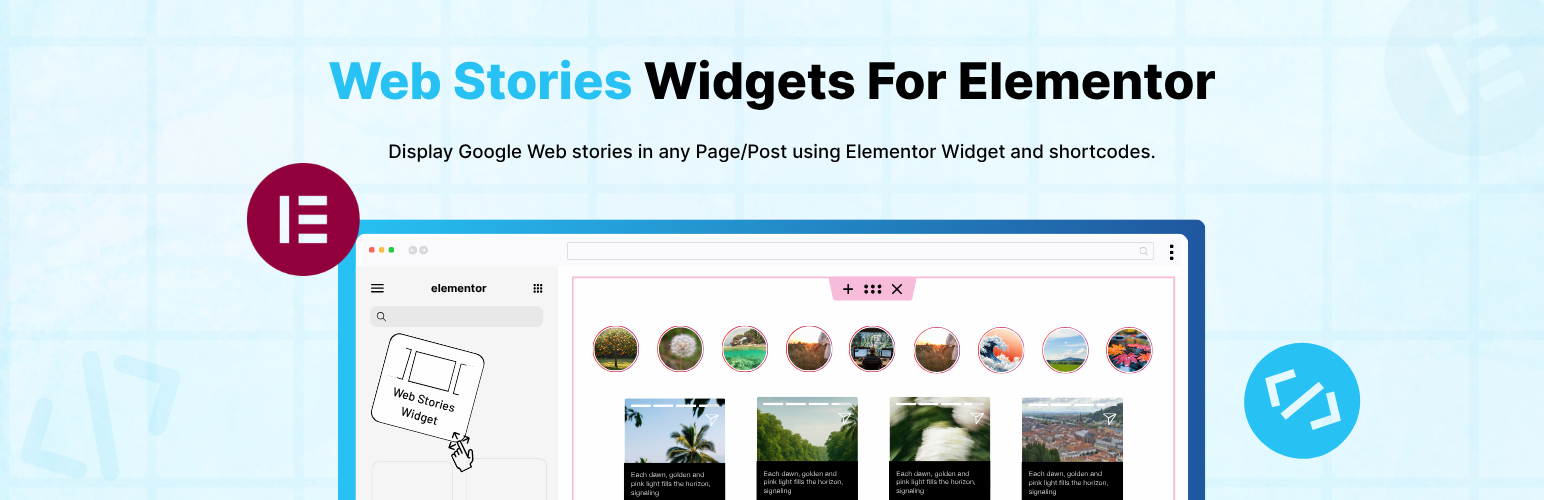
使用 Web Stories Widgets For Elementor,將 Google Web stories 嵌入您的 Elementor 頁面中。 它提供以下功能:
這是一個 Web Stories 的外掛附屬程式。若要使用此外掛,您必須先安裝Web Stories。
通過此外掛附屬程式,您可以輕鬆在任何頁面上顯示最近創建的 Web Stories。以下是最近故事的捷徑。
近期故事的捷徑
[Recent-stories column="3" show-button="yes" show-no-of-story="all" button-text="預設檢視" order="DESC" btn-color="#8BCDA0" btn-text-color="#000"]
使用此捷徑進行個別故事的呈現
[webstory id="{ 在此添加故事 ID }" button-text="預設檢視" show-button="yes"]
閱讀完整說明文檔: 捷徑和說明文件
以下是此附加程式的一些功能:
提供用於 Web Story 的 Elementor 小工具。
管理按鈕設置的字體。
自定義按鈕標籤。
個別故事的捷徑。
最近故事的捷徑。
自定義最近故事以顯示沒有故事。
自定義最近故事的順序。
自定義最近故事的按鈕文字和顏色。
此外掛並非由 Web story 或 Google 開發或隸屬。它是第三方附加程式。
若要使用此外掛,您必須先安裝Web Stories,如果希望與 Elementor 一起使用,則可以選擇安裝Elementor Page Builder。
外掛標籤
開發者團隊
② 後台搜尋「Web Stories Widgets For Elementor」→ 直接安裝(推薦)
原文外掛簡介
Web Stories Widgets for Elementor
Web Stories Widgets for Elementor is a simple and powerful addon that extends the official Web Stories plugin and adds a Web Stories widget inside Elementor.
With this plugin, you can easily display your Web Stories anywhere on your website using Elementor or shortcodes.
Key Features
Elementor Widget : Adds a dedicated Elementor widget so you can easily display Web Stories inside any Elementor. Just drag and drop the widget and choose your preferred story layout and options.
Shortcode Friendly: Whether you are working with Elementor, Gutenberg, or Classic Editor, simply paste the shortcode and display your web stories.
Recent Stories Display: Show your most recently created Web Stories anywhere on your website using a shortcode or the Elementor widget.
Use the shortcode below and replace the ID with your story’s ID:
Read Full Documentation:- Shortcodes & Docs
[webstory id=”{ add here story id}” button-text=”Default view” show-button=”yes”]
Multiple Stories: You can display all stories or limit the number of stories to any value you prefer.
[Recent-stories column=”3″ show-button=”yes” show-no-of-story=”all” button-text=”Default view” order=”DESC” btn-color=”#8BCDA0″ btn-text-color=”#000″]
Choose Story Order: Sort your Web Stories in ascending (ASC) or descending (DESC) order.
Typography and Style Settings: Customize button fonts, size, spacing, and color directly from Elementor. This makes it easy to match your theme’s style.
Beginner-Friendly Setup.
Fully Responsive.
Use of 3rd Party Services: This plugin connects to the Cool Plugins feedback server only for optional usage data sharing and voluntary feedback submission (for example, during plugin deactivation). Data is transmitted solely after explicit user consent. No hidden tracking is performed, and no frontend visitor or site user data is collected. For more details, please review our Data Usage Policy, TOS, and Privacy Policy.












