內容簡介
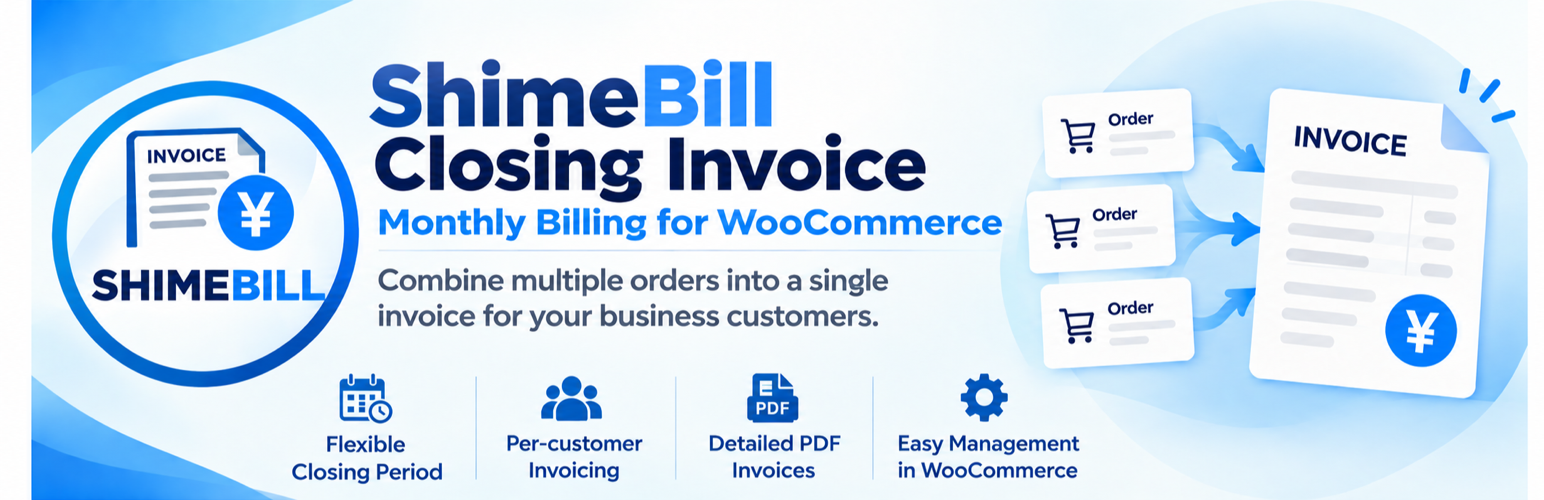
ShimeBill Closing Invoice 外掛可將多筆 WooCommerce 訂單依客戶在結算期間內進行分組,並為每位客戶創建單獨的 WooCommerce 訂單(即「發票訂單」),以便進行帳單管理,特別適合提供發票支付的商店使用。
【主要功能】
• 按客戶合併符合條件的 WooCommerce 訂單
• 自動確定結算期間,基於設定的結算日
• 可選擇訂單創建日期或完成日期作為結算依據
• 在管理介面中檢視按客戶分組的符合條件訂單
• 支援個別或批量創建發票訂單
• 記錄發票訂單中的來源訂單資訊
外掛標籤
開發者團隊
原文外掛簡介
ShimeBill Closing Invoice groups multiple WooCommerce orders for each customer within a closing period and creates a separate WooCommerce order (an “invoice order”) for billing purposes.
It is intended for stores that offer invoice-based payment and need to manage multiple orders as a single billing unit. Invoice orders can be viewed in the standard WooCommerce order administration screen.
This plugin does not generate PDF files. A separate PDF invoice plugin is required to issue PDF invoices.
Features
Consolidate eligible WooCommerce orders by customer for monthly billing.
Automatically determine billing periods from a configured closing day.
Choose order creation date or completion date as the closing basis.
Review eligible orders grouped by customer in the administration screen.
Create invoice orders individually or in bulk for all eligible customers.
Record source-order information in invoice orders.
Prevent previously invoiced orders from being billed again.
Review closed customers and orders in the administration screen.
Reset previously created invoice orders.
Preview orders belonging to the next closing period.
Store the closing date, payment due date, and other billing information on invoice orders.
Provide billing metadata for use by PDF invoice templates.
Automatically change source orders to the “Accounts Receivable (Paid)” status when payment is confirmed for an invoice order.
Process orders using the WooCommerce order API.
Use WooCommerce order data without creating custom database tables.
Requirements
WordPress.
WooCommerce.
PHP 8.0 or later.
WooCommerce High-Performance Order Storage (HPOS) environment.
The plugin processes billing using WooCommerce order data.