
內容簡介
**總結:**
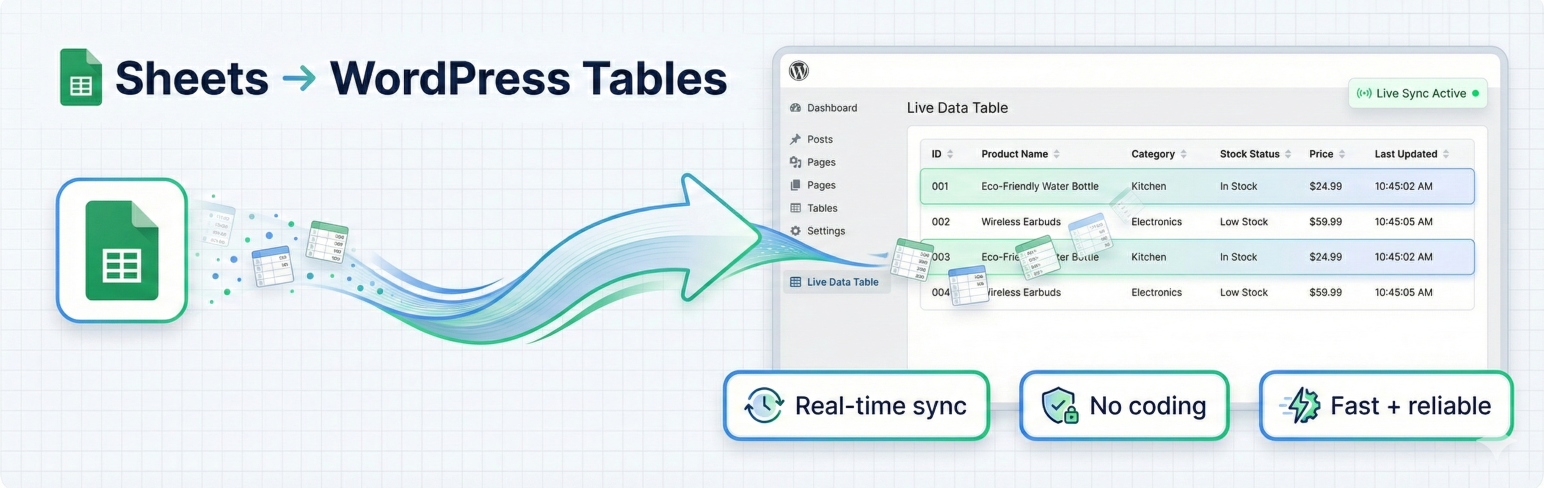
"使用 Sheets to Table for Google Sheets 外掛,您可以使用簡單的短代碼在您的 WordPress 網站上將公開 Google Sheets 顯示為即時表格。這個外掛在每次訪問頁面時都會從您的 Google Sheets 獲取最新數據,確保您的內容始終保持最新。"
**問題與答案:**
1. 如何確保每次訪問網頁時都會加載最新的數據?
- 外掛會在每次頁面訪問時從您的 Google Sheets 中獲取最新數據。
2. 使用這個外掛有哪些主要功能?
- 即時數據同步
- 簡單的短代碼實現
- 響應式表格設計
- 多種模板選擇
- 高級排序和搜索功能
- 分頁功能處理大型數據集
- 不需要 API 金鑰
- 高級樣式和自定義選項
- 優先支援
- 定期更新功能和改進
3. 如何使用這個外掛?
- 設置您的 Google Sheet 為公開
- 複製表單的 URL
- 使用提供的shortcode:[sheets_live_table sheet_id="" sheet_name=""]
- 根據可用參數自定義設置
4. 若需要支援該如何操作?
- 請訪問支援頁面或通過外掛的管理界面與我們聯繫。
5. 這個外掛有什麼隱私政策?
- 這個外掛不會從您的網站訪客那裡收集任何個人數據,它只會從您指定的公開 Google Sheets 中獲取數據。
6. 外掛涉及到第三方服務嗎?
- 是的,這個外掛使用 Google 的公共 API 從 Google Sheets 中獲取數據,請查閱 Google 的隱私政策和服務條款。
7. 外掛使用了哪個表格設計工具?
- 我們使用了 Datatables 進行表格設計。
外掛標籤
開發者團隊
② 後台搜尋「Sheets to Table for Google Sheets」→ 直接安裝(推薦)
原文外掛簡介
Sheets to Table for Google Sheets allows you to display public Google Sheets as live tables on your WordPress website using simple shortcodes. The plugin fetches fresh data from your Google Sheets on every page visit, ensuring your content is always up-to-date.
Key Features:
Live Data Sync: Fresh data loaded on every page visit
Simple Shortcode: Easy [sheets_live_table sheet_id="" sheet_name=""] shortcode implementation
Responsive Tables: Mobile-friendly table display
Multiple Templates: Choose from various table styles
Advanced Sorting: Click column headers to sort data, multi-column sorting
Search Functionality: Built-in table search
Pagination: Handle large datasets efficiently
No API Keys Required: Works with public Google Sheets
Advanced Styling: Custom CSS and styling options
Priority Support: Get help when you need it
Regular Updates: Access to latest features and improvements
How It Works:
Make your Google Sheet public
Copy the sheet URL
Use the shortcode: [sheets_live_table sheet_id="" sheet_name=""]
Customize with available parameters
Example Usage:
[sheets_live_table sheet_id="your-sheet-id" template="modern"]
Support
For support, please visit our support page or contact us through the plugin’s admin interface.
Privacy Policy
This plugin does not collect any personal data from your website visitors. It only fetches data from public Google Sheets that you specify.
Third-Party Services
This plugin fetches data from Google Sheets using Google’s public API. Please review Google’s privacy policy and terms of service.
Credits
We used Datatables for the table design.