
內容簡介
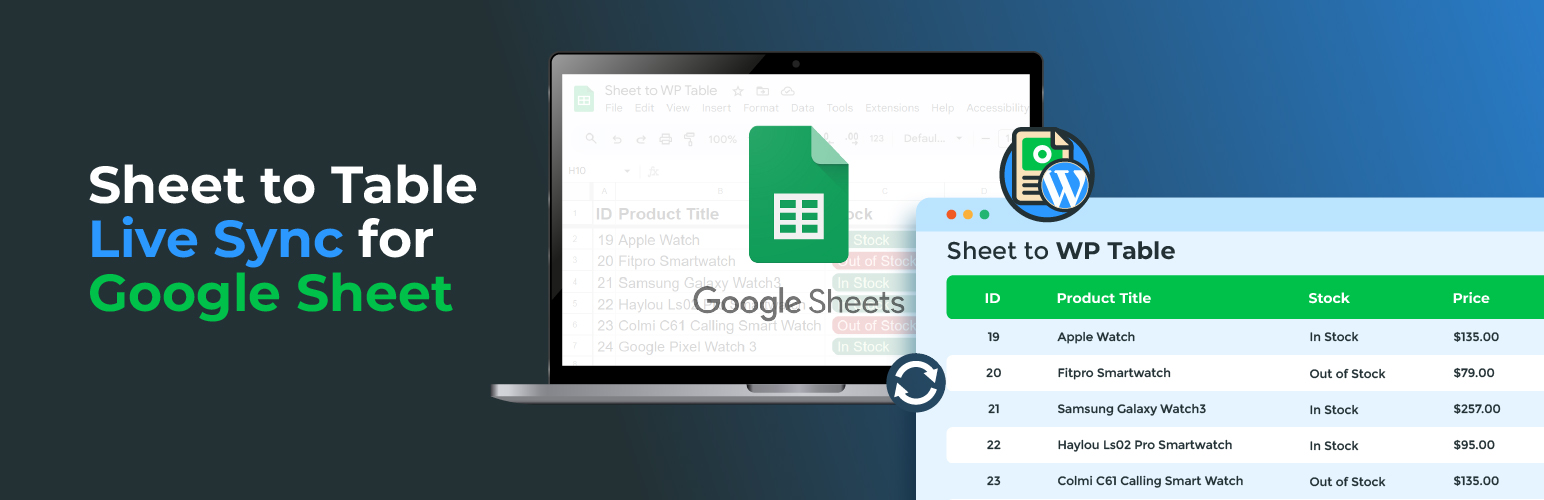
Sheet to Table Live Sync for Google Sheet 外掛可實現 WordPress 與 Google Sheets 的即時同步,並透過快取功能提供快速的表格載入,無需不斷與 Google 伺服器同步,提升網站效能。
【主要功能】
• 即時 Google Sheet 同步
• 智能快取加速載入
• 簡易短碼整合
• 控制台輕鬆創建表格
• 自訂表格設計
外掛標籤
開發者團隊
② 後台搜尋「Sheet to Table Live Sync for Google Sheet」→ 直接安裝(推薦)
原文外掛簡介
Elevate your WordPress site’s functionality with our innovative plugin, Sheet to Table Live Sync for Google Sheet. Seamlessly synchronize Google Sheets in real-time and enjoy the benefits of a cached feature that ensures lightning-fast table loading directly from your site – no constant syncing with Google servers required.
See It in Action
Watch how Sheet to Table works:
Key Features:
Live Google Sheet Sync: Stay connected with your Google Sheets effortlessly. Sync in real-time to ensure your WordPress tables are always up-to-date.
Smart Caching for Instant Loading: Optimize performance with our intelligent caching feature. Your tables load instantly from your site, eliminating the need for continuous syncing with Google servers. Experience unparalleled speed and efficiency.
Intuitive Shortcodes: Easy implementation with customization options.
Dashboard Ease: Create and customize tables effortlessly from your WordPress dashboard.
Table Design: Customize your table design, Specially table template.
Easy Shortcode Integration:
Effortlessly display your Google Sheet data on your WordPress site using our simple shortcodes. Choose from two convenient methods
Method 1: (Dashboard Deligh)
Navigate to your WordPress Dashboard > Sheet to Table > Add New.
Enter your Google Sheet URL in the ‘Sheet URL’ field.
Customize settings and preview your table.
Publish your post to generate a shortcode like [STWT_Sheet_Table id=’2560′ name=’Table Title’].
id: it’s post id of that table.
name: it’s optional. To identify shortcode. No need for Display Sheet table.
Method 2: (Shortcode Magic)
Use the shortcode [STWT_Sheet_Table sheet_url=’google_sheet_url’ refresh=’86400′].
Replace ‘google_sheet_url’ with your Google Sheet URL.
Set the refresh attribute to determine how frequently your table syncs with Google servers (in seconds).
How to Get Started:
* Install the “Sheet to Table Live Sync for Google Sheet” plugin.
* Connect your Google Sheets effortlessly.
* Choose your preferred shortcode integration method.
* Enjoy real-time updates and lightning-fast table loading on your WordPress site.
Why Choose
Efficiency: No more delays in data updates. Our plugin ensures real-time synchronization with Google Sheets.
Speed: Experience blazing-fast table loading directly from your site, thanks to our smart caching feature.
User-Friendly: Intuitive shortcodes and an easy-to-navigate dashboard make integrating and customizing tables a breeze.
Ensure a smooth setup process by following these steps to connect your WordPress site with Google Sheets using our plugin.
Please follow, following steps:
Tutorial – Setup Guideline – Checkout and follow step by step guideline. How can connect.
Link Google Sheet – Create new spreadsheet or use existing. In the plugin settings, find the section to link your Google Sheet. Provide the required Google Sheet URL and configure additional settings as needed.
Credits
We believe in giving credit where it’s due. Our plugin utilizes the following third-party resources to enhance its functionality:
DataTables: Effortlessly display dynamic data, enhancing your site’s functionality, Thanks to DataTables
Fontello Icons: We express our gratitude to Fontello for providing the icon font used in our plugin’s user interface. Beautiful and customizable icons make the user experience more visually appealing.
Google Sheet API: A big thank you to the Google Sheets API for enabling seamless integration between our plugin and Google Sheets. This API plays a pivotal role in automating the synchronization of product data.
WordPress: We are indebted to the WordPress platform for providing the framework that powers our plugin. Its open-source nature and extensive community support make it an ideal environment for creating powerful and customizable solutions.
These entities have significantly contributed to the functionality, aesthetics, and overall success of our plugin. We are proud to acknowledge and appreciate their role in making our plugin a reality.
Important Links
Share your sheet PUBLIC
Google Sheets API Connector Overview
Privacy Policy
Sheet to Table Live Sync for Google Sheet by CodeAstrology uses Appsero SDK to collect some telemetry data upon user’s confirmation. This helps us to troubleshoot problems faster & make product improvements.
Appsero SDK does not gather any data by default. The SDK only starts gathering basic telemetry data when a user allows it via the admin notice. We collect the data to ensure a great user experience for all our users.
Integrating Appsero SDK DOES NOT IMMEDIATELY start gathering data, without confirmation from users in any case.
Learn more about how Appsero collects and uses this data.